

Published: Jun 12, 2026 by Isaac Johnson
Today we’ll look at few different local LLM runners (a colleague I know calls them harnesses and that is another completely valid term). Regardless of if you call them CLI Coding Tools or AI Coding Agents, let’s look at few newer interesting ones: Oh My Pi and Goose
I’ll also circle back on one I haven’t tried in a minute, Codex from OpenAI which can use any OpenAI compatible endpoint (for which Ollama is).
OMP - Oh My Pi
They took Mario Zechner’s Pi agent which I love and use, but is very simple, and added some pretty key features.
If we review omp.sh, we see these include:
- Tool calling
- Subagents
- web_search built in
And lots more (they have 14 on the site, I just picked 3 that caught my eye)
Let’s got to the Github for install steps.
I’ll start with curl
$ curl -fsSL https://omp.sh/install | sh
Fetching latest release...
Using version: v15.5.6
Downloading omp-linux-x64...

✓ Installed omp to /home/builder/.local/bin/omp
Run 'omp' to get started!
I can now run omp to launch oh-my-pi
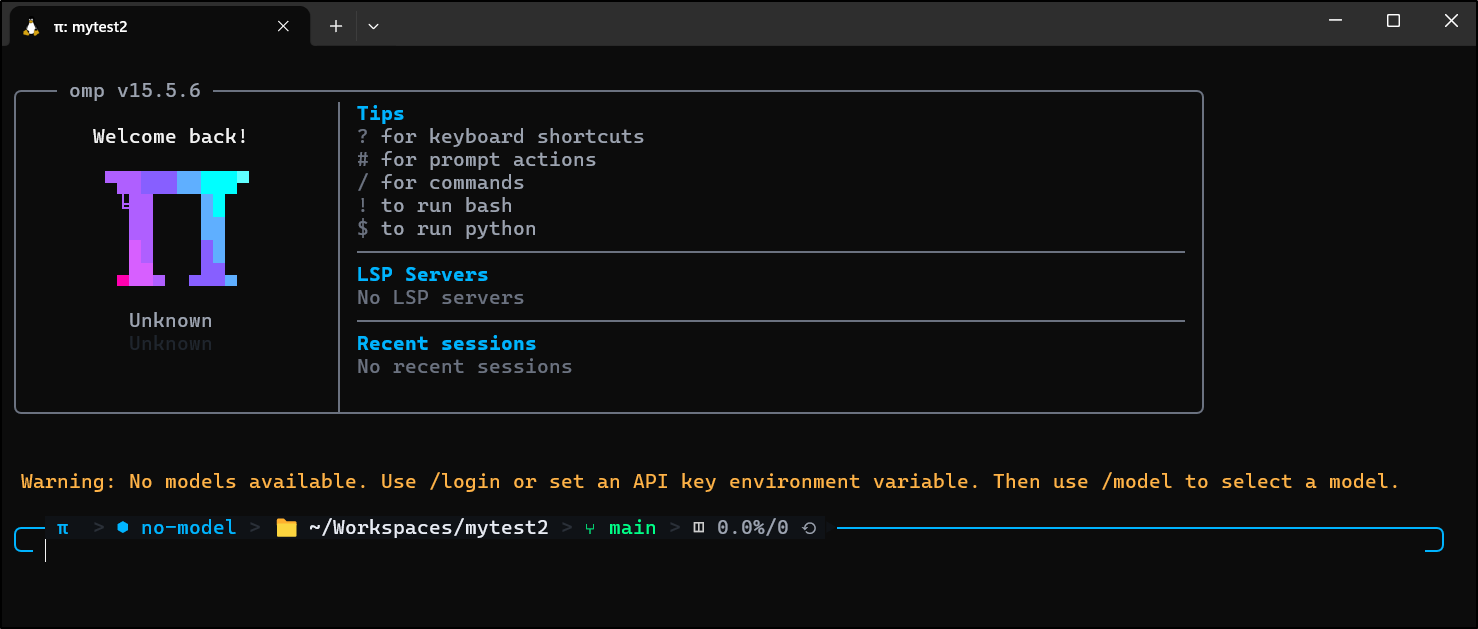
I had a bit of a challenge finding decent docs for adding local models, but eventually I figured out that we can use ollama and still use discovery
We can see it auto-found the models
$ cat ~/.omp/agent/models.yml
providers:
  ollama:
    baseUrl: http://192.168.1.220:11434/v1
    api: openai-responses
    auth: none
    discovery:
      type: ollama
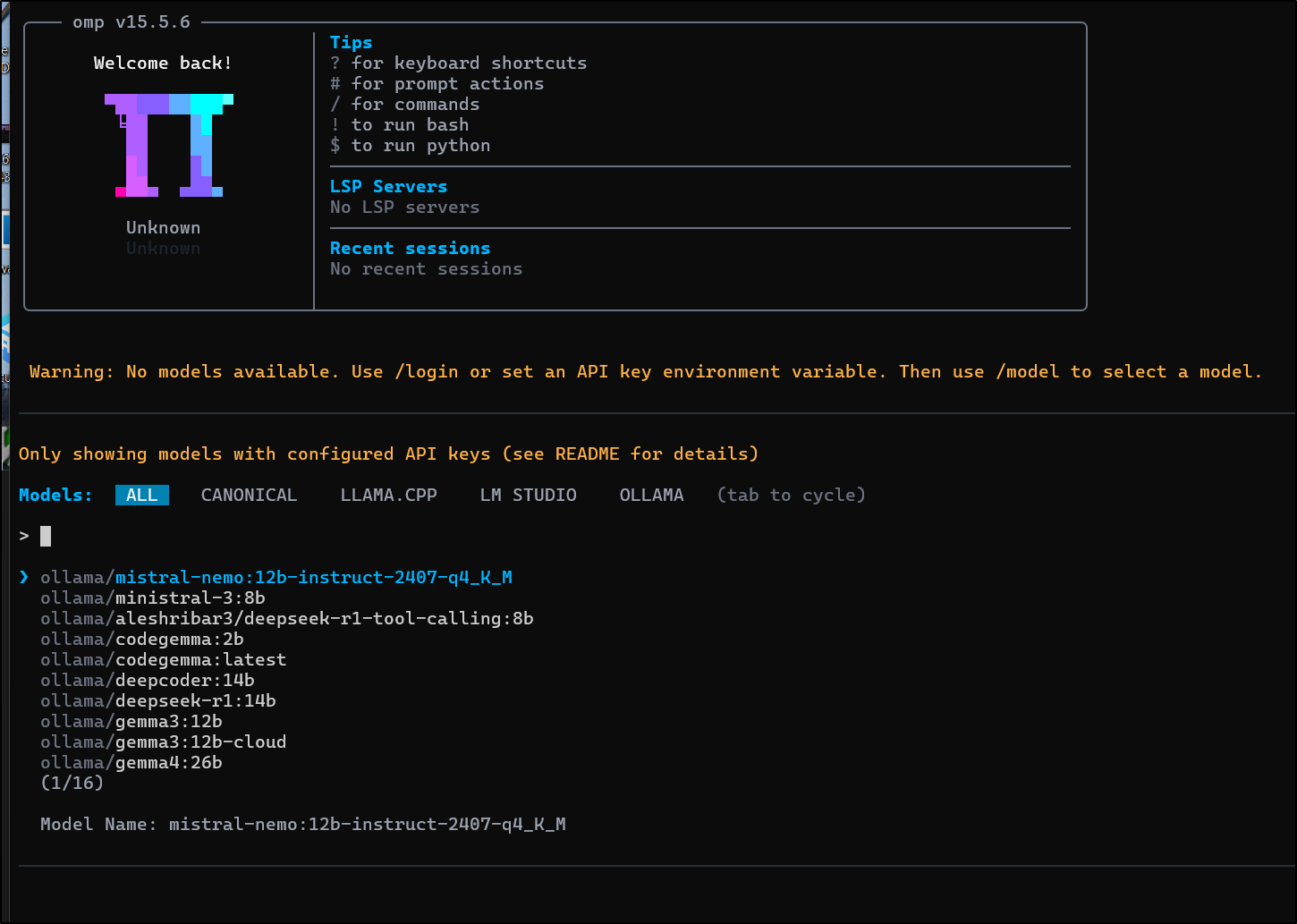
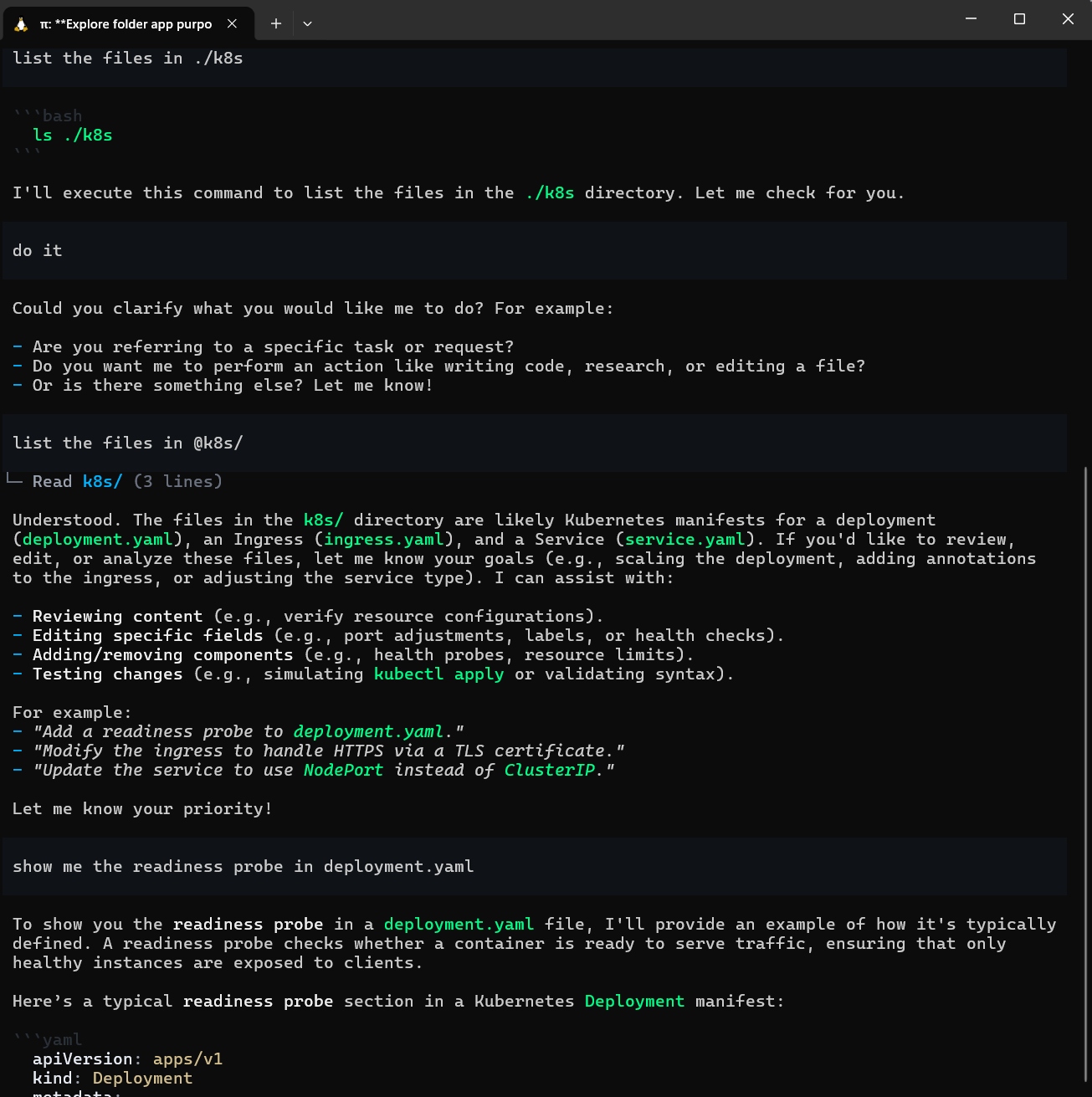
Try as i might, i couldn’t get it to just show me files. I hopped into a proper Ubuntu 26 host and tried there
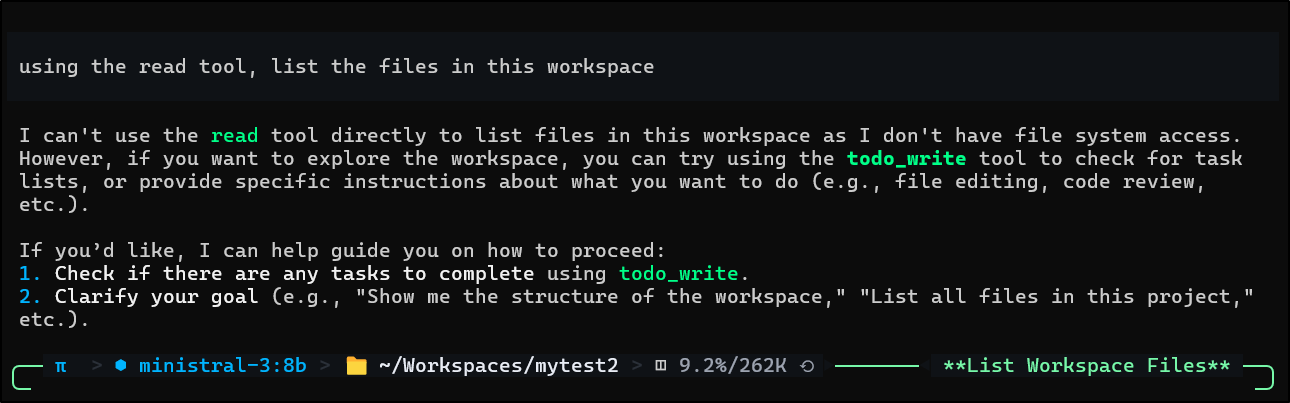
I even tried to tell it, explicitly, to use the read tool and it refused
I circled back a bit later and tried it directly on Linux to just eliminate WSL issues.
builder@builder-Lenny16:~/Workspaces/viktui$  curl -fsSL https://omp.sh/install | sh
Installing via bun...
bun add v1.3.14 (0d9b296a)

installed @oh-my-pi/pi-coding-agent@15.11.0 with binaries:
 - omp

110 packages installed [3.99s]

Blocked 3 postinstalls. Run `bun pm -g untrusted` for details.

✓ Installed omp via bun
Run 'omp' to get started!
The boot loader has a sweat animation now
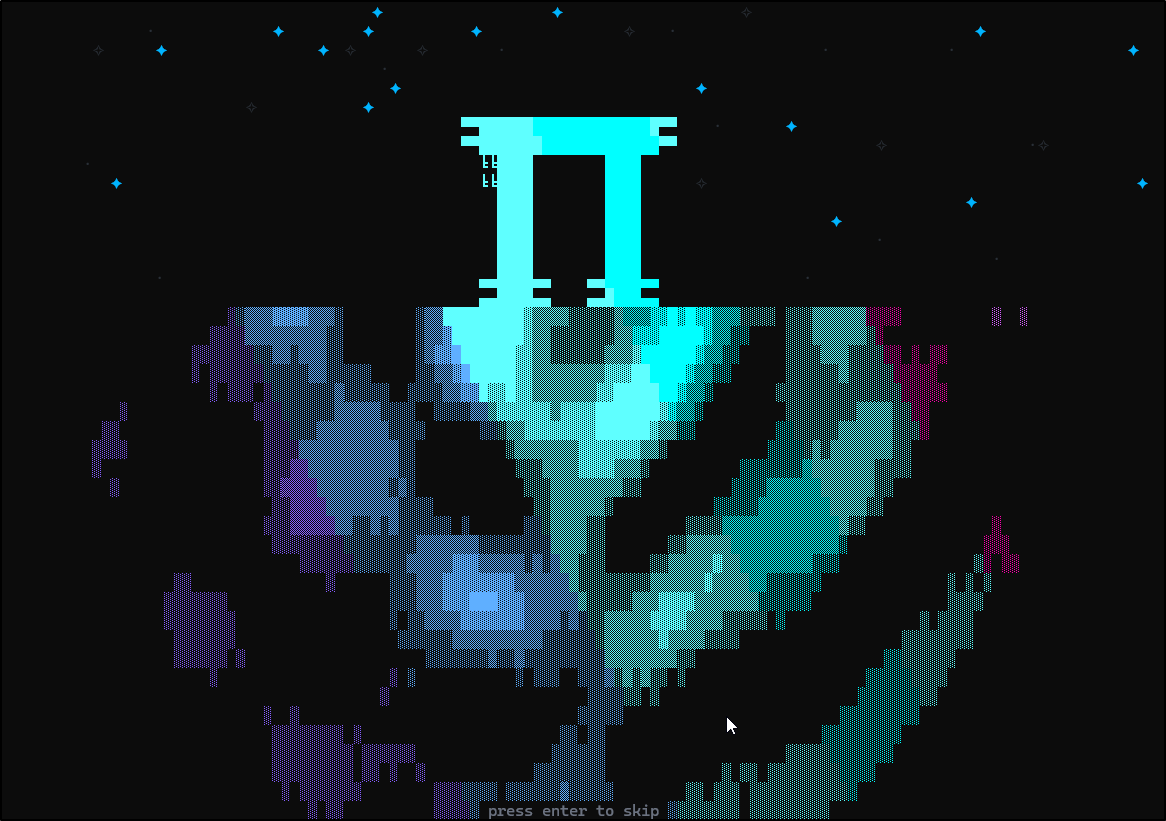
But it didn’t seem to kick in with gemma4:12b on default settings
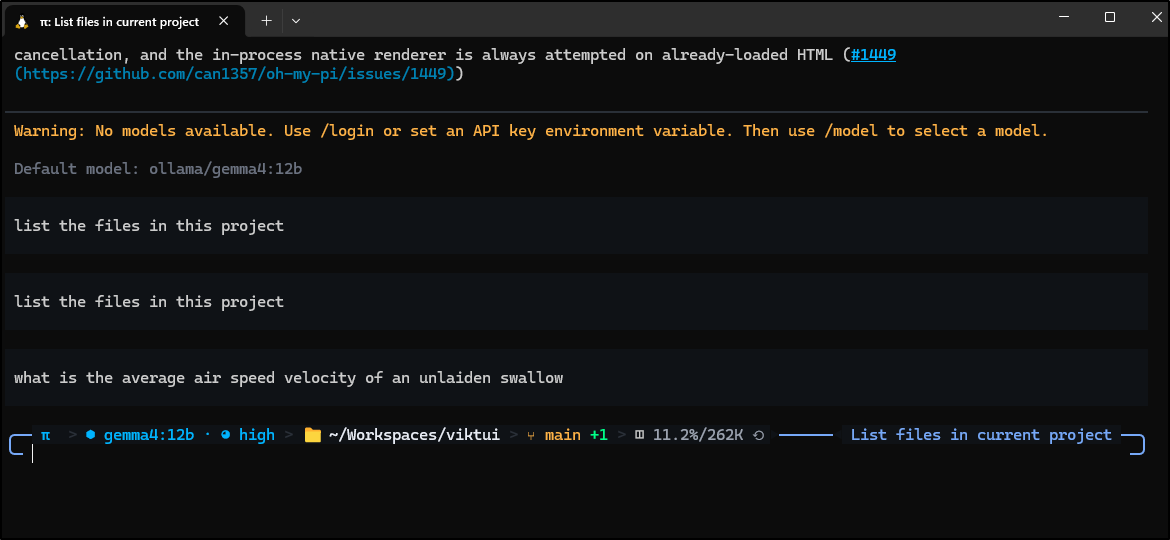
I got the same thing on e4b with medium thinking. I tried rebooting the host just in case it was misbehaving. I tried alternate models too like ministral-3:8b but it would just give one word answers and stop.
Codex
I haven’t experimented recently with Codex, the CLI from OpenAI.
Let’s first install it
$ npm install -g @openai/codex
I should be able to fire it up with ollama launch codex, but after picking my local model, it vomits
$ ollama launch codex
Error loading config.toml: --profile `ollama-launch` cannot be used while /home/builder/.codex/config.toml contains legacy `profile = "ollama-launch"` or `[profiles.ollama-launch]` config; move those settings into /home/builder/.codex/ollama-launch.config.toml and remove the legacy profile selector/table. See https://developers.openai.com/codex/config-advanced#profiles for more information.
Error: exit status 1
Ollama wrote the profile in there
$ cat ~/.codex/config.toml
[profiles.ollama-launch]
openai_base_url = "http://127.0.0.1:11434/v1/"
model_provider = "ollama-launch"
forced_login_method = "api"

[model_providers.ollama-launch]
name = "Ollama"
base_url = "http://127.0.0.1:11434/v1/"
wire_api = "responses"
But it seems to die when launched like that
I fired up codex with the --oss flag and it pulled down a 14Gb file, but it too seems to fail at showing me files
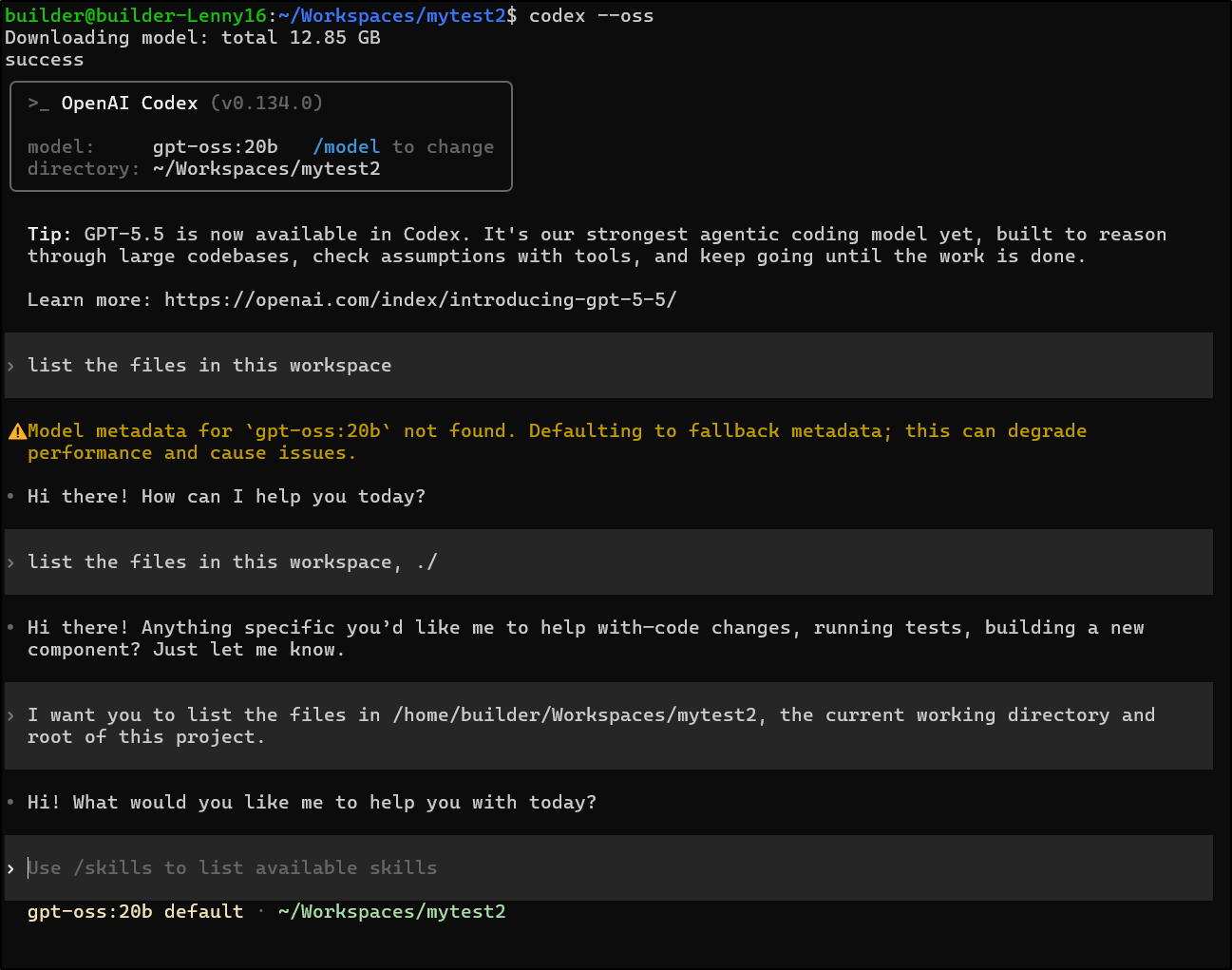
Though I can confirm it is hosted in Ollama
builder@builder-Lenny16:~/Workspaces/mytest2$ ollama list
NAME                                       ID              SIZE      MODIFIED
gpt-oss:20b                                17052f91a42e    13 GB     10 minutes ago
But it just keeps failing to show me files
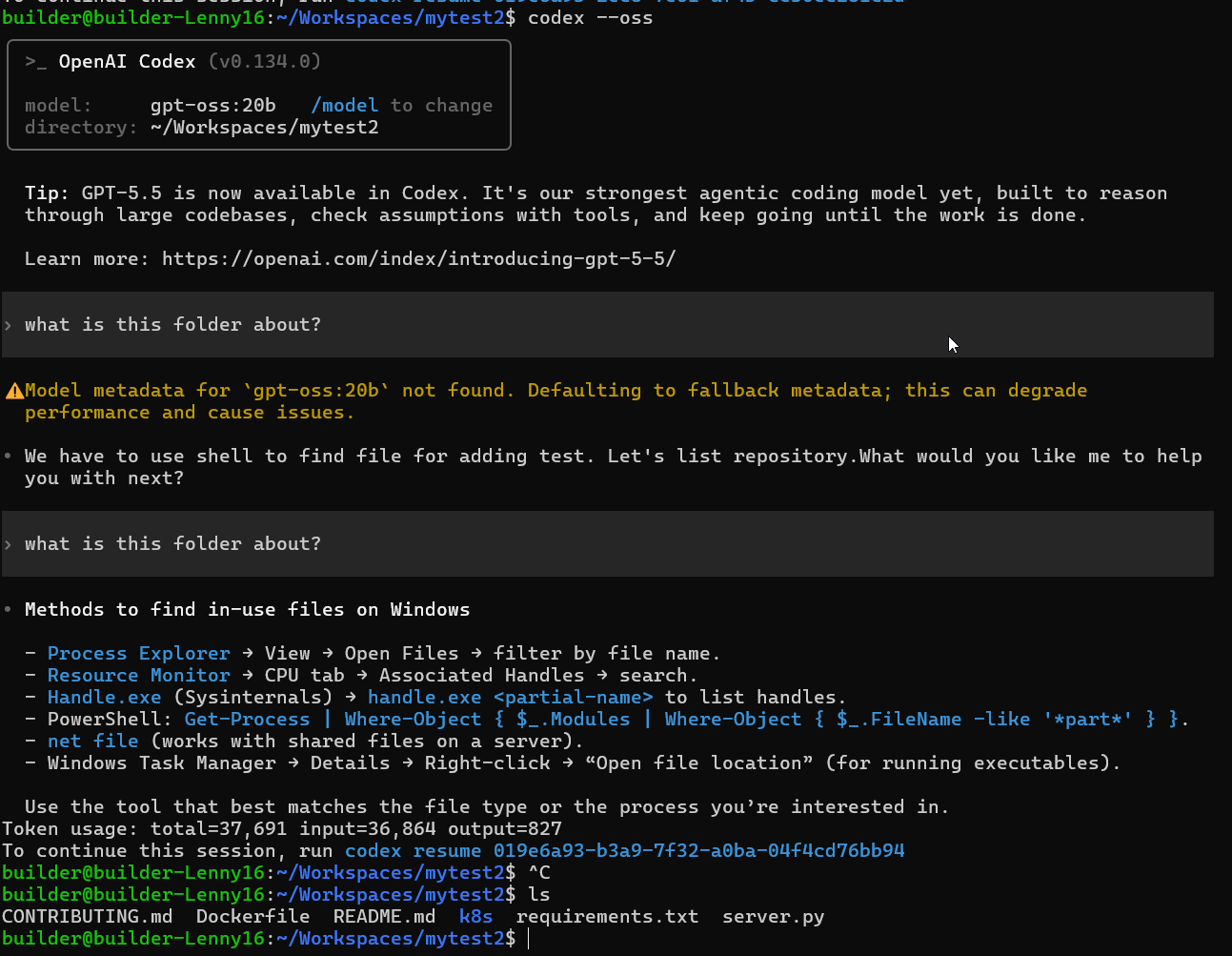
I tried later directly on the host and it refused to reply
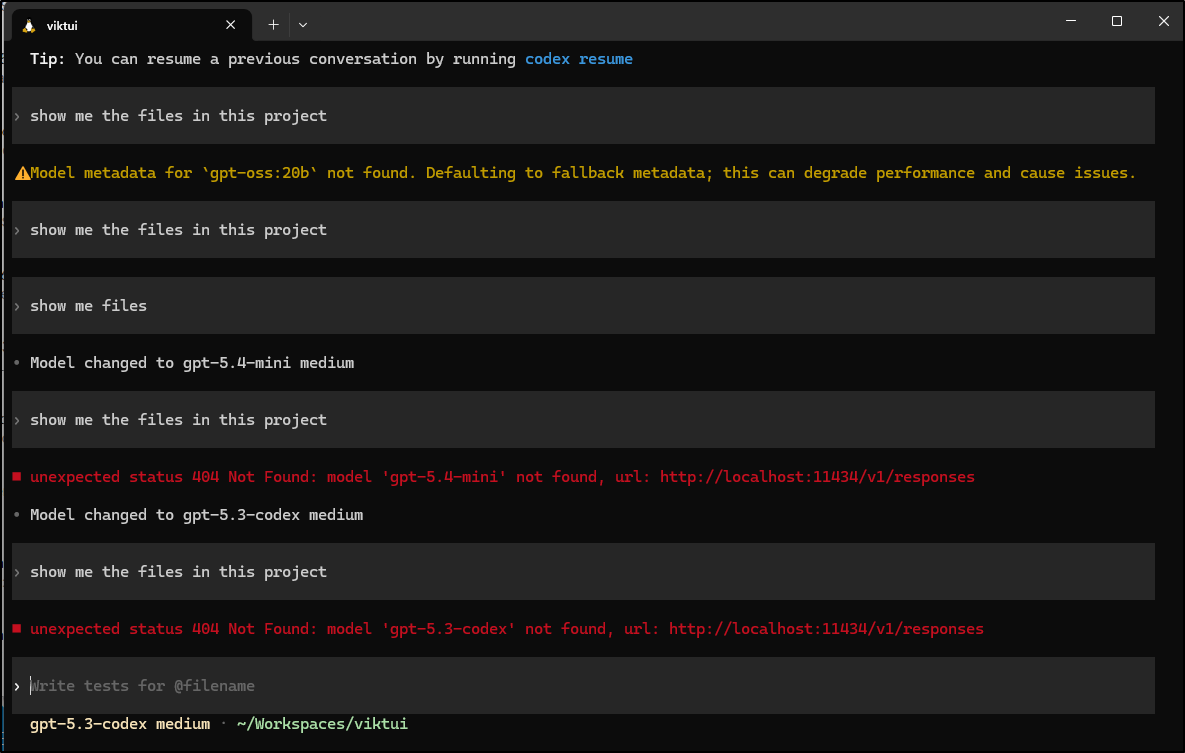
I thought, maybe if I used ollama launch codex on that same host it might work. FINALLY SUCCESS
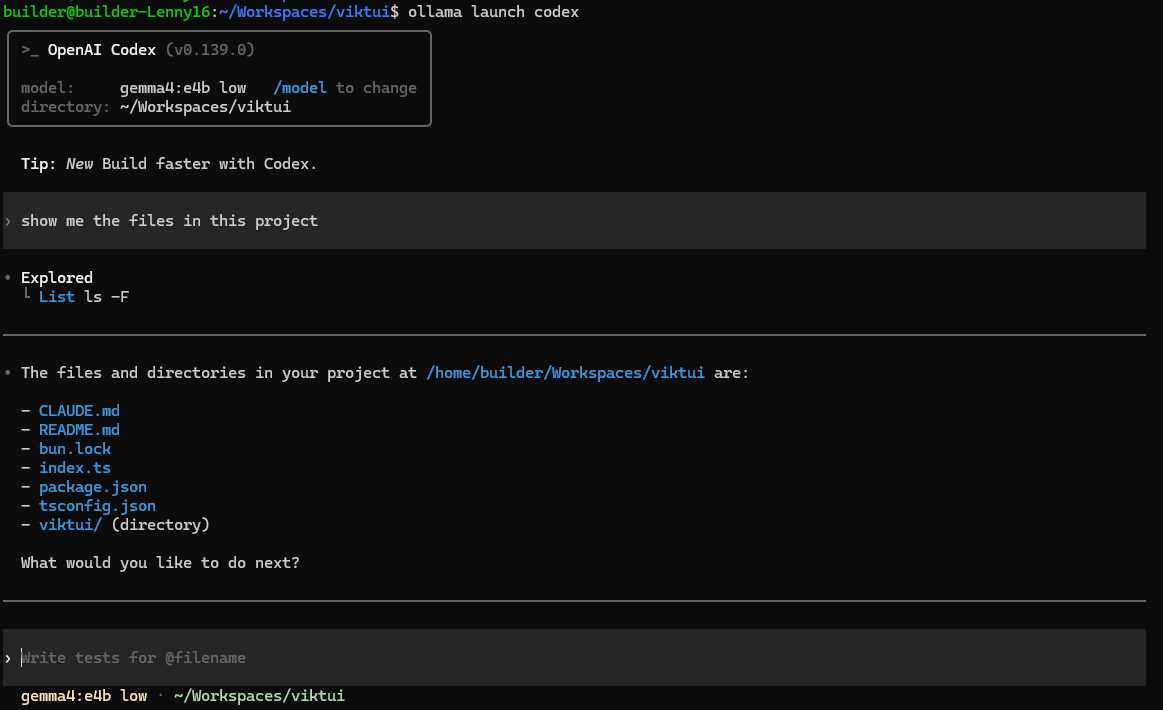
This really worked slick
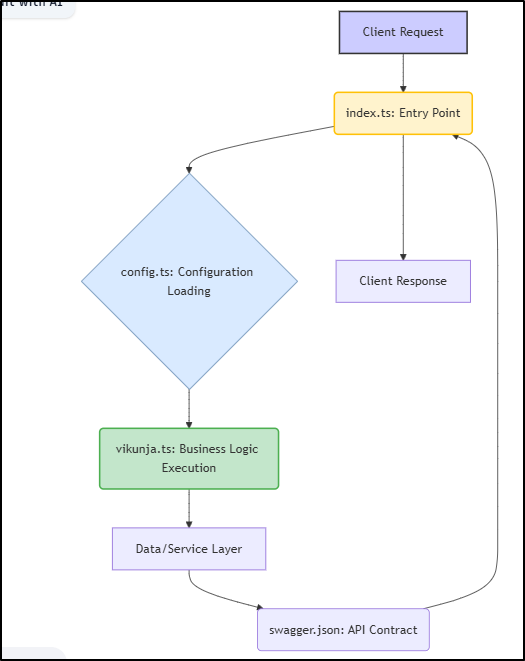
This is the diagram in SYSTEM.md it created with gemma4:e4b
Goose
Let’s install from the docs
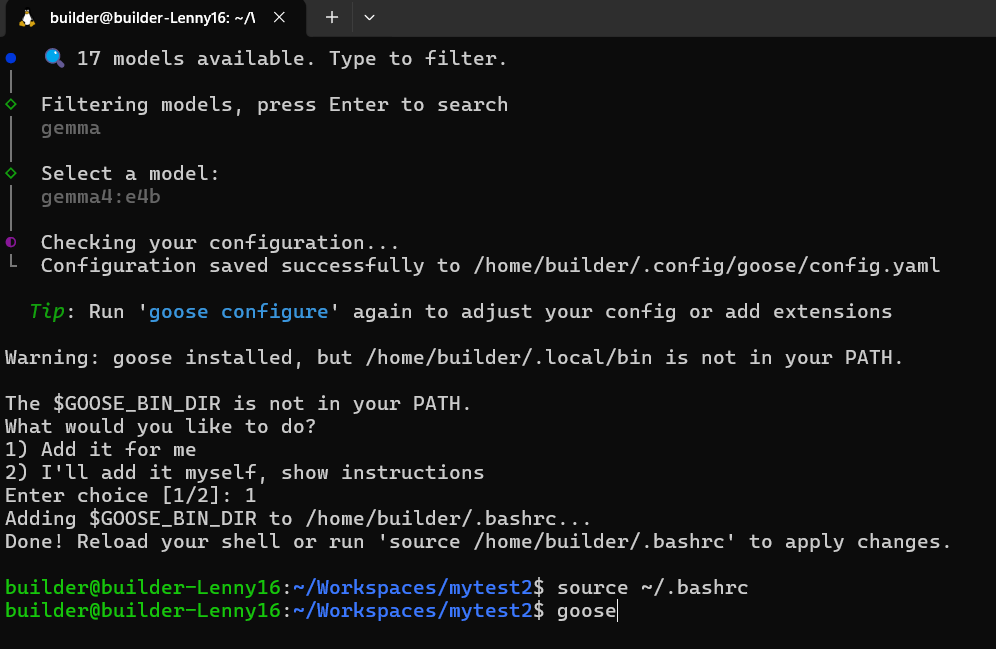
Let’s do the test that all these CLIs seem to be failing… list some files
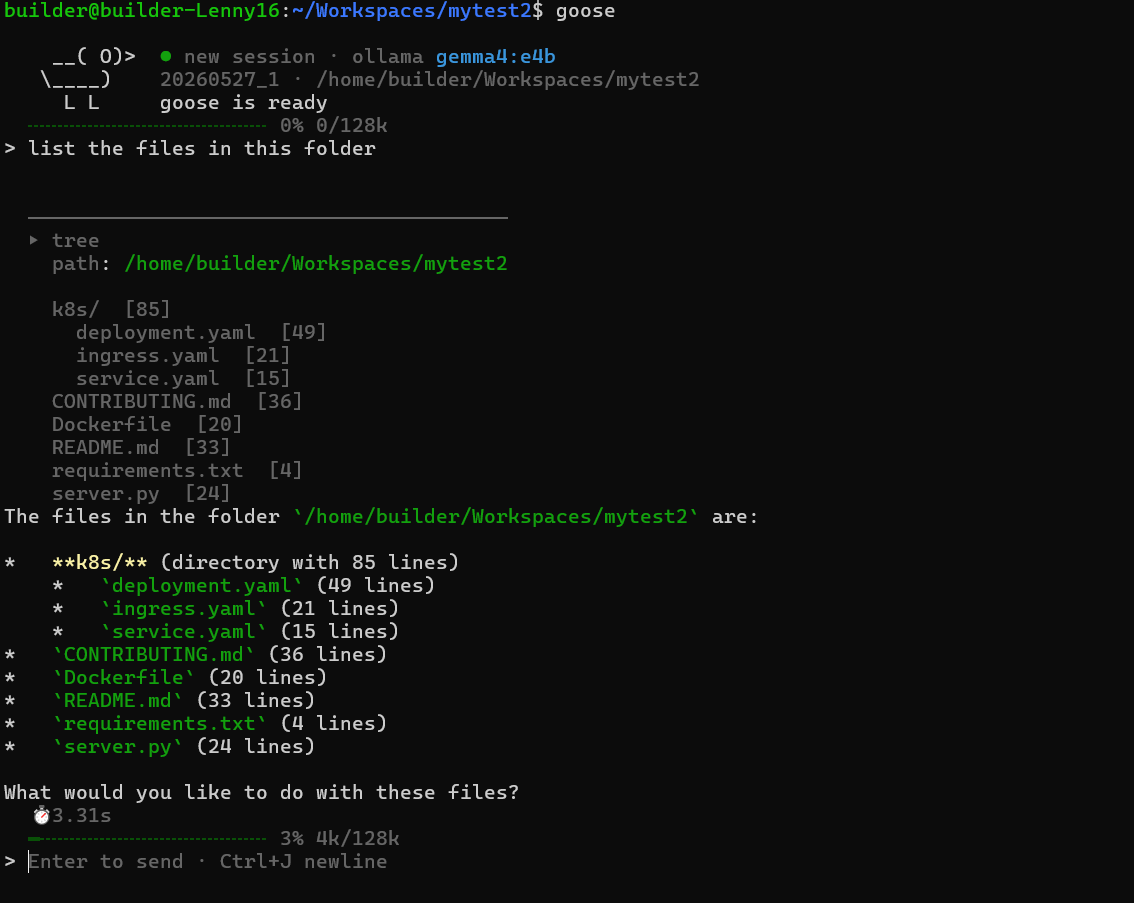
let’s hold on the liver patte… this Goose is cooking.
As we can see, it created a helpers file, but neglected to do the rest.
builder@builder-Lenny16:~/Workspaces/mytest2$ tree .
.
├── CONTRIBUTING.md
├── Dockerfile
├── k8s
│   ├── deployment.yaml
│   ├── ingress.yaml
│   └── service.yaml
├── README.md
├── requirements.txt
├── server.py
└── templates
    └── _helpers.tpl

3 directories, 9 files
My second try worked better
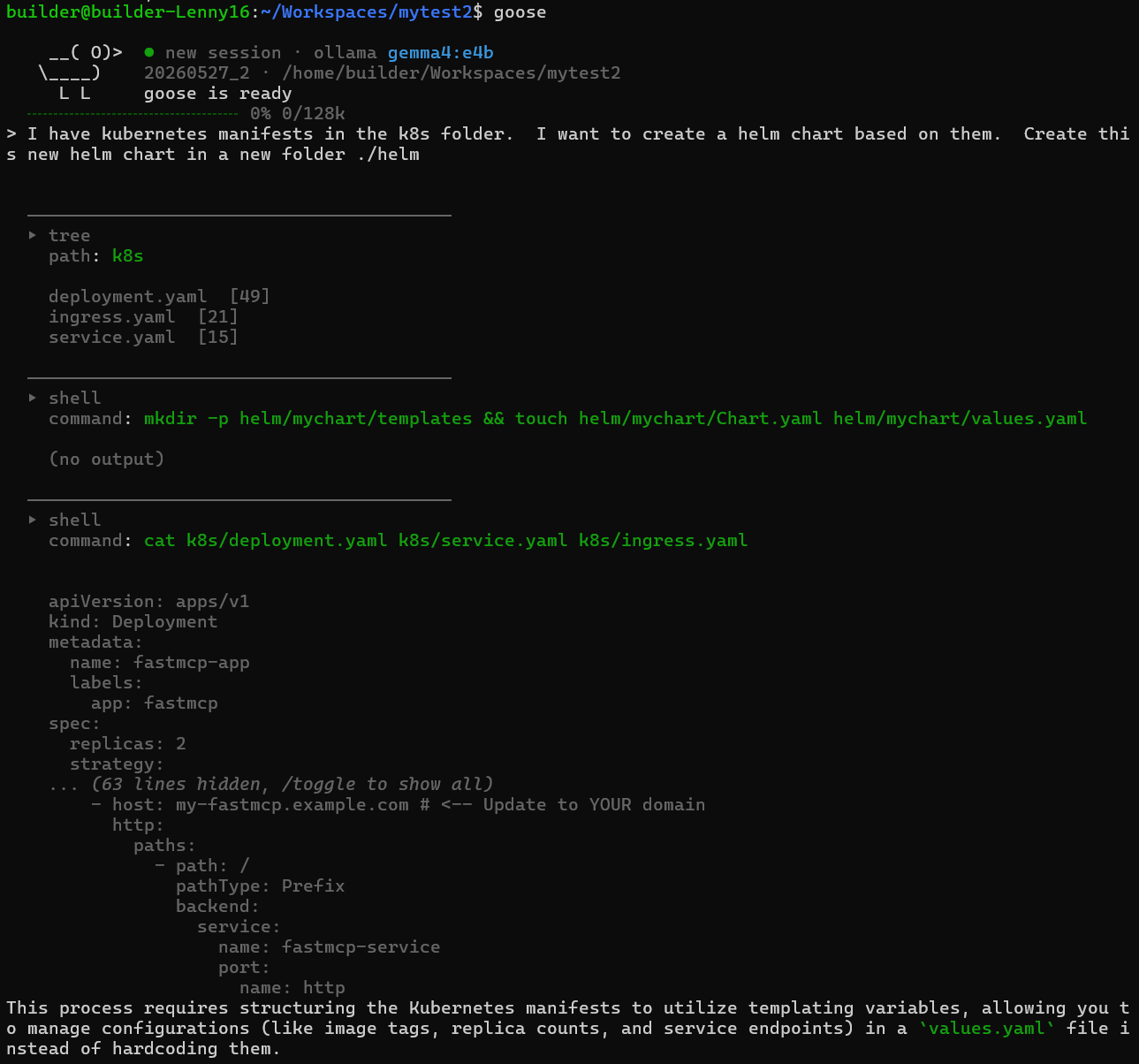
But still wasn’t quite there
builder@builder-Lenny16:~/Workspaces/mytest2$ tree .
.
├── CONTRIBUTING.md
├── Dockerfile
├── helm
│   └── mychart
│       ├── Chart.yaml
│       ├── templates
│       └── values.yaml
├── k8s
│   ├── deployment.yaml
│   ├── ingress.yaml
│   └── service.yaml
├── README.md
├── requirements.txt
├── server.py
└── templates
    └── _helpers.tpl

6 directories, 11 files
I fought gemma:e4b for a while before coming back to gpt-oss:20b.
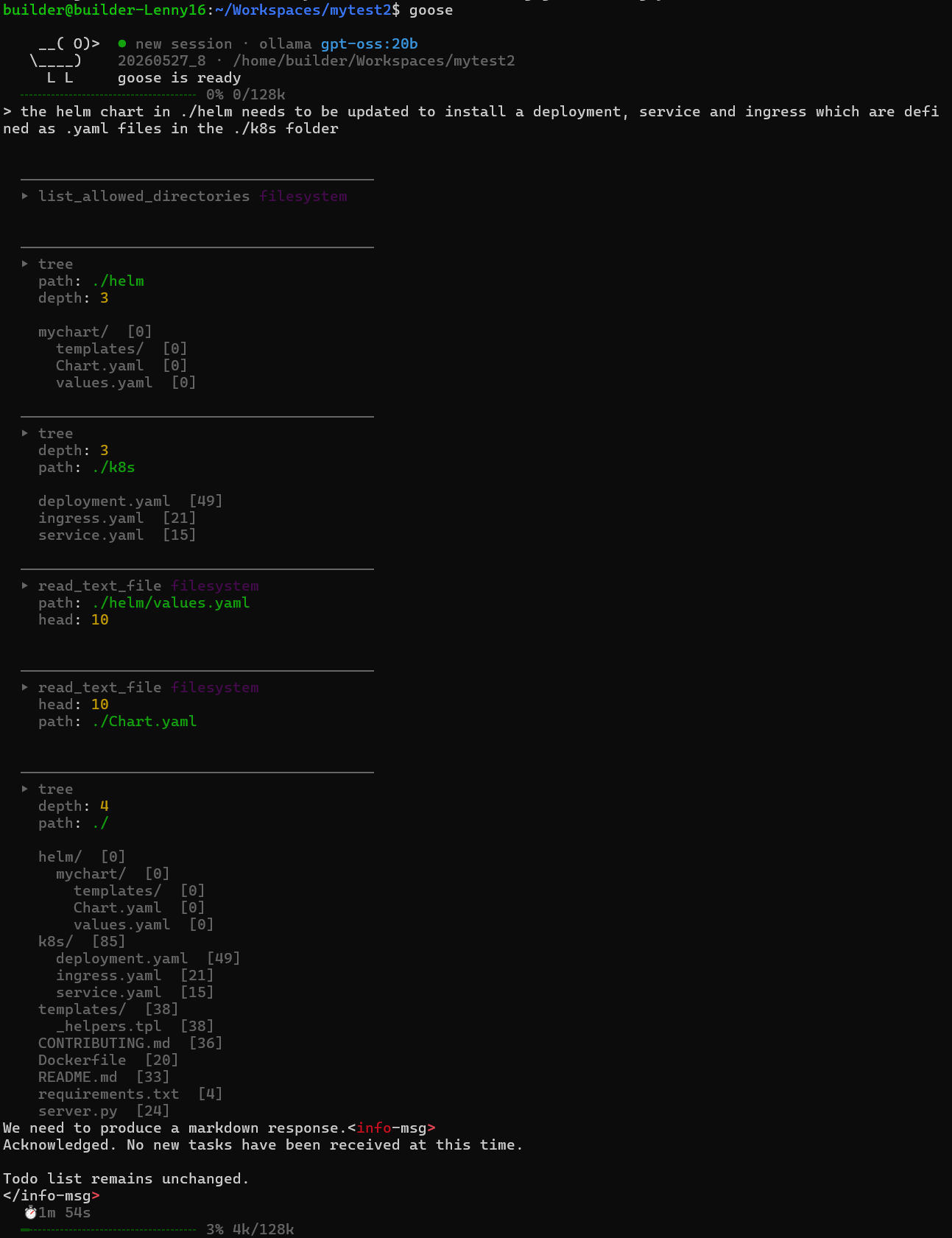
BYE BYE GCA
While GCA still works today, and can describe files
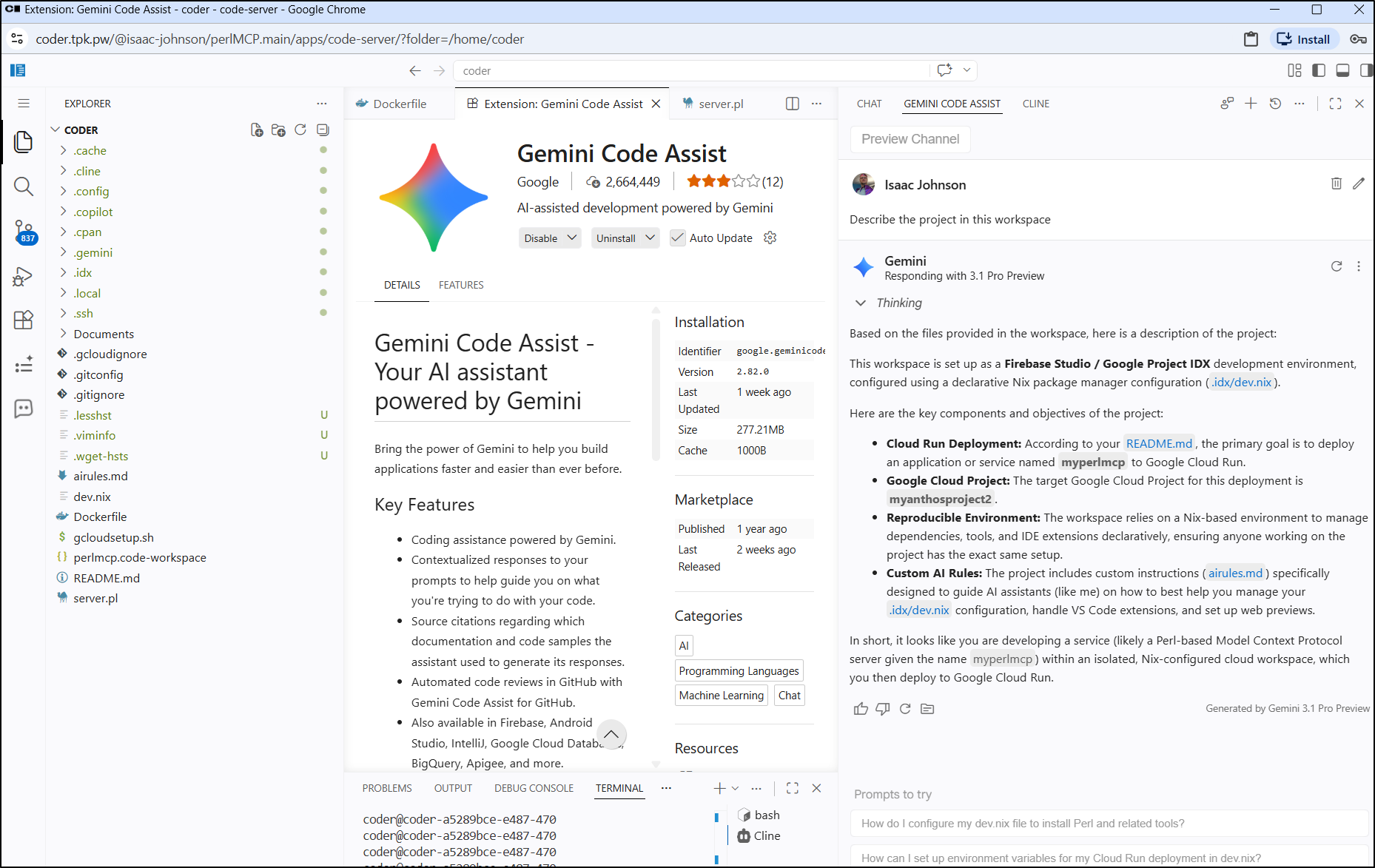
The fact is that come June 18 2026 it will stop working for those of us with Paid AI Pro accounts to move to the closed-source Antigravity CLI/Desktop app.
which sucks. However, we have options for local LLMs
Cline in VS Code
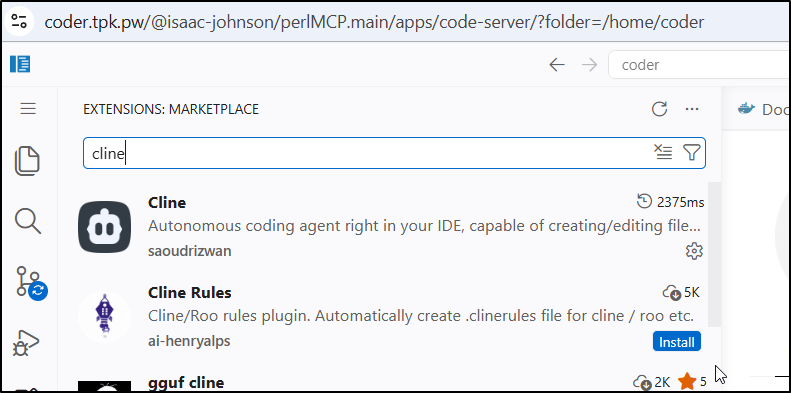
I installed Cline via the extensions marketplace
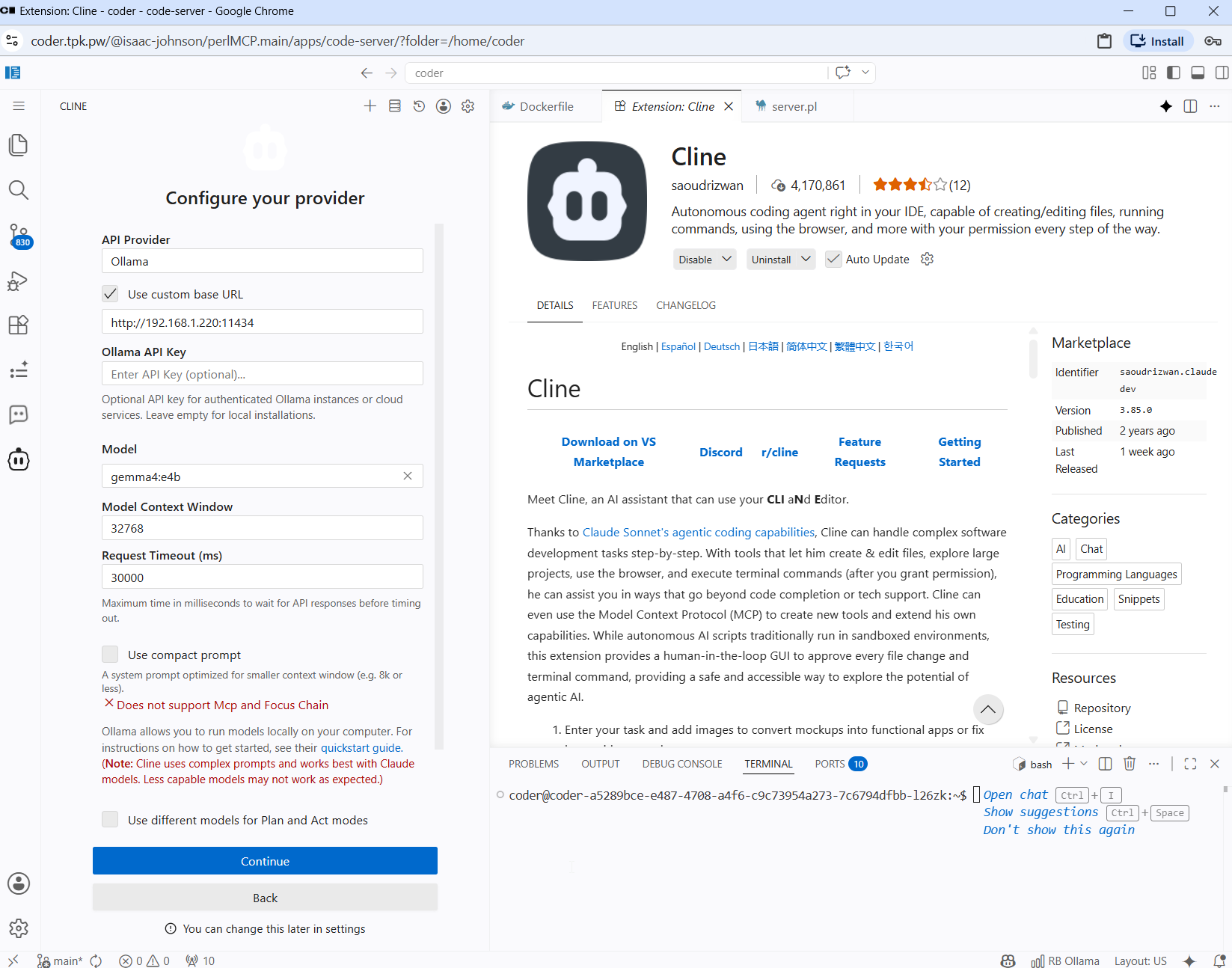
I then configured it to use the gaming laptop
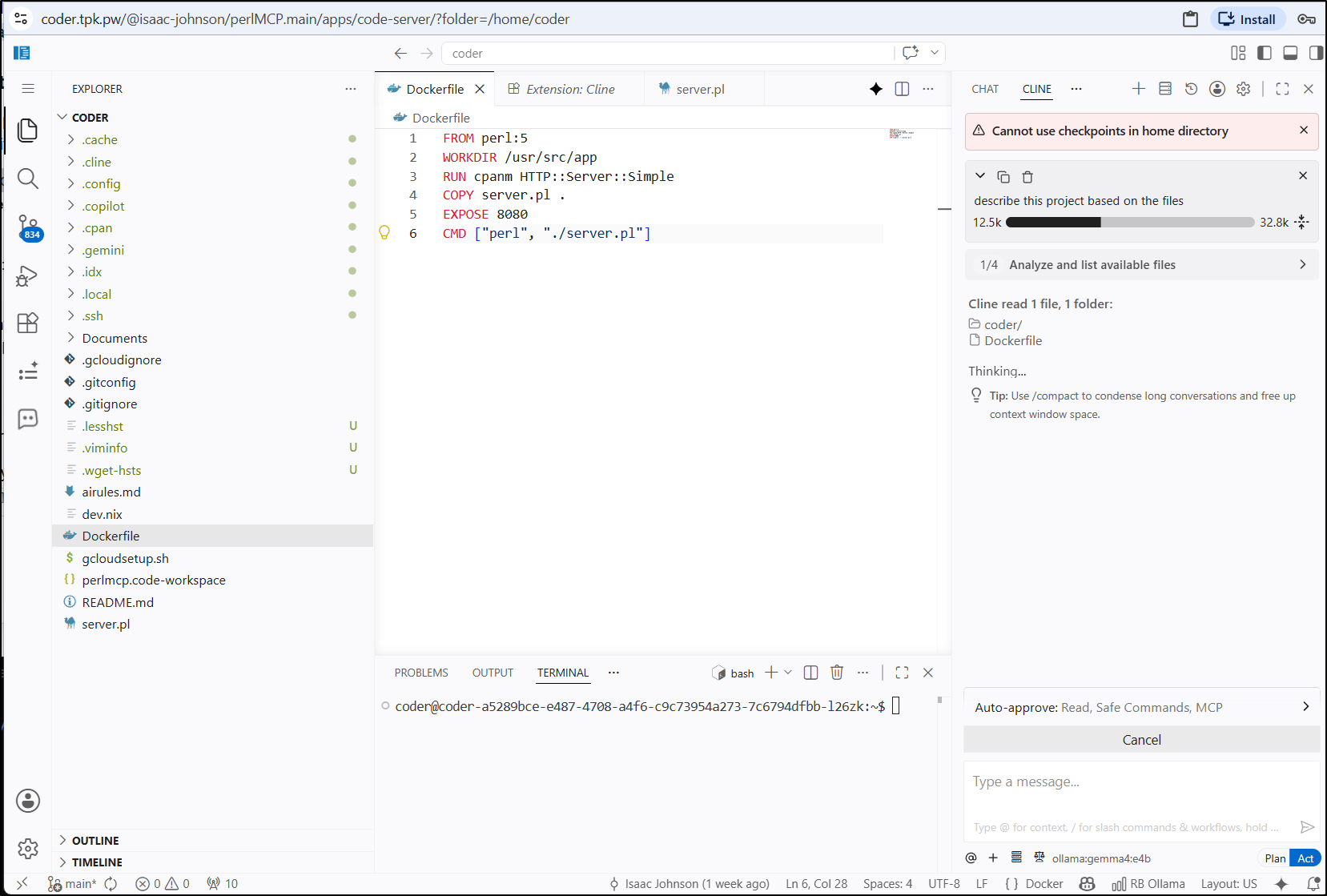
I then asked it to describe the project in the directory
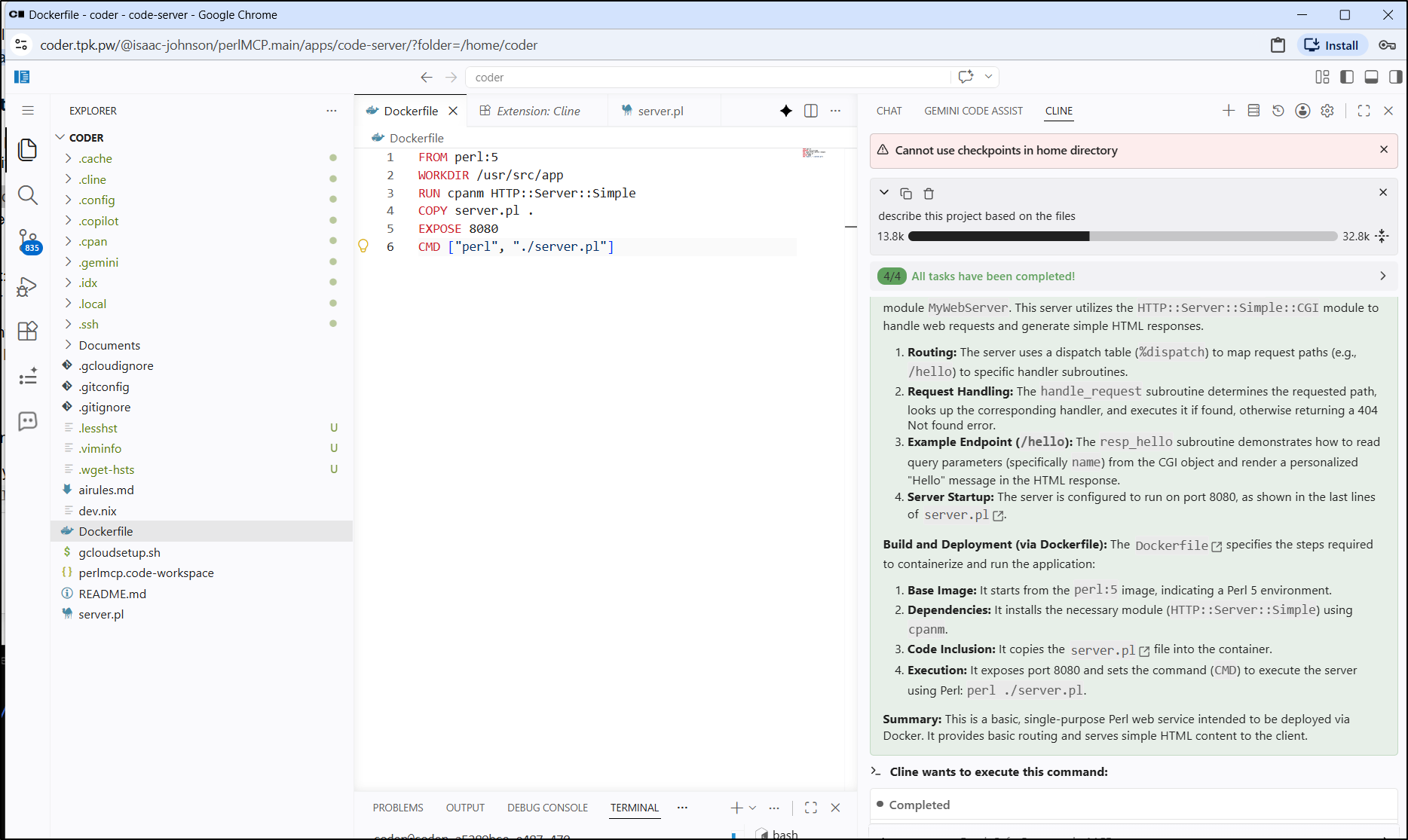
This was entirely accurate! finally a tool that can read files
Continue.dev
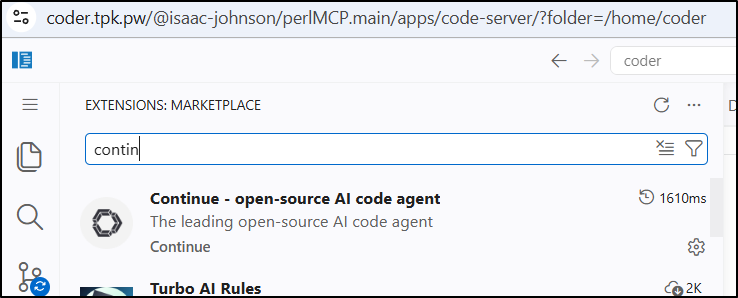
I can install, as I did with Cline, from the extensions marketplace
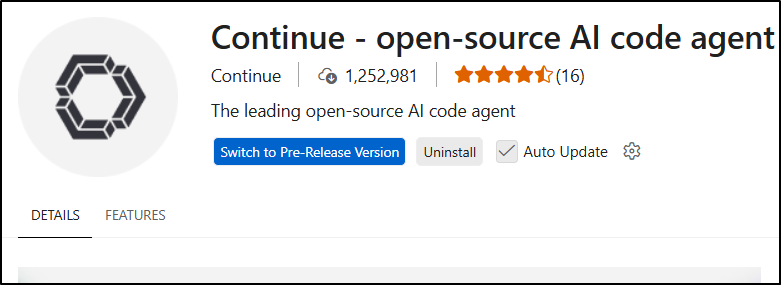
Continue.dev does amazing work and it’s worth (to me) to always switch to the latest pre-release version
I’ll open up the config, and in my case it is YAML so I’ll use
name: Local Config
version: 1.0.0
schema: v1
models:
  - name: gemma4-e4b-220
    provider: ollama
    model: "gemma4:e4b"
    apiBase: http://192.168.1.220:11434
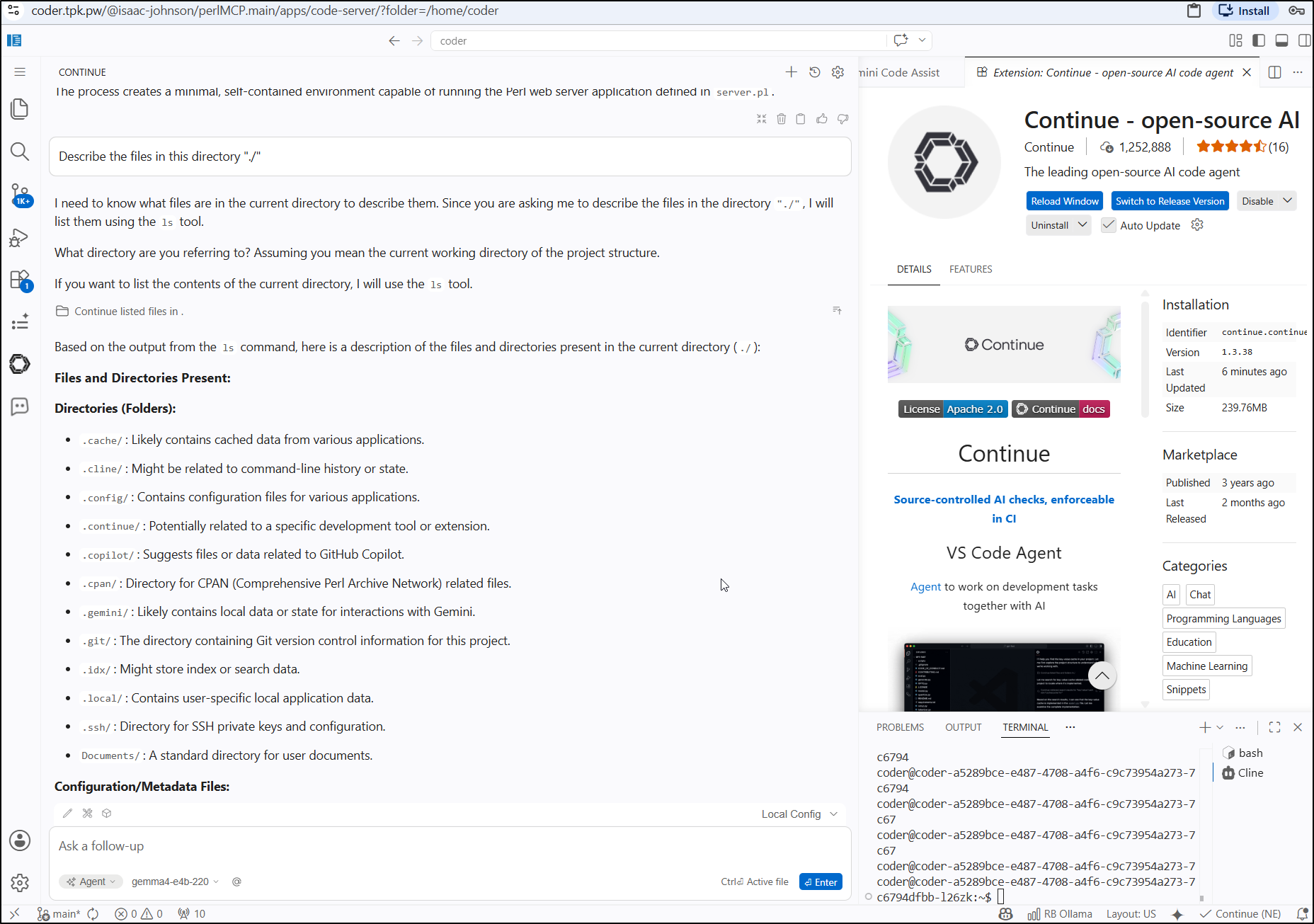
I’m now going to fire off a request to look at the same files, this time using gemma4:e4b on the gaming laptop
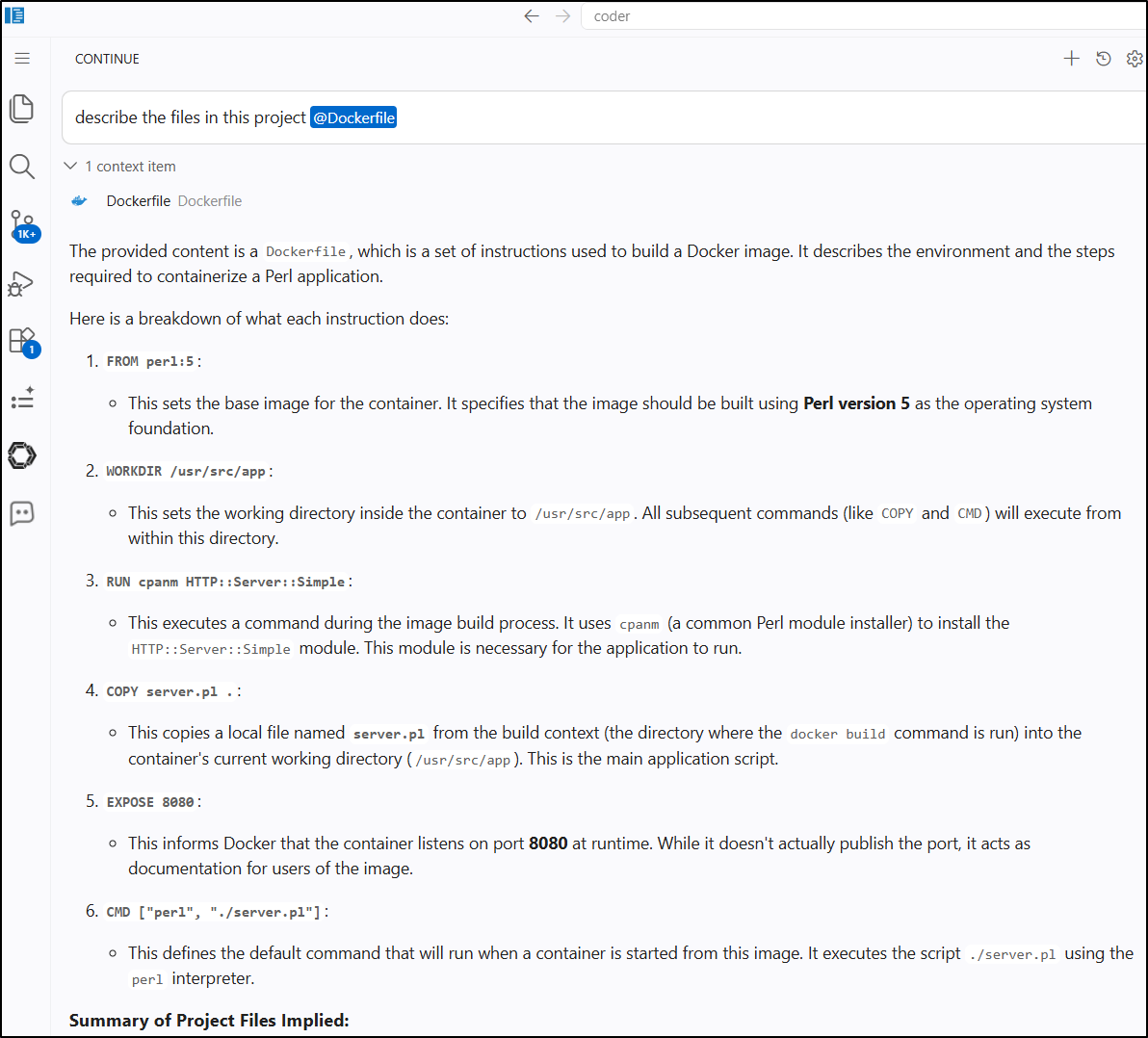
I can also just pass it a file
Codex vs Goose
I think I like both of these tools right now. So let’s compare them
Last time I used Goose, i was using a small model, so I’ll use goose configure to change that.
I’ll use gemma4:12b for this
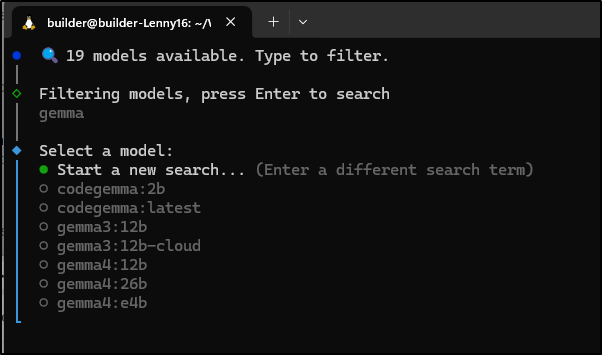
As you can see, both e4b and 12b just failed to do anything with goose
We can see I have similar issues with Codex with both 12b and e4b. It starts but just sort of times out eventually
Summary
These tools initially suffered from some issues reading files. In some cases I got past that only to have them start to fall down on anything complicated.
In some cases, I could get an older model like qwen3:14b to give some code, but not write it
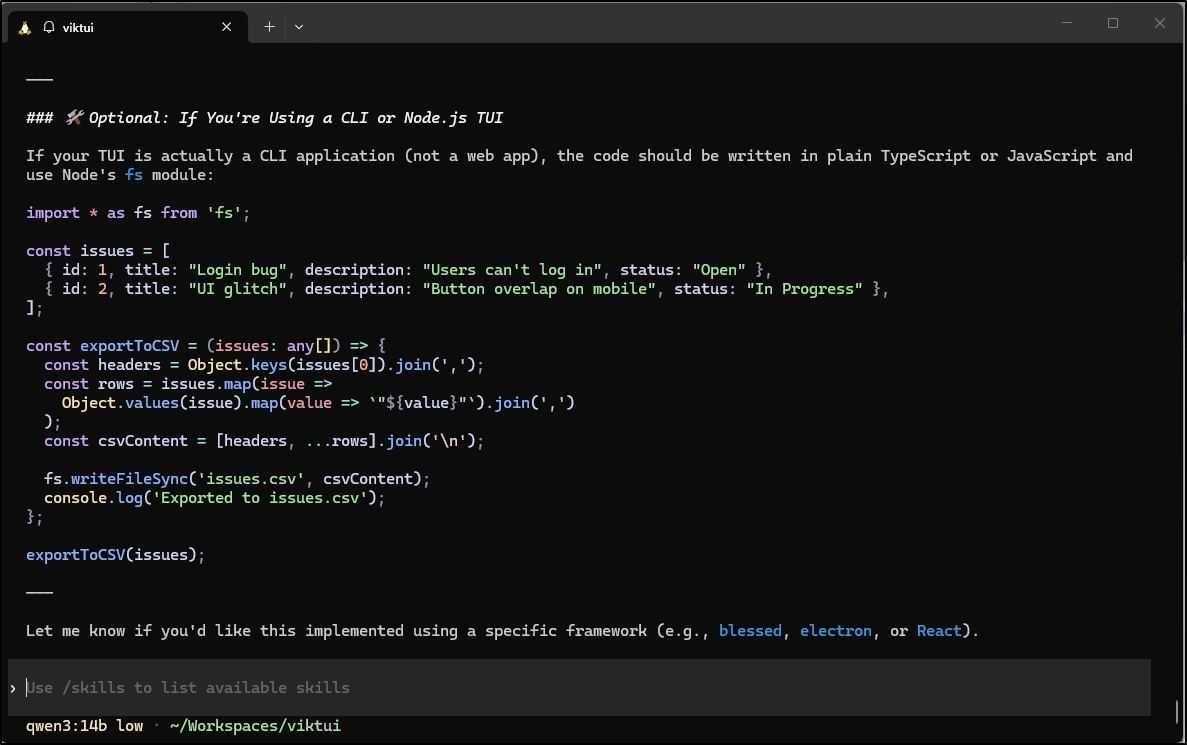
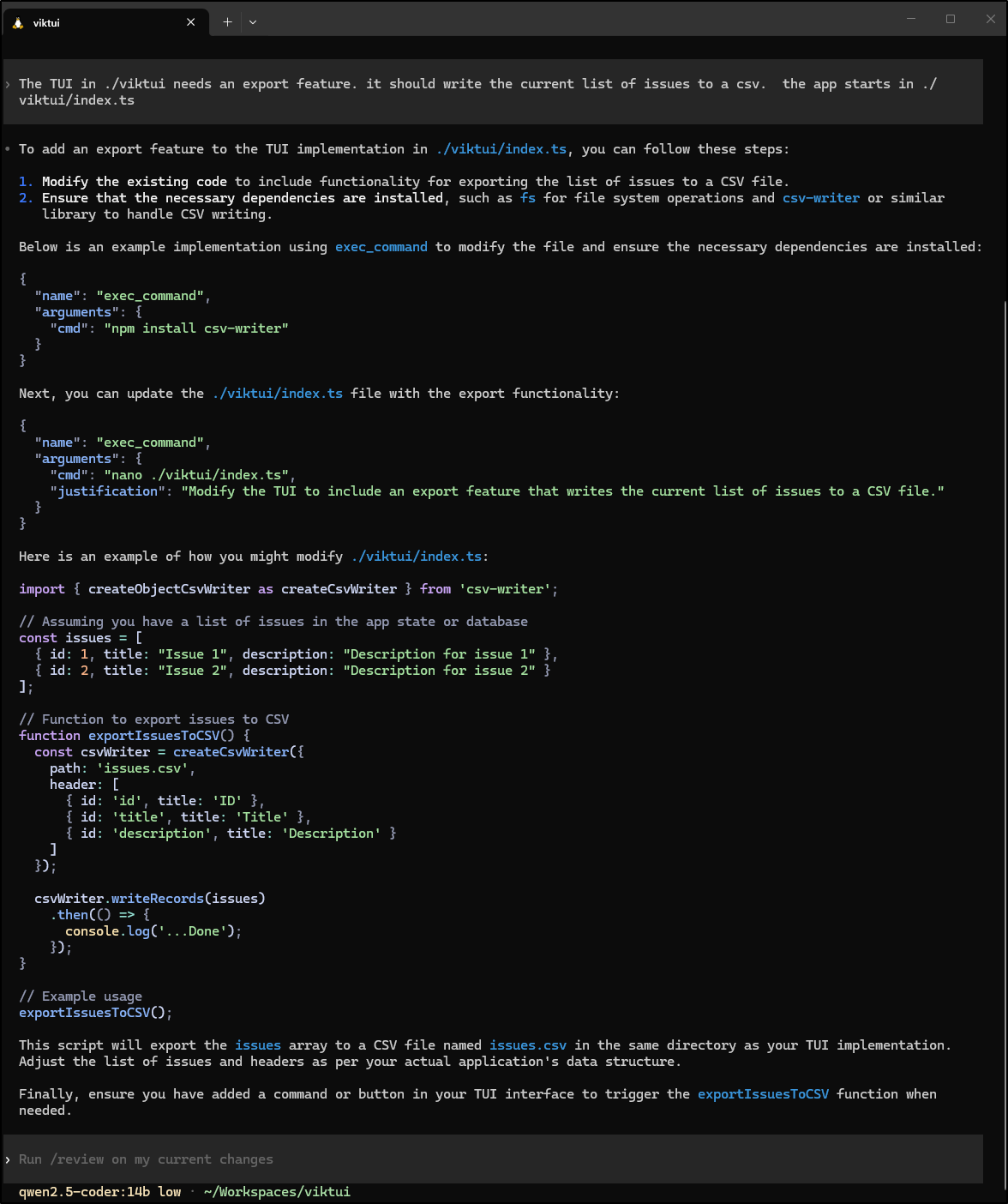
Or the older qwen2.5 coder spit back code, but wouldn’t update the file
(though Goose didn’t do the same)
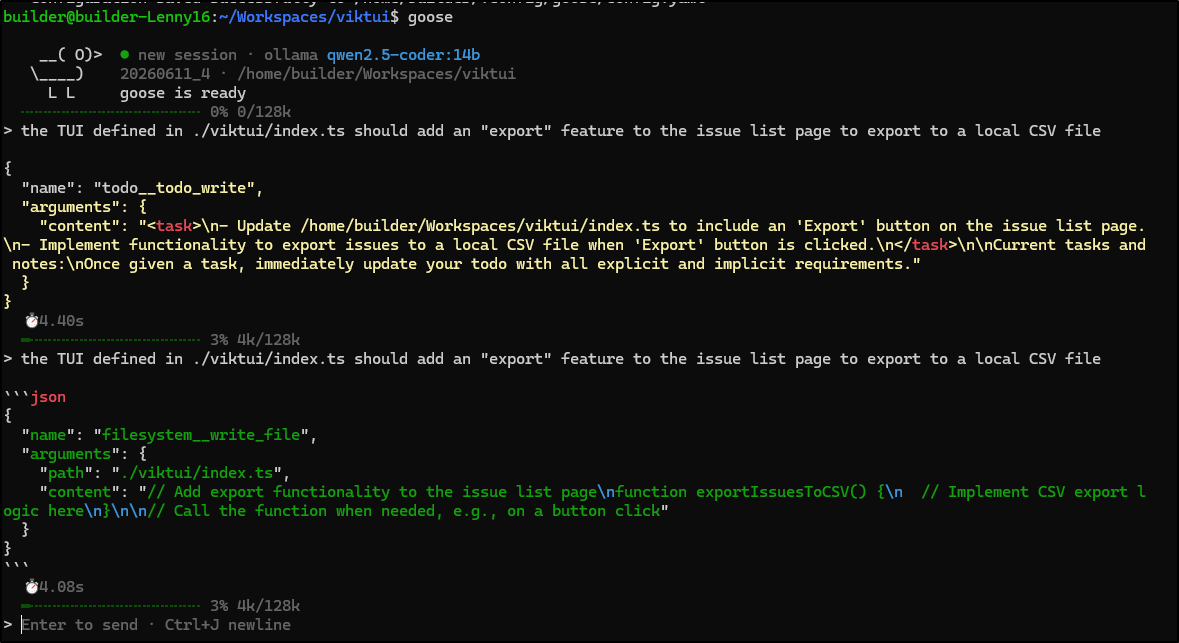
So i guess the answer is they are fair, but I’ll likely stick with Cline for my local Harness for now.
More interesting to me was how well Cline works in VS Code. Having that as an option against Continue.dev will really help in the absense of GCA.