I recently came across this Cloudflare blog article on Quick Tunnels. They seem like lightweight ngrok tunnels, but without needing any auth. The article suggested they were great to use with agentic flows, but I have a hard time these are things we get just for free - no account required.
We’ll look into Cloudflared Tunnels on the CLI, how we might set them up in Kubernetes then compare these things to what Ngrok has to offer.
Let’s start with the cloudflared CLI
Cloudflared Setup
To start, we need to first install their open-source CloudFlared CLI. It’s written in go and there are precompiled releases on the Cloudflare download page
I’ll download and install the Debian package (I run Ubuntu)
$ wget https://github.com/cloudflare/cloudflared/releases/latest/download/cloudflared-linux-amd64.deb
--2026-10-15 16:23:22--  https://github.com/cloudflare/cloudflared/releases/latest/download/cloudflared-linux-amd64.deb
Resolving github.com (github.com)... 140.82.113.4
Connecting to github.com (github.com)|140.82.113.4|:443... connected.
HTTP request sent, awaiting response... 302 Found
Location: https://github.com/cloudflare/cloudflared/releases/download/2026.10.1/cloudflared-linux-amd64.deb [following]
--2026-10-15 16:23:23--  https://github.com/cloudflare/cloudflared/releases/download/2026.10.1/cloudflared-linux-amd64.deb
Reusing existing connection to github.com:443.
HTTP request sent, awaiting response... 302 Found
Location: https://release-assets.githubusercontent.com/github-production-release-asset/106867604/1f3e7deb-60bc-4bf4-95d5-47a41e90f723?sp=r&sv=2018-11-09&sr=b&spr=https&se=2026-10-15T22%3A05%3A31Z&rscd=attachment%3B+filename%3Dcloudflared-linux-amd64.deb&rsct=application%2Foctet-stream&skoid=96c2d410-5711-43a1-aedd-ab1947aa7ab0&sktid=398a6654-997b-47e9-b12b-9515b896b4de&skt=2026-10-15T21%3A04%3A40Z&ske=2026-10-15T22%3A05%3A31Z&sks=b&skv=2018-11-09&sig=v75ZtGzQqM1JFgFU0LcpAL0uWU%2F6q7NgPhEGvxUlulA%3D&jwt=eyJ0eXAiOiJKV1QiLCJhbGciOiJIUzI1NiJ9.eyJpc3MiOiJnaXRodWIuY29tIiwiYXVkIjoicmVsZWFzZS1hc3NldHMuZ2l0aHVidXNlcmNvbnRlbnQuY29tIiwia2V5Ijoia2V5MSIsImV4cCI6MTc5MjEwMTIwMywibmJmIjoxNzkyMDk5NDAzLCJwYXRoIjoicmVsZWFzZWFzc2V0cHJvZHVjdGlvbi5ibG9iLmNvcmUud2luZG93cy5uZXQifQ.Ey43Ub3rjBDshGv-6ATTITTXoDWF6gI0ZLGOlk-7Im0&response-content-disposition=attachment%3B%20filename%3Dcloudflared-linux-amd64.deb&response-content-type=application%2Foctet-stream [following]
--2026-10-15 16:23:23--  https://release-assets.githubusercontent.com/github-production-release-asset/106867604/1f3e7deb-60bc-4bf4-95d5-47a41e90f723?sp=r&sv=2018-11-09&sr=b&spr=https&se=2026-10-15T22%3A05%3A31Z&rscd=attachment%3B+filename%3Dcloudflared-linux-amd64.deb&rsct=application%2Foctet-stream&skoid=96c2d410-5711-43a1-aedd-ab1947aa7ab0&sktid=398a6654-997b-47e9-b12b-9515b896b4de&skt=2026-10-15T21%3A04%3A40Z&ske=2026-10-15T22%3A05%3A31Z&sks=b&skv=2018-11-09&sig=v75ZtGzQqM1JFgFU0LcpAL0uWU%2F6q7NgPhEGvxUlulA%3D&jwt=eyJ0eXAiOiJKV1QiLCJhbGciOiJIUzI1NiJ9.eyJpc3MiOiJnaXRodWIuY29tIiwiYXVkIjoicmVsZWFzZS1hc3NldHMuZ2l0aHVidXNlcmNvbnRlbnQuY29tIiwia2V5Ijoia2V5MSIsImV4cCI6MTc5MjEwMTIwMywibmJmIjoxNzkyMDk5NDAzLCJwYXRoIjoicmVsZWFzZWFzc2V0cHJvZHVjdGlvbi5ibG9iLmNvcmUud2luZG93cy5uZXQifQ.Ey43Ub3rjBDshGv-6ATTITTXoDWF6gI0ZLGOlk-7Im0&response-content-disposition=attachment%3B%20filename%3Dcloudflared-linux-amd64.deb&response-content-type=application%2Foctet-stream
Resolving release-assets.githubusercontent.com (release-assets.githubusercontent.com)... 185.199.110.133, 185.199.111.133, 185.199.108.133, ...
Connecting to release-assets.githubusercontent.com (release-assets.githubusercontent.com)|185.199.110.133|:443... connected.
HTTP request sent, awaiting response... 200 OK
Length: 19897896 (19M) [application/octet-stream]
Saving to: ‘cloudflared-linux-amd64.deb’

cloudflared-linux-amd64.deb       100%[============================================================>]  18.98M  55.8MB/s    in 0.3s

2026-10-15 16:23:23 (55.8 MB/s) - ‘cloudflared-linux-amd64.deb’ saved [19897896/19897896]

$ sudo dpkg -i ./cloudflared-linux-amd64.deb
[sudo: authenticate] Password:
Selecting previously unselected package cloudflared.
(Reading database… 316725 files and directories currently installed.)
Preparing to unpack ./cloudflared-linux-amd64.deb…
Unpacking cloudflared (2026.10.1)…
Setting up cloudflared (2026.10.1)…
Processing triggers for man-db (2.13.1-1build1)…
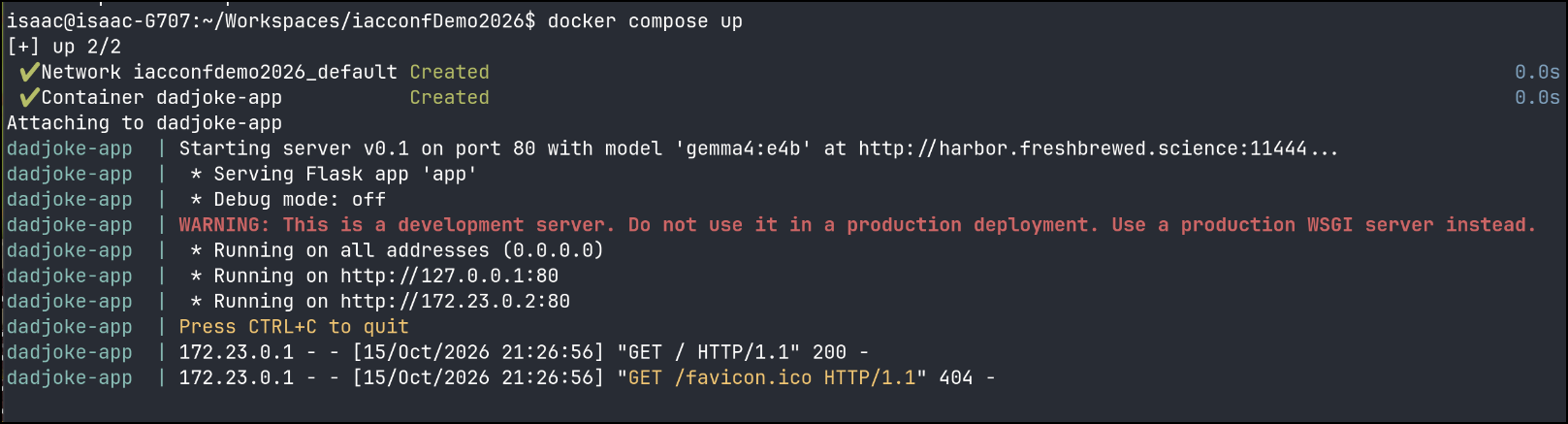
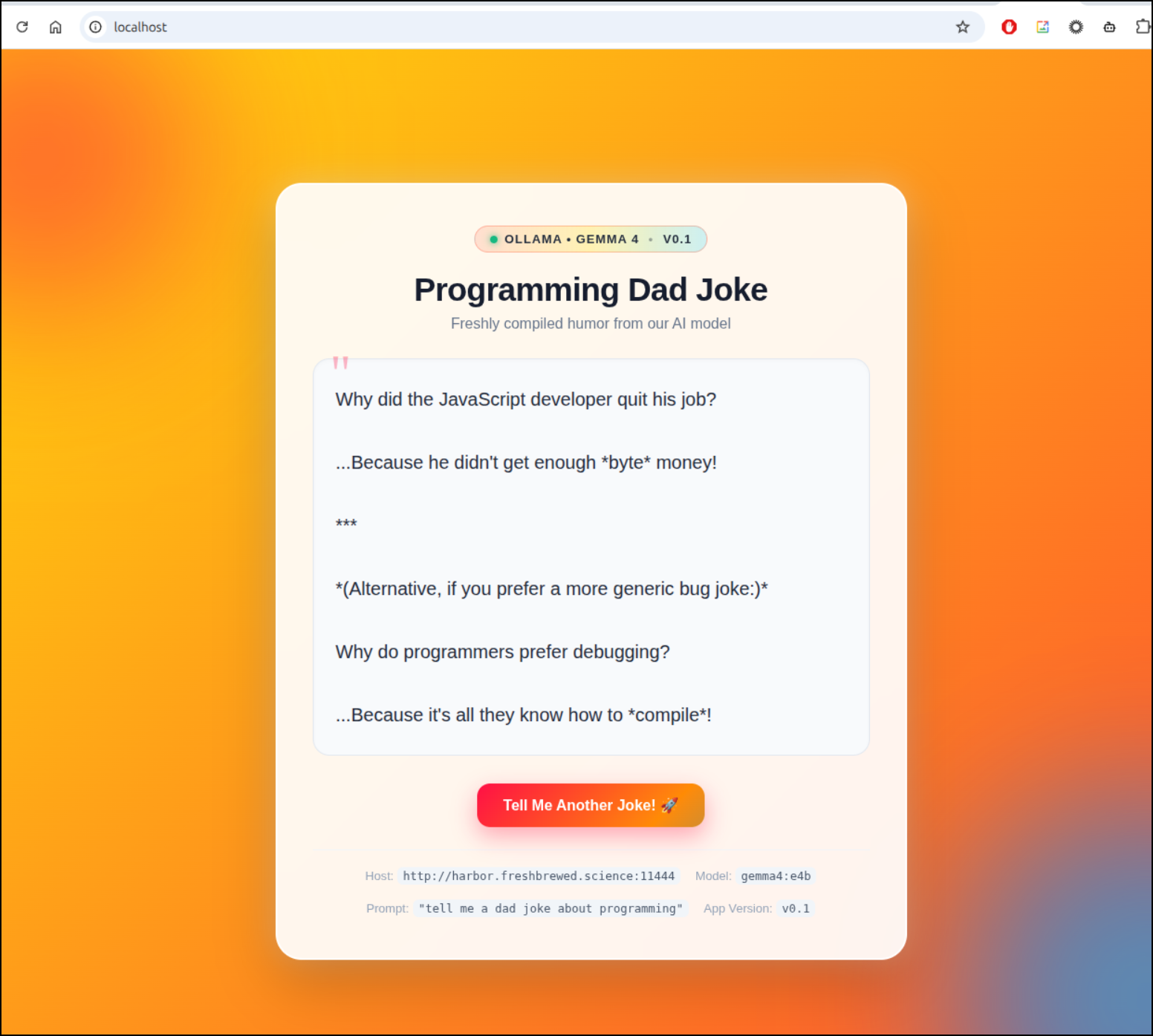
Next, I have an app that runs on :80 locally today
Which works just fine
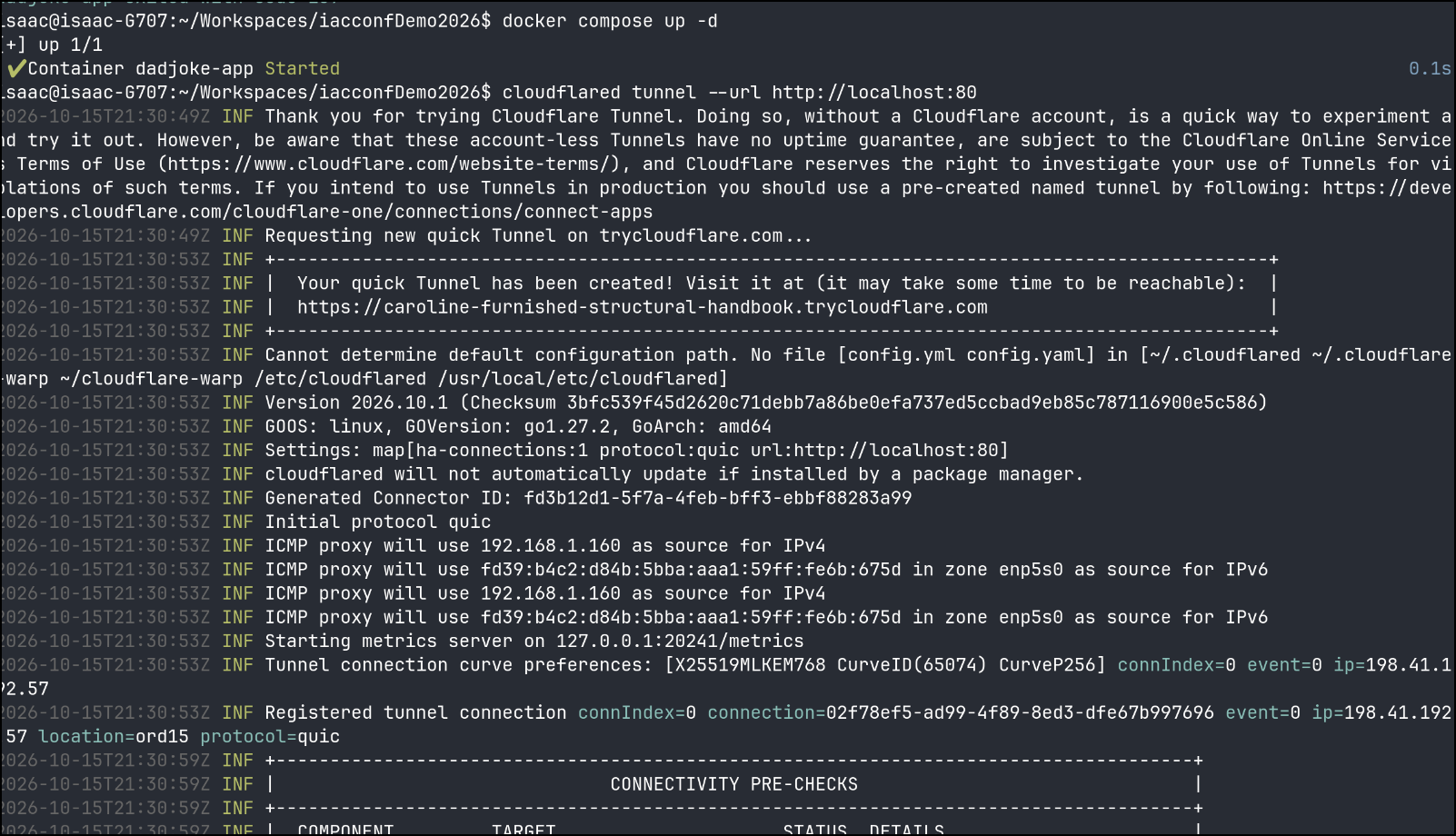
I can now fire up the tunnel with cloudflared tunnel --url http://localhost:80
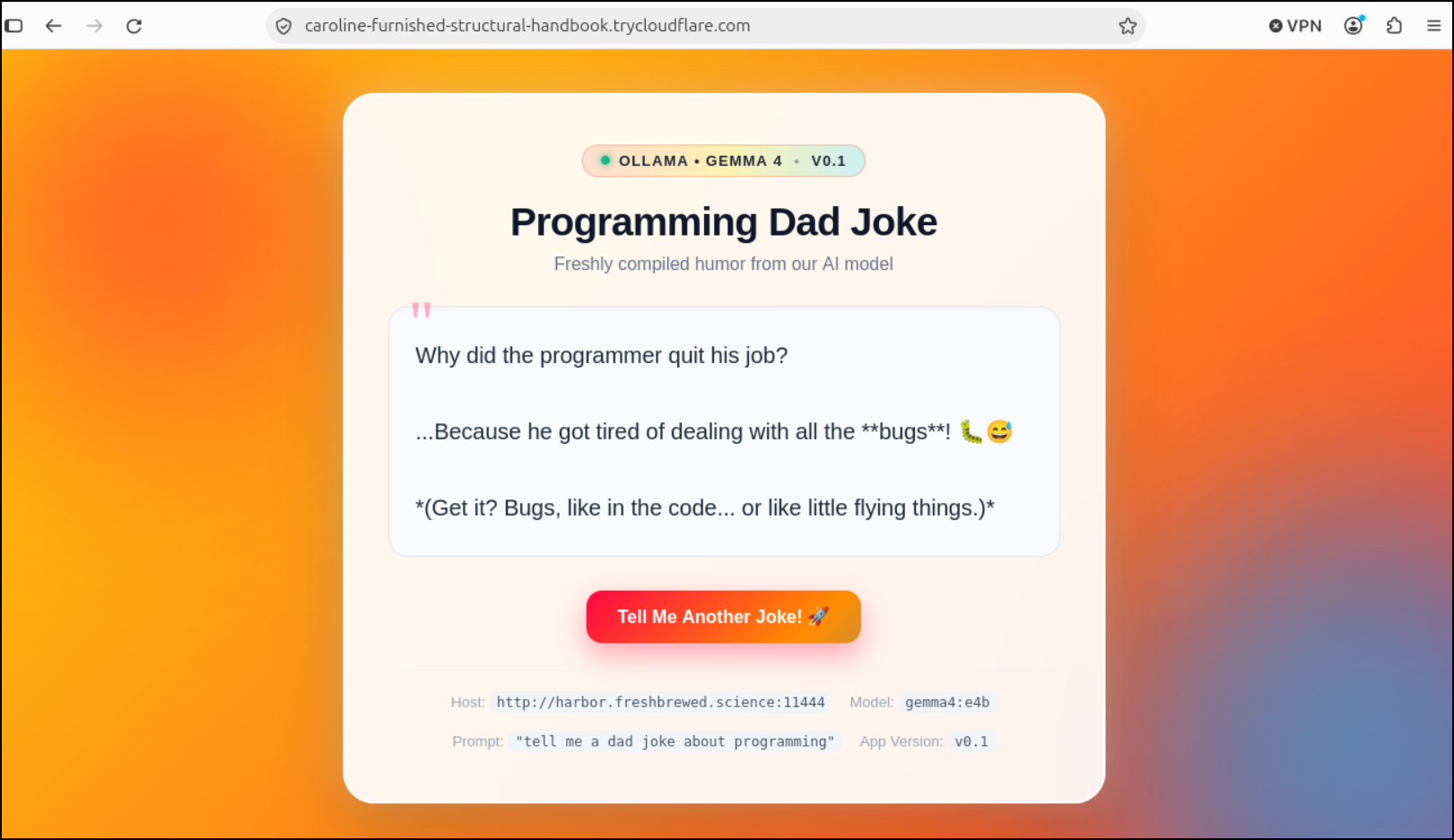
And indeed, we see it serving traffic
Restricting Access
With cloudflared tunnels, we can do something kind of interesting
$ cloudflared tunnel –url http://localhost:8080 –allowed-mail isaac.johnson@gmail.com
$ cloudflared tunnel --url http://localhost:80 --allowed-mail isaac.johnson@gmail.com
2026-10-15T21:42:36Z INF Thank you for trying Cloudflare Tunnel. Doing so, without a Cloudflare account, is a quick way to experiment and try it out. However, be aware that these account-less Tunnels have no uptime guarantee, are subject to the Cloudflare Online Services Terms of Use (https://www.cloudflare.com/website-terms/), and Cloudflare reserves the right to investigate your use of Tunnels for violations of such terms. If you intend to use Tunnels in production you should use a pre-created named tunnel by following: https://developers.cloudflare.com/cloudflare-one/connections/connect-apps
2026-10-15T21:42:36Z INF Requesting new quick Tunnel on trycloudflare.com...
2026-10-15T21:42:39Z INF +------------------------------------------------------------------------------------------------------+
2026-10-15T21:42:39Z INF |  Your protected quick Tunnel has been created! Visit it at (it may take some time to be reachable):  |
2026-10-15T21:42:39Z INF |  https://considers-notifications-madrid-updating.trycloudflare.com                                   |
2026-10-15T21:42:39Z INF |  Authentication: One-Time PIN (using Cloudflare Access)                                              |
2026-10-15T21:42:39Z INF |  Allowed recipients: 1 address                                                                       |
2026-10-15T21:42:39Z INF |  Local origin: http://localhost:80                                                                   |
2026-10-15T21:42:39Z INF +------------------------------------------------------------------------------------------------------+
2026-10-15T21:42:39Z INF Cannot determine default configuration path. No file [config.yml config.yaml] in [~/.cloudflared ~/.cloudflare-warp ~/cloudflare-warp /etc/cloudflared /usr/local/etc/cloudflared]
2026-10-15T21:42:39Z INF Version 2026.10.1 (Checksum 3bfc539f45d2620c71debb7a86be0efa737ed5ccbad9eb85c787116900e5c586)
2026-10-15T21:42:39Z INF GOOS: linux, GOVersion: go1.27.2, GoArch: amd64
2026-10-15T21:42:39Z INF Settings: map[allowed-mail:***** ha-connections:1 protocol:quic url:http://localhost:80]
2026-10-15T21:42:39Z INF cloudflared will not automatically update if installed by a package manager.
2026-10-15T21:42:39Z INF Generated Connector ID: 10e16c37-ddcc-44a6-a540-265b776015e6
2026-10-15T21:42:39Z INF Initial protocol quic
2026-10-15T21:42:39Z INF ICMP proxy will use 192.168.1.160 as source for IPv4
2026-10-15T21:42:39Z INF ICMP proxy will use fd39:b4c2:d84b:5bba:aaa1:59ff:fe6b:675d in zone enp5s0 as source for IPv6
2026-10-15T21:42:39Z INF ICMP proxy will use 192.168.1.160 as source for IPv4
2026-10-15T21:42:39Z INF ICMP proxy will use fd39:b4c2:d84b:5bba:aaa1:59ff:fe6b:675d in zone enp5s0 as source for IPv6
2026-10-15T21:42:39Z INF Starting metrics server on 127.0.0.1:20241/metrics
2026-10-15T21:42:39Z INF Tunnel connection curve preferences: [X25519MLKEM768 CurveID(65074) CurveP256] connIndex=0 event=0 ip=198.41.192.7
2026-10-15T21:42:40Z INF Registered tunnel connection connIndex=0 connection=24a60104-85db-4439-bdff-814ee07e4abb event=0 ip=198.41.192.7 location=ord16 protocol=quic
2026-10-15T21:42:46Z INF +-------------------------------------------------------------------------------------+
2026-10-15T21:42:46Z INF |                               CONNECTIVITY PRE-CHECKS                               |
2026-10-15T21:42:46Z INF +-------------------------------------------------------------------------------------+
2026-10-15T21:42:46Z INF |  COMPONENT         TARGET                     STATUS  DETAILS                       |
2026-10-15T21:42:46Z INF |  DNS Resolution    region1.v2.argotunnel.com  PASS    DNS Resolved successfully     |
2026-10-15T21:42:46Z INF |  DNS Resolution    region2.v2.argotunnel.com  PASS    DNS Resolved successfully     |
2026-10-15T21:42:46Z INF |  UDP Connectivity  region1.v2.argotunnel.com  PASS    QUIC connection successful    |
2026-10-15T21:42:46Z INF |  UDP Connectivity  region2.v2.argotunnel.com  PASS    QUIC connection successful    |
2026-10-15T21:42:46Z INF |  TCP Connectivity  region1.v2.argotunnel.com  PASS    HTTP/2 connection successful  |
2026-10-15T21:42:46Z INF |  TCP Connectivity  region2.v2.argotunnel.com  PASS    HTTP/2 connection successful  |
2026-10-15T21:42:46Z INF |  Cloudflare API    api.cloudflare.com:443     PASS    API is reachable              |
2026-10-15T21:42:46Z INF |                                                                                     |
2026-10-15T21:42:46Z INF |  SUMMARY: Environment is healthy. cloudflared will use 'quic' as primary protocol.  |
2026-10-15T21:42:46Z INF +-------------------------------------------------------------------------------------+
2026-10-15T21:42:46Z INF precheck component="DNS Resolution" details="DNS Resolved successfully" run_id=c5806717-5eb4-4a2e-9b21-fc02b9a0f4c7 status=pass target=region1.v2.argotunnel.com
2026-10-15T21:42:46Z INF precheck component="DNS Resolution" details="DNS Resolved successfully" run_id=c5806717-5eb4-4a2e-9b21-fc02b9a0f4c7 status=pass target=region2.v2.argotunnel.com
2026-10-15T21:42:46Z INF precheck component="UDP Connectivity" details="QUIC connection successful" run_id=c5806717-5eb4-4a2e-9b21-fc02b9a0f4c7 status=pass target=region1.v2.argotunnel.com
2026-10-15T21:42:46Z INF precheck component="UDP Connectivity" details="QUIC connection successful" run_id=c5806717-5eb4-4a2e-9b21-fc02b9a0f4c7 status=pass target=region2.v2.argotunnel.com
2026-10-15T21:42:46Z INF precheck component="TCP Connectivity" details="HTTP/2 connection successful" run_id=c5806717-5eb4-4a2e-9b21-fc02b9a0f4c7 status=pass target=region1.v2.argotunnel.com
2026-10-15T21:42:46Z INF precheck component="TCP Connectivity" details="HTTP/2 connection successful" run_id=c5806717-5eb4-4a2e-9b21-fc02b9a0f4c7 status=pass target=region2.v2.argotunnel.com
2026-10-15T21:42:46Z INF precheck component="Cloudflare API" details="API is reachable" run_id=c5806717-5eb4-4a2e-9b21-fc02b9a0f4c7 status=pass target=api.cloudflare.com:443
2026-10-15T21:42:46Z INF precheck complete hard_fail=false run_id=c5806717-5eb4-4a2e-9b21-fc02b9a0f4c7 suggested_protocol=quic
This new URL shows a signin page
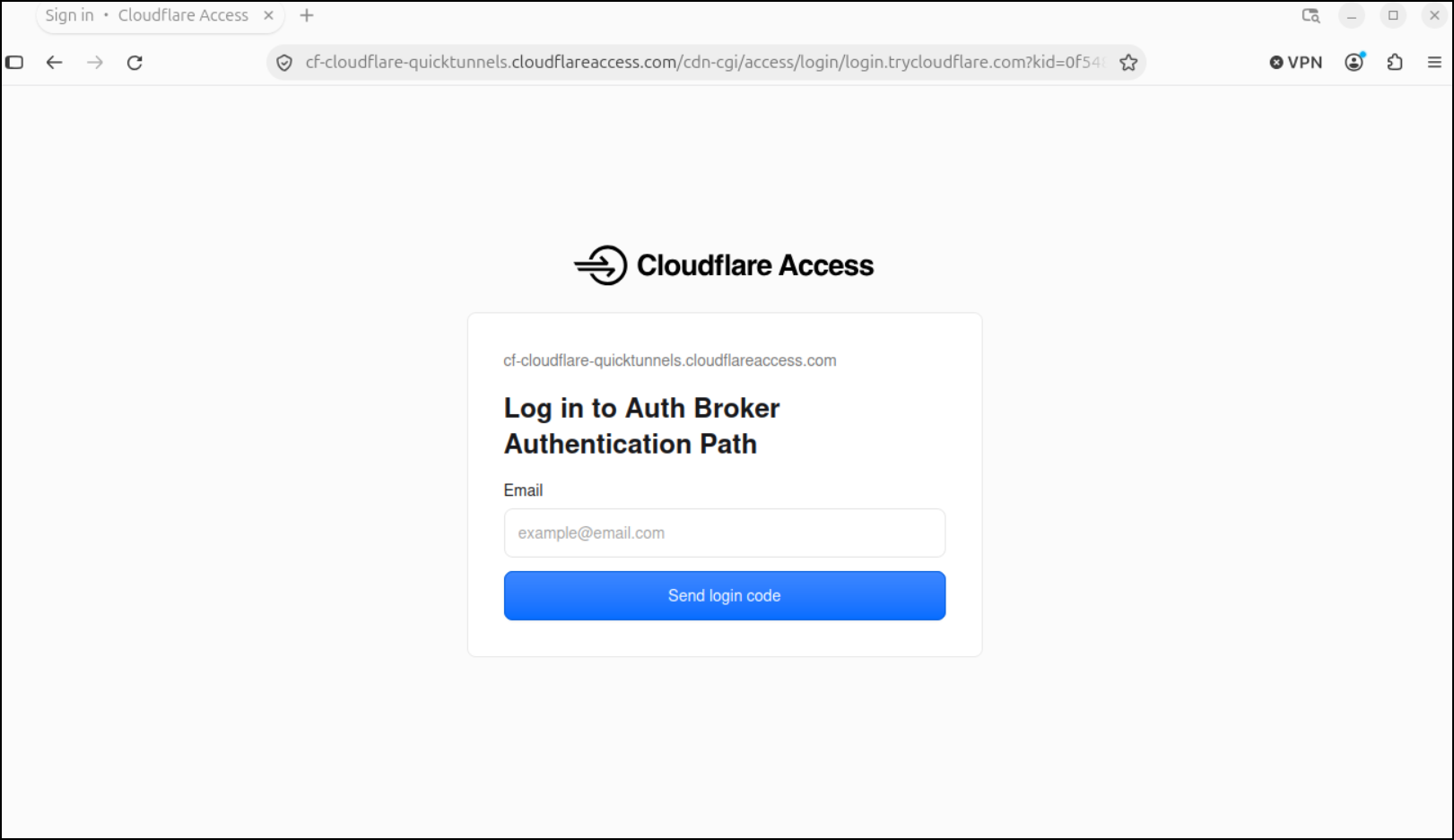
I can type in a code that I got in email
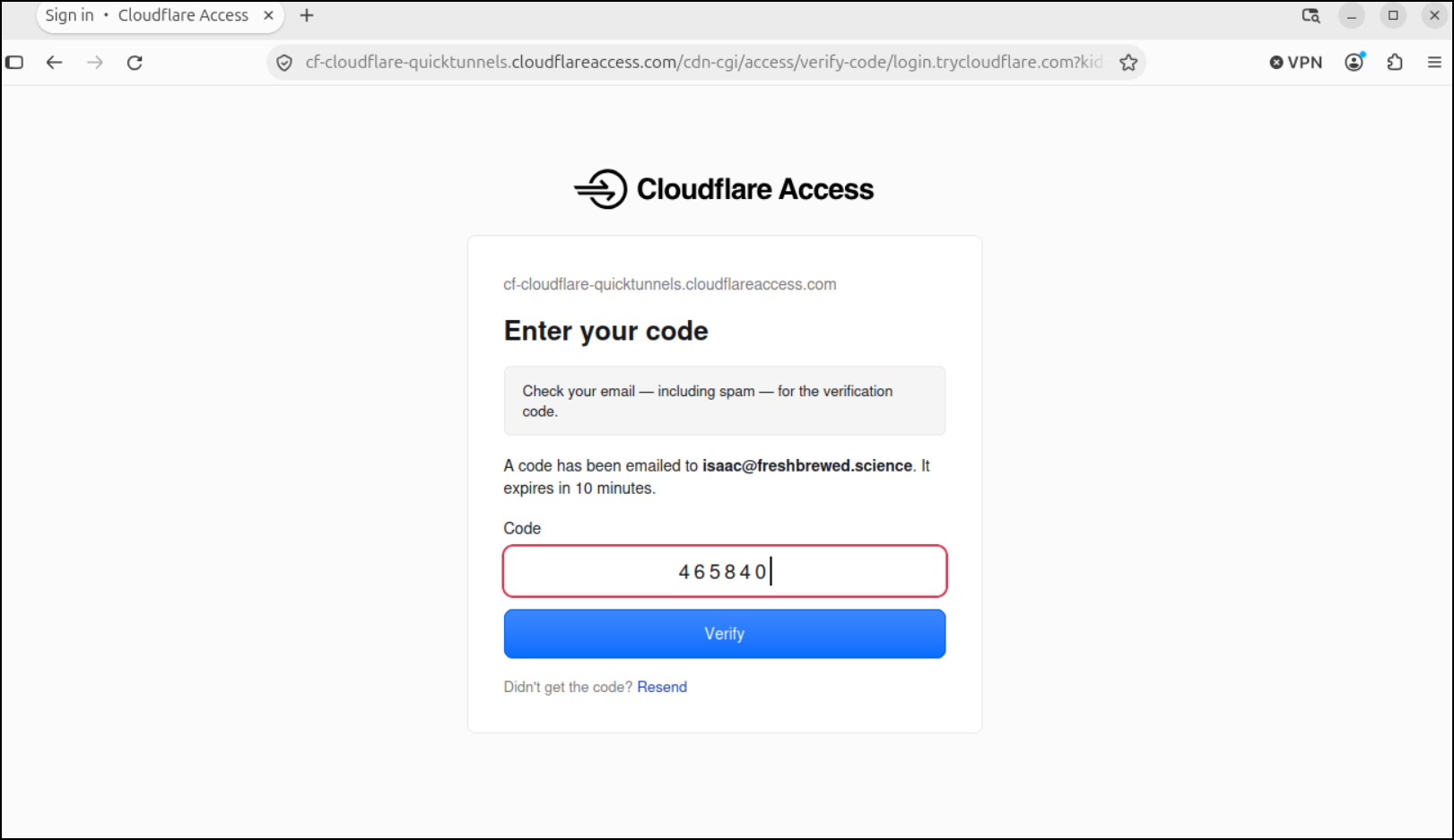
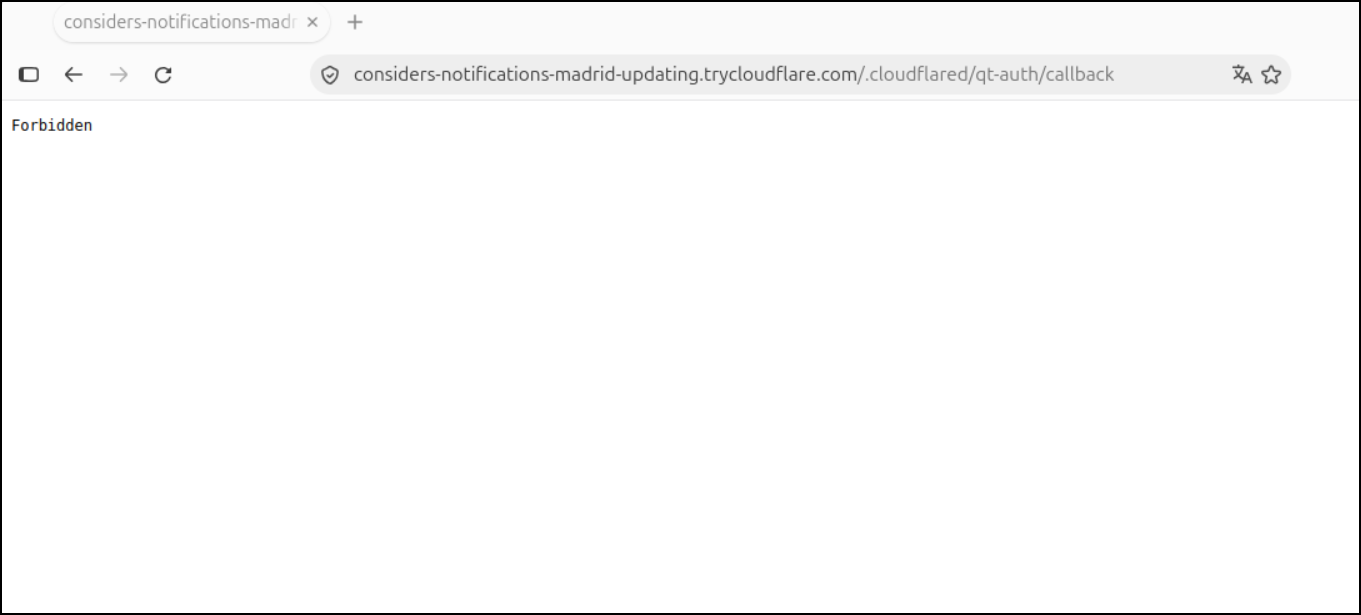
While a valid code, my email wasn’t in the allowed list, so I see “Forbidden”
Now if I use my gmail in the window
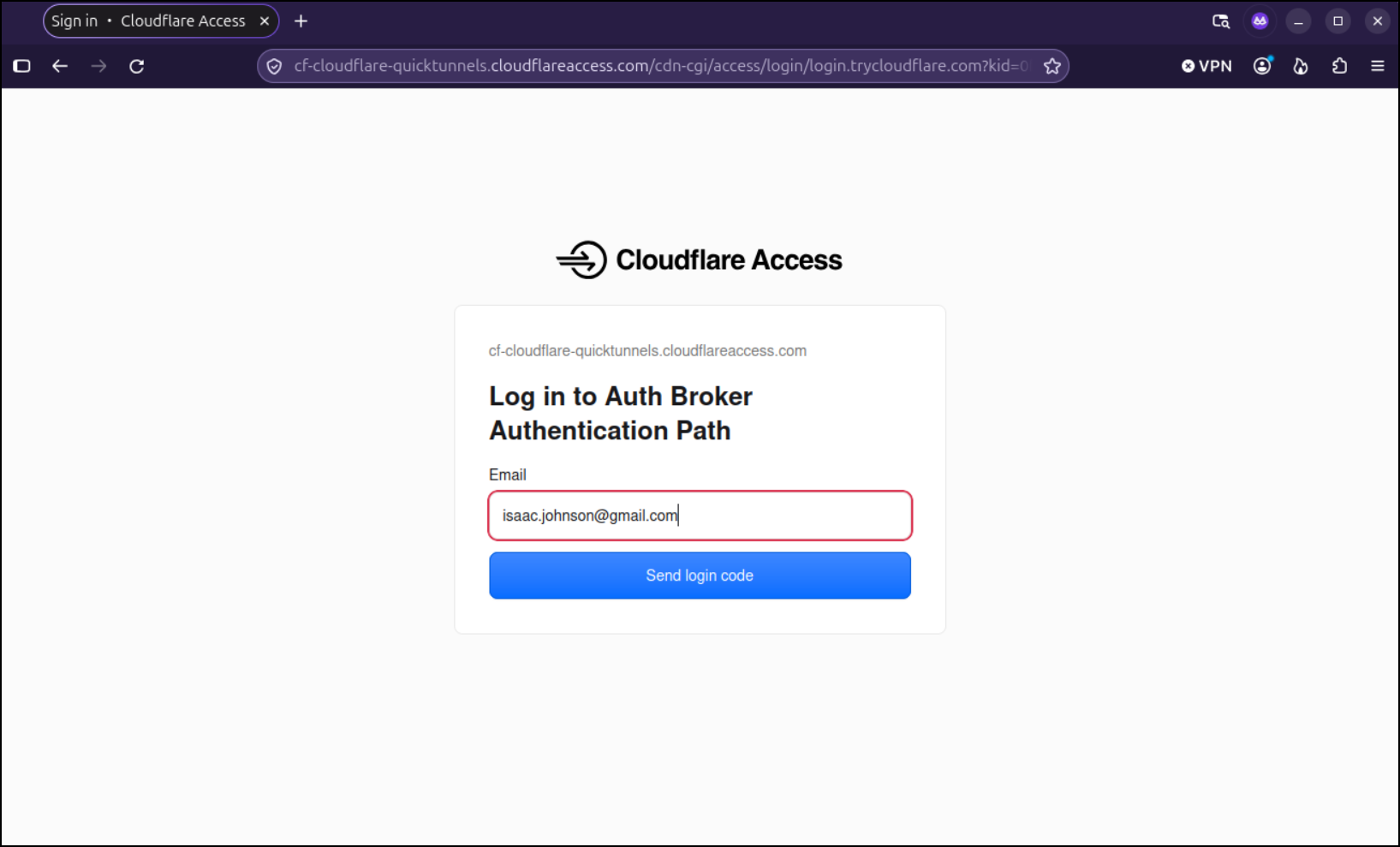
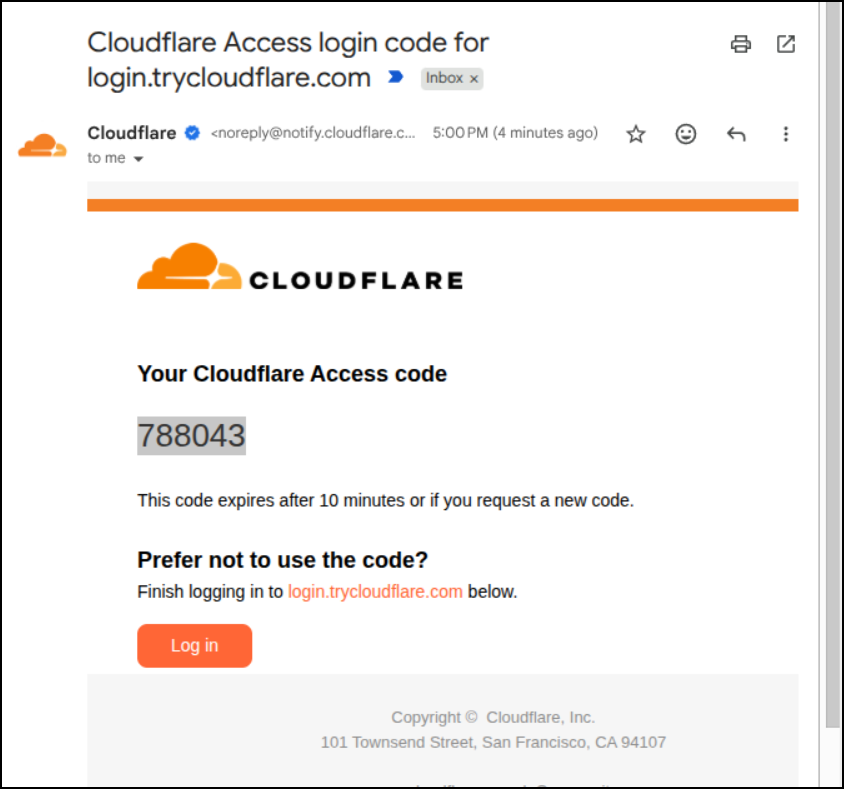
I can get the code sent to Gmail
When using it, it then says completing auth
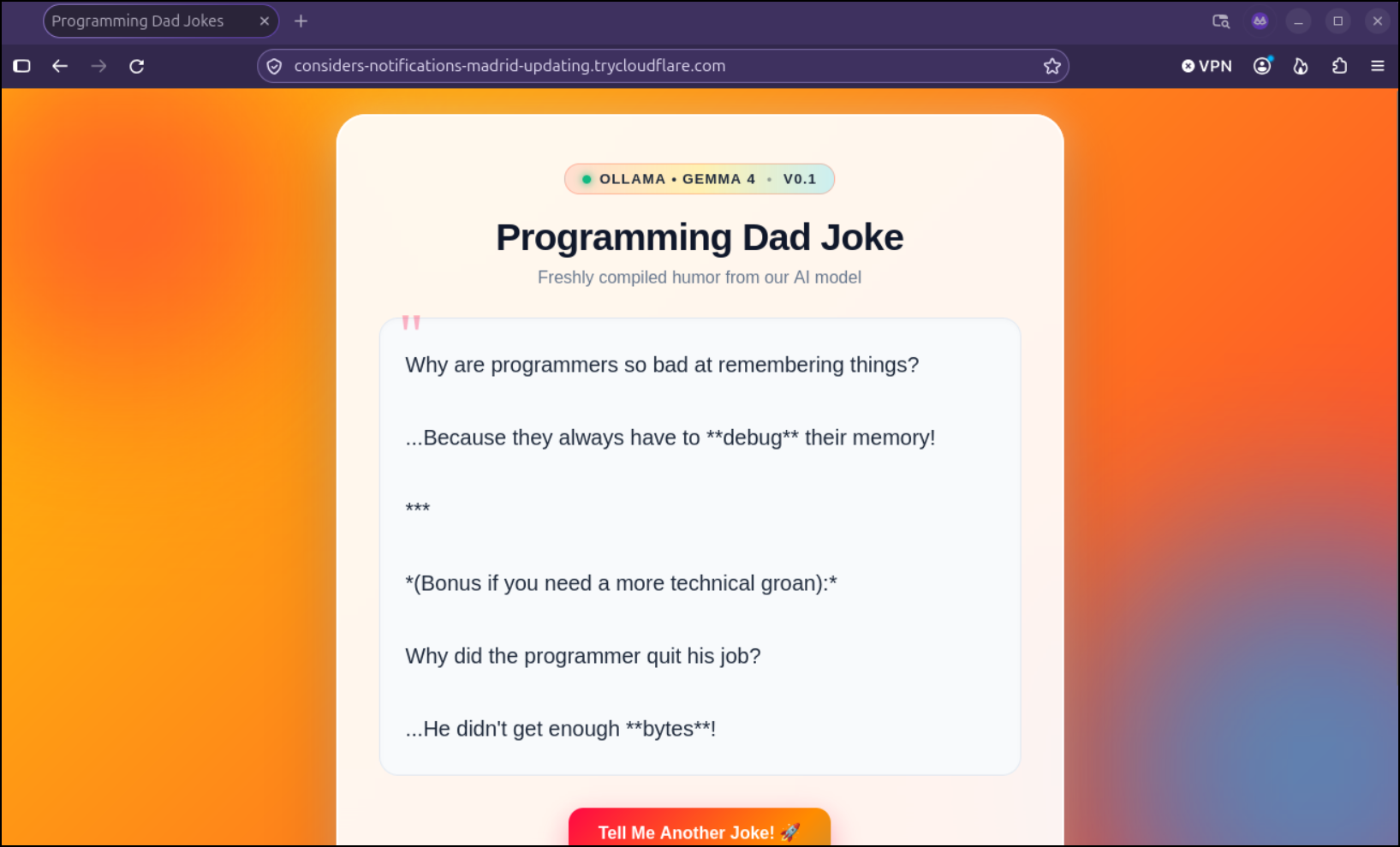
Before getting my page back
Kubernetes
That might work great for Docker / local containers, but what about Kubernetes?
Let’s start by creating a tunnel
Spoiler: This approach will create a Cloudflared tunnel, but requires a domain to get pointed here so I will ultimately move on to a different approach…
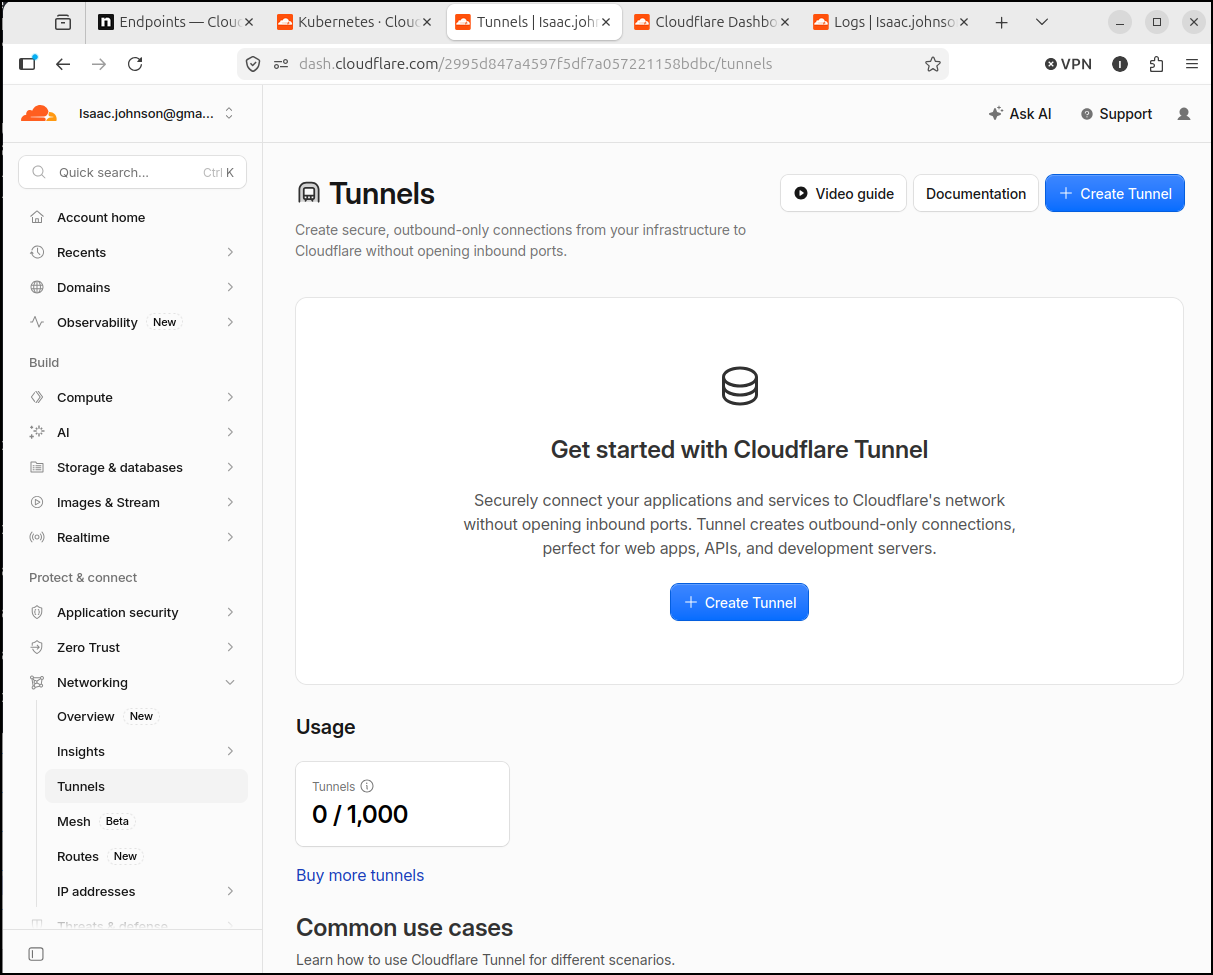
This will give us a tunnel id and token (in the steps)
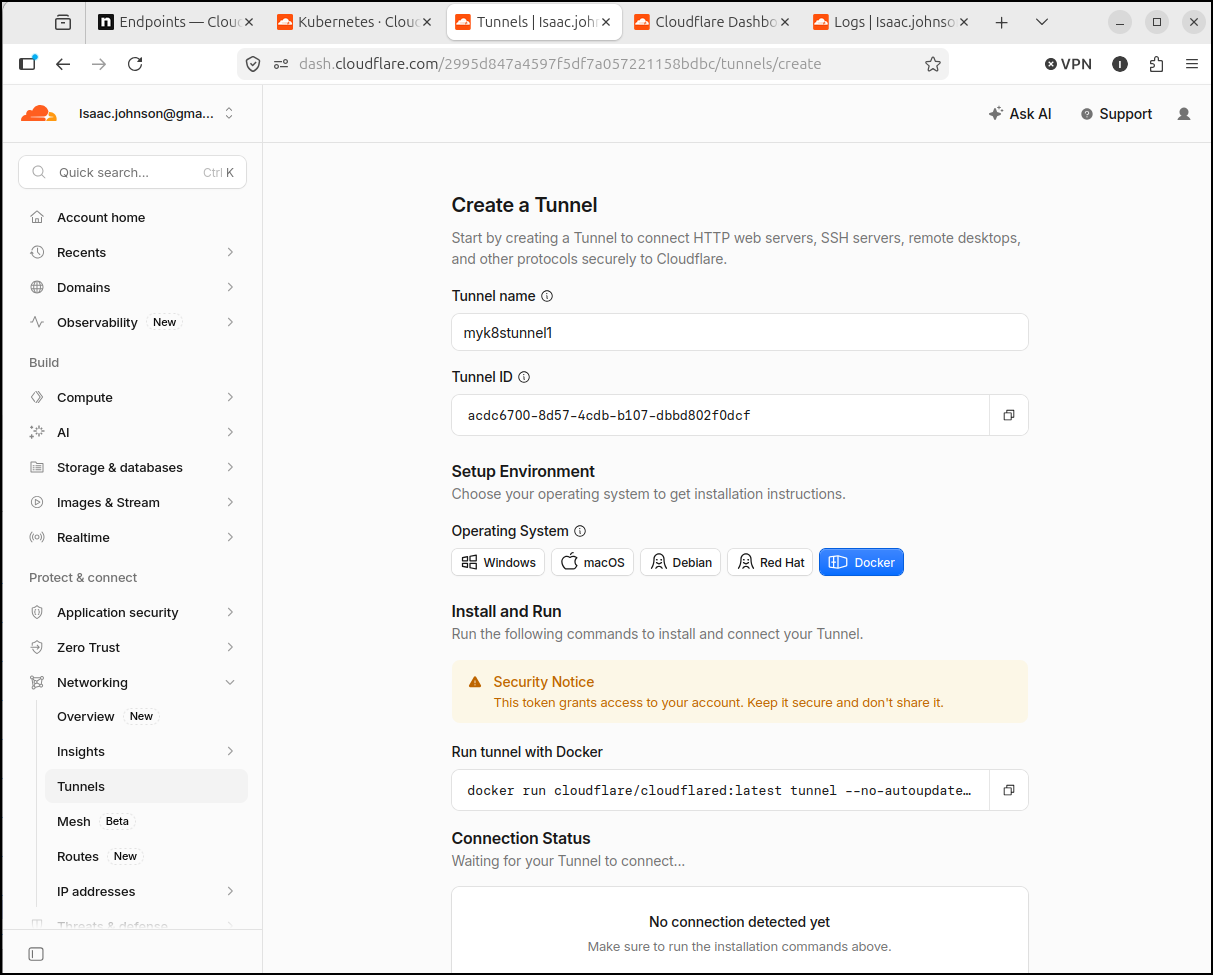
I’ll put that token into a k8s secret
$ cat k8s_cloudflare_secret.yaml | sed 's/token: .*/token: xxxxxxxxxxxxxxxx/'
apiVersion: v1
kind: Secret
metadata:
  name: tunnel-token
stringData:
  token: xxxxxxxxxxxxxxxx

$ kubectl apply -f ./k8s_cloudflare_secret.yaml
  secret/tunnel-token created

$ kubectl get secret tunnel-token
  NAME           TYPE     DATA   AGE
  tunnel-token   Opaque   1      40s
Next, we’ll create and apply a deployment that will spin up cloudflared containers using the token
(base) builder@LuiGi:~/Workspaces/mncampsiteapp$ cat cloudflare_tunnel.yaml
apiVersion: apps/v1
kind: Deployment
metadata:
  name: cloudflared-deployment
  namespace: default
spec:
  replicas: 2
  selector:
    matchLabels:
      pod: cloudflared
  template:
    metadata:
      labels:
        pod: cloudflared
    spec:
      securityContext:
        sysctls:
          # Allows ICMP traffic (ping, traceroute) to resources behind cloudflared.
          - name: net.ipv4.ping_group_range
            value: "65532 65532"
      containers:
        - image: cloudflare/cloudflared:latest
          name: cloudflared
          env:
            # Defines an environment variable for the tunnel token.
            - name: TUNNEL_TOKEN
              valueFrom:
                secretKeyRef:
                  name: tunnel-token
                  key: token
          command:
            # Configures tunnel run parameters
            - cloudflared
            - tunnel
            - --no-autoupdate
            - --loglevel
            - info
            - --metrics
            - 0.0.0.0:2000
            - run
          livenessProbe:
            httpGet:
              # Cloudflared has a /ready endpoint which returns 200 if and only if
              # it has an active connection to Cloudflare's network.
              path: /ready
              port: 2000
            failureThreshold: 1
            initialDelaySeconds: 10
            periodSeconds: 10
(base) builder@LuiGi:~/Workspaces/mncampsiteapp$ kubectl apply -f cloudflare_tunnel.yaml
deployment.apps/cloudflared-deployment created
(base) builder@LuiGi:~/Workspaces/mncampsiteapp$ kubectl get deployments cloudflared-deployment
NAME                     READY   UP-TO-DATE   AVAILABLE   AGE
cloudflared-deployment   2/2     2            2           13s
I have a lot of services in my cluster, so let’s pick something I know is running like toolstack
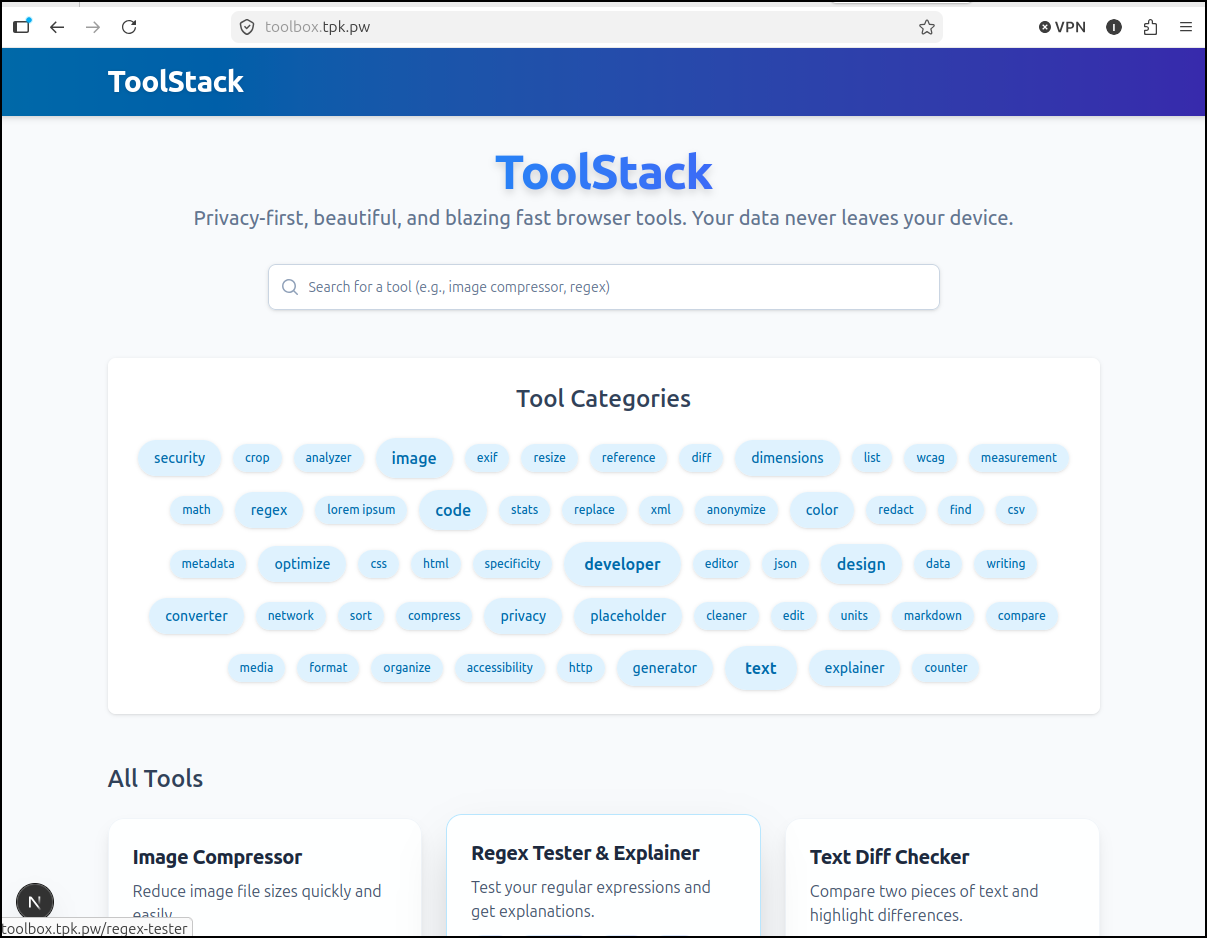
I can now fetch the Kubernetes service details
(base) builder@LuiGi:~/Workspaces/mncampsiteapp$ kubectl get ingress | grep -i toolsta
toolstack-ingress                    <none>   toolbox.tpk.pw                                                  80, 443   225d
(base) builder@LuiGi:~/Workspaces/mncampsiteapp$ kubectl get svc | grep -i toolsta
toolstack-service                                       ClusterIP   10.43.126.174   <none>        80/TCP                                                        225d
(base) builder@LuiGi:~/Workspaces/mncampsiteapp$ kubectl get svc toolstack-service -o yaml
apiVersion: v1
kind: Service
metadata:
  annotations:
    kubectl.kubernetes.io/last-applied-configuration: |
      {"apiVersion":"v1","kind":"Service","metadata":{"annotations":{},"name":"toolstack-service","namespace":"default"},"spec":{"ports":[{"port":80,"protocol":"TCP","targetPort":3000}],"selector":{"app":"toolstack"}}}
  creationTimestamp: "2026-03-03T23:58:19Z"
  name: toolstack-service
  namespace: default
  resourceVersion: "189757141"
  uid: 352e585b-3ac7-4dc3-a6f3-c049fb8c4b42
spec:
  clusterIP: 10.43.126.174
  clusterIPs:
  - 10.43.126.174
  internalTrafficPolicy: Cluster
  ipFamilies:
  - IPv4
  ipFamilyPolicy: SingleStack
  ports:
  - port: 80
    protocol: TCP
    targetPort: 3000
  selector:
    app: toolstack
  sessionAffinity: None
  type: ClusterIP
status:
  loadBalancer: {}
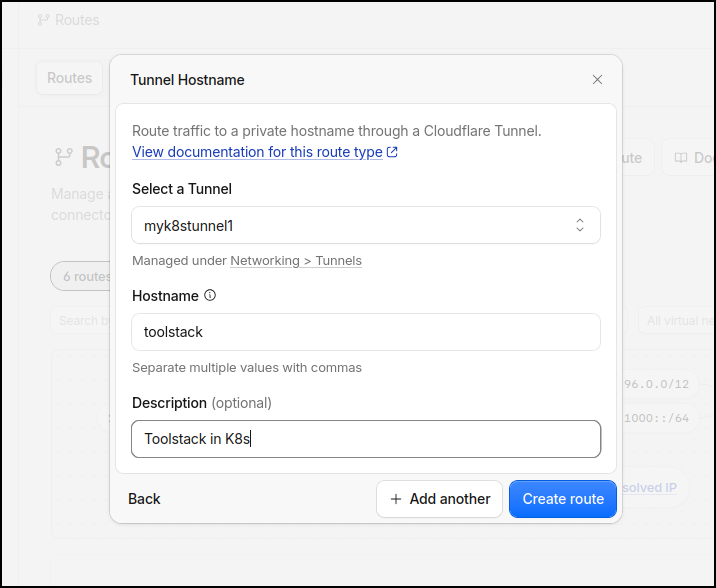
I’m now going to create a route
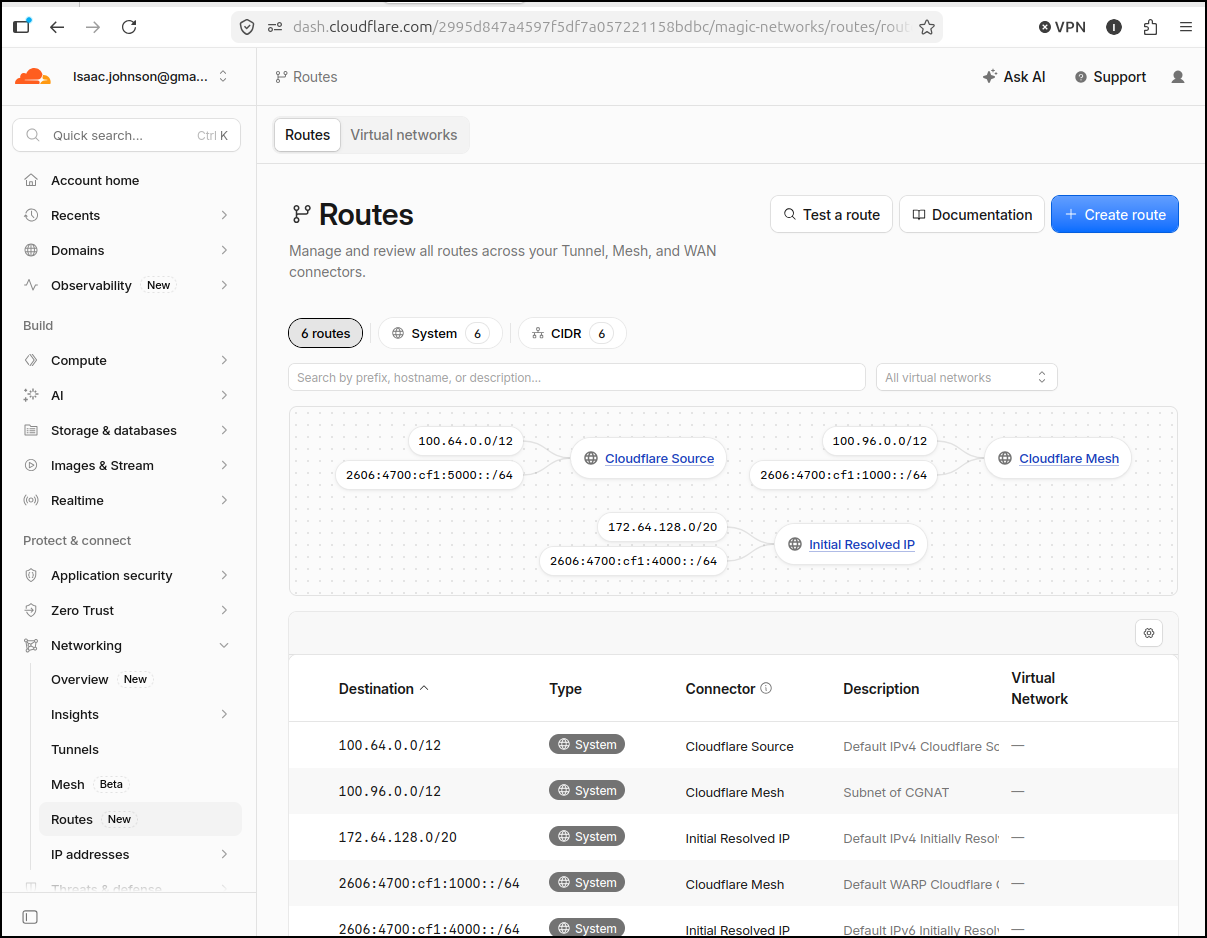
The documentation doesn’t line up now to the UI, but I believe we are looking to add a route to a hostname (second option)
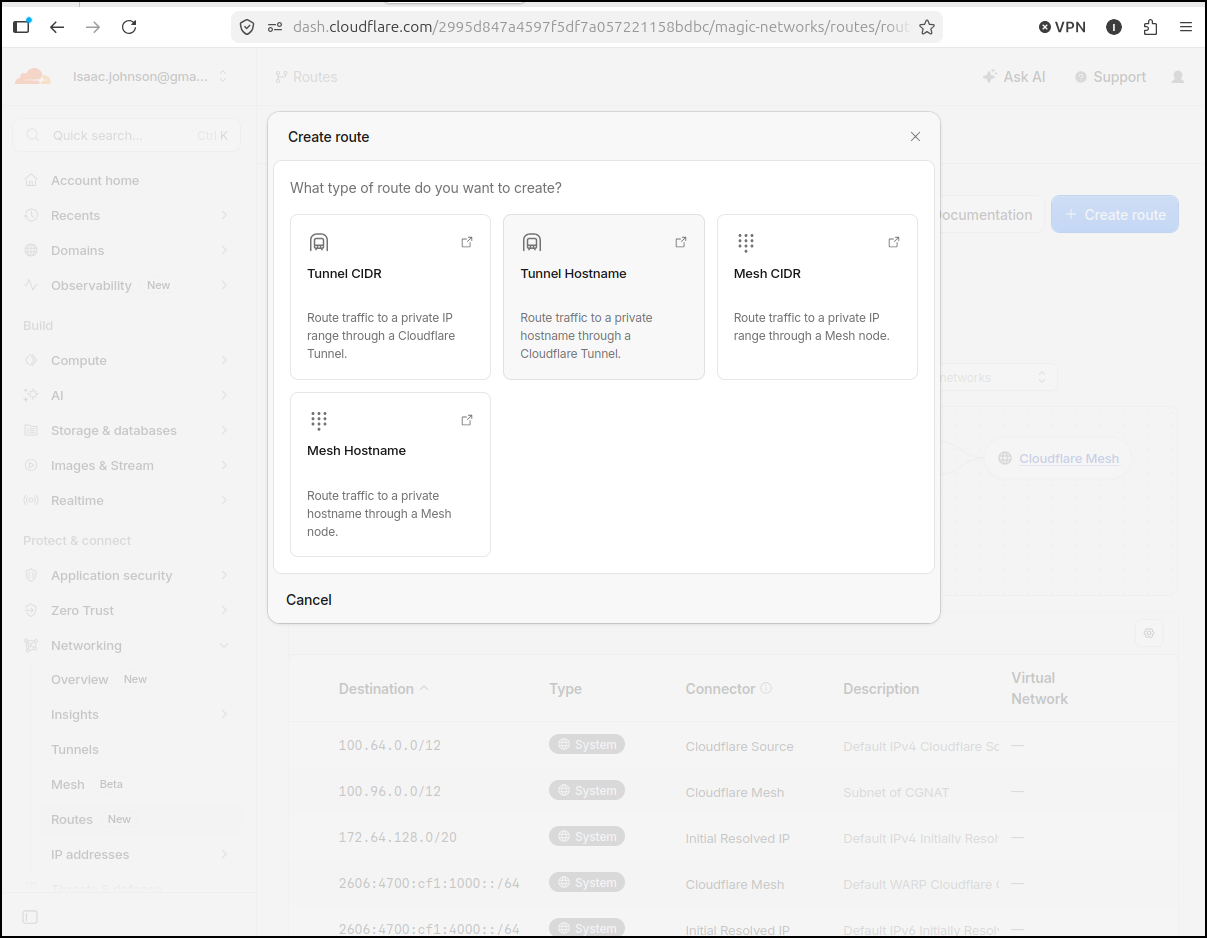
I just need the service name
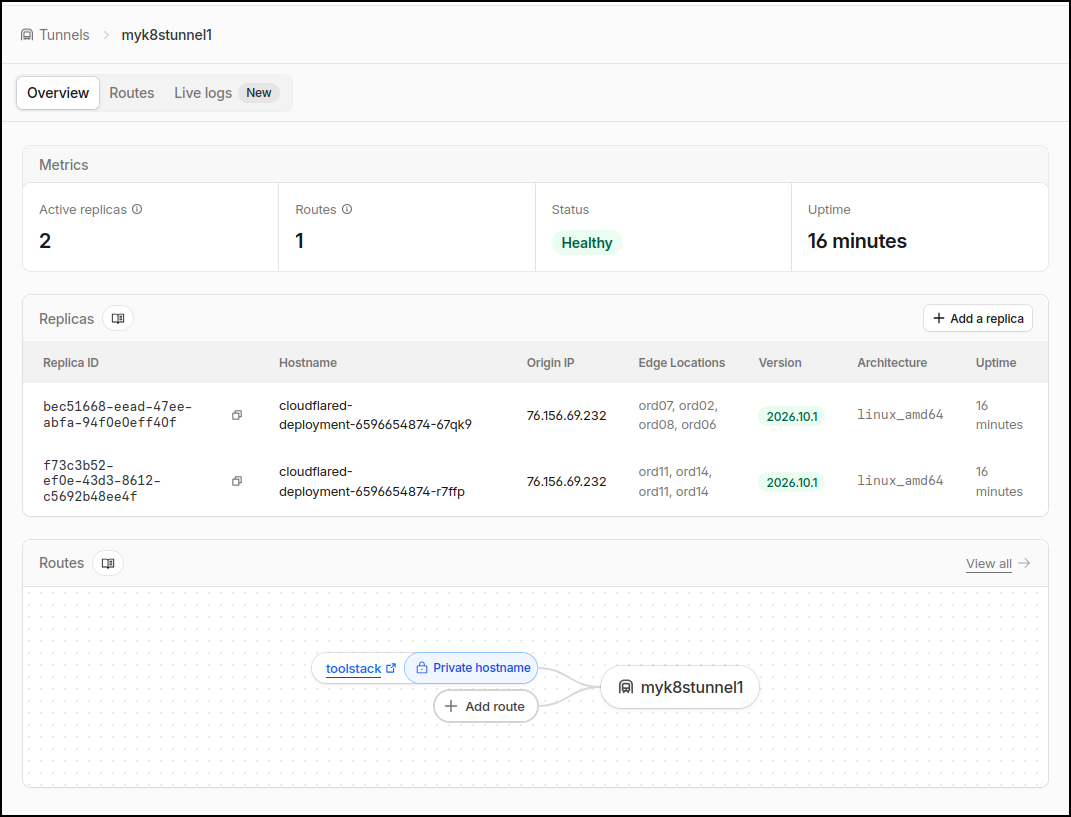
I can see the tunnel
And routes
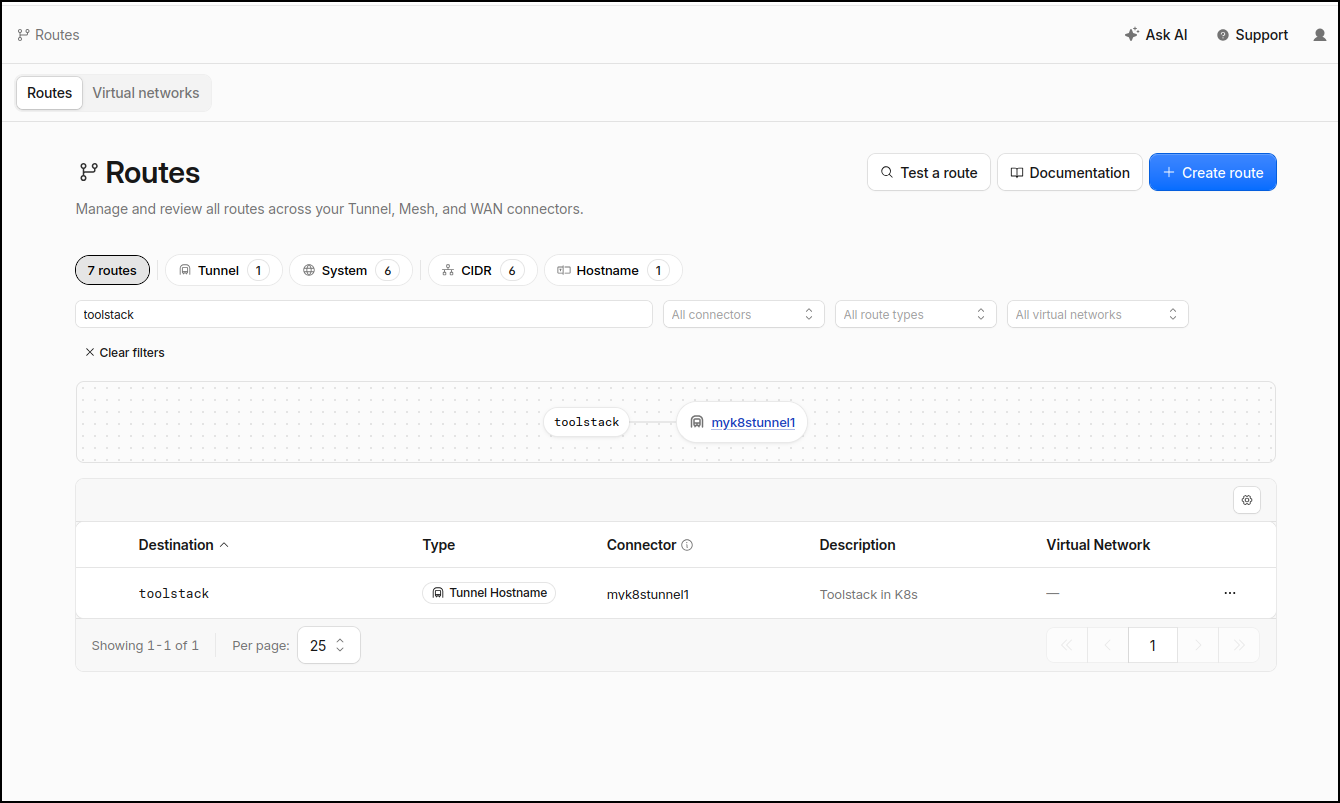
But nowhere does it clue me in on how to reach it.
I’ll try their AI tool
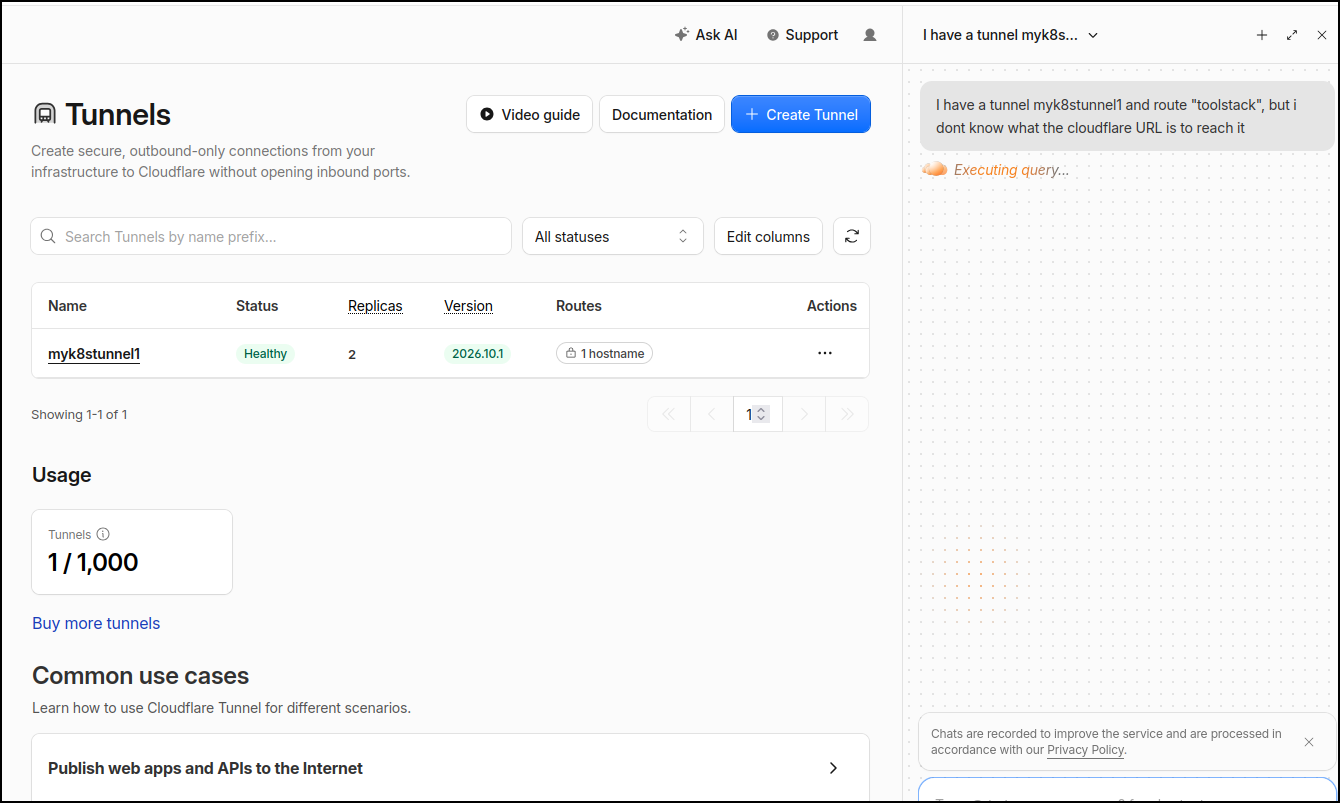
Seems I need to make a zone. While they have a free tier there, I still need to seemingly have a real TLD to point to them
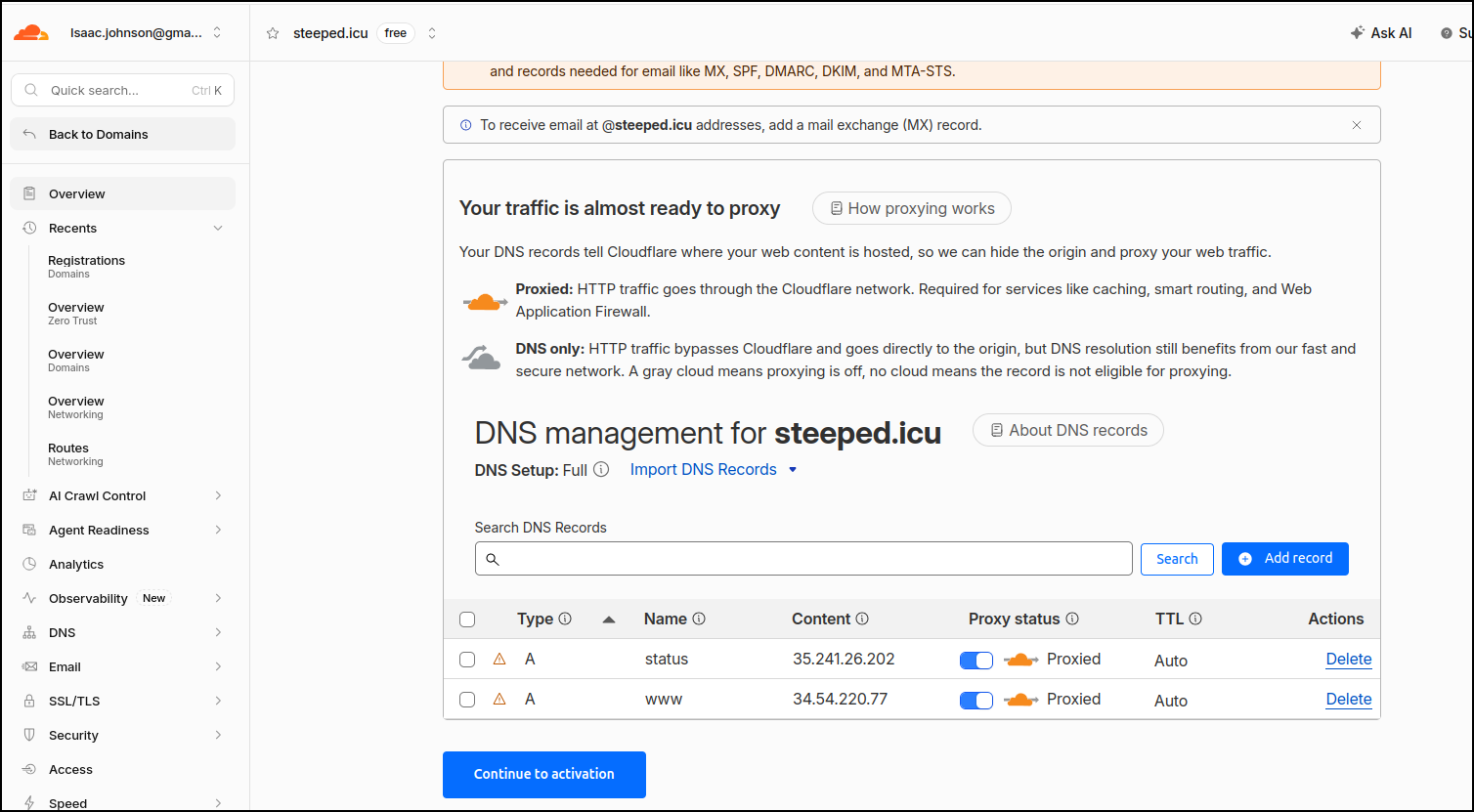
which isn’t really the lightweight option i wanted.
I feel there is a way so I asked Agy for some help
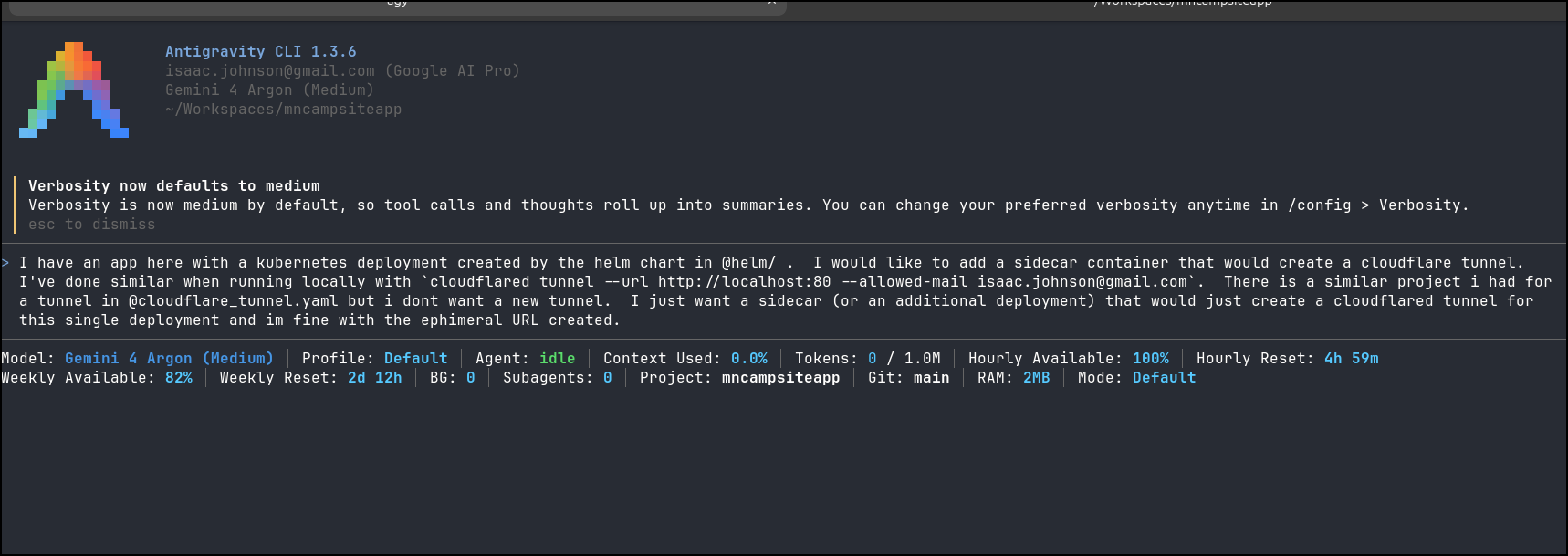
And got a helm update
(base) builder@LuiGi:~/Workspaces/mncampsiteapp$ git diff helm/
diff --git a/helm/mncampsiteapp/templates/NOTES.txt b/helm/mncampsiteapp/templates/NOTES.txt
index b8b70f3..d3b5f8a 100644
--- a/helm/mncampsiteapp/templates/NOTES.txt
+++ b/helm/mncampsiteapp/templates/NOTES.txt
@@ -15,3 +15,10 @@
 2. Port-forward to test locally:
    kubectl --namespace {{ .Release.Namespace }} port-forward svc/{{ include "mncampsiteapp.fullname" . }} 8000:{{ .Values.service.port }}
 {{- end }}
+{{- if .Values.cloudflared.enabled }}
+
+Cloudflare Ephemeral Quick Tunnel is enabled!
+To retrieve your generated *.trycloudflare.com URL, run:
+  kubectl --namespace {{ .Release.Namespace }} logs deploy/{{ include "mncampsiteapp.fullname" . }} -c cloudflared | grep trycloudflare.com
+{{- end }}
+
diff --git a/helm/mncampsiteapp/templates/deployment.yaml b/helm/mncampsiteapp/templates/deployment.yaml
index 40fd2b5..df6f719 100644
--- a/helm/mncampsiteapp/templates/deployment.yaml
+++ b/helm/mncampsiteapp/templates/deployment.yaml
@@ -52,6 +52,37 @@ spec:
           volumeMounts:
             - name: mn-campsite-data
               mountPath: {{ .Values.persistence.mountPath }}
+        {{- if .Values.cloudflared.enabled }}
+        - name: cloudflared
+          image: "{{ .Values.cloudflared.image.repository }}:{{ .Values.cloudflared.image.tag }}"
+          imagePullPolicy: {{ .Values.cloudflared.image.pullPolicy }}
+          command:
+            - cloudflared
+            - tunnel
+            - --no-autoupdate
+            - --loglevel
+            - {{ .Values.cloudflared.loglevel | quote }}
+            - --metrics
+            - "0.0.0.0:{{ .Values.cloudflared.metricsPort }}"
+            - --url
+            - {{ .Values.cloudflared.url | default (printf "http://localhost:%v" .Values.service.targetPort) | quote }}
+            {{- range .Values.cloudflared.extraArgs }}
+            - {{ . | quote }}
+            {{- end }}
+          ports:
+            - name: cf-metrics
+              containerPort: {{ .Values.cloudflared.metricsPort }}
+              protocol: TCP
+          livenessProbe:
+            httpGet:
+              path: /ready
+              port: cf-metrics
+            failureThreshold: 3
+            initialDelaySeconds: 10
+            periodSeconds: 10
+          resources:
+            {{- toYaml .Values.cloudflared.resources | nindent 12 }}
+        {{- end }}
       volumes:
         - name: mn-campsite-data
           {{- if .Values.persistence.enabled }}
diff --git a/helm/mncampsiteapp/values.yaml b/helm/mncampsiteapp/values.yaml
index 6f56bc3..51135db 100644
--- a/helm/mncampsiteapp/values.yaml
+++ b/helm/mncampsiteapp/values.yaml
@@ -131,3 +131,27 @@ resources:
 nodeSelector: {}
 tolerations: []
 affinity: {}
+
+# ----------------------------------------------------------------------------
+# Cloudflare Quick Tunnel Sidecar Configuration (Ephemeral *.trycloudflare.com)
+# ----------------------------------------------------------------------------
+cloudflared:
+  enabled: true
+  image:
+    repository: cloudflare/cloudflared
+    tag: "latest"
+    pullPolicy: IfNotPresent
+  # Target URL to tunnel to. Defaults to http://localhost:<service.targetPort> (8000)
+  url: ""
+  loglevel: info
+  metricsPort: 2000
+  # Optional additional arguments to pass to `cloudflared tunnel`
+  extraArgs: []
+  resources:
+    requests:
+      cpu: 50m
+      memory: 64Mi
+    limits:
+      cpu: 200m
+      memory: 128Mi
+
I’ll now upgrade my app
(base) builder@LuiGi:~/Workspaces/mncampsiteapp$ helm upgrade --install mncampsite -f myvalues.yaml ./helm/mncampsiteapp
Release "mncampsite" has been upgraded. Happy Helming!
NAME: mncampsite
LAST DEPLOYED: Thu Oct 15 19:24:12 2026
NAMESPACE: default
STATUS: deployed
REVISION: 2
DESCRIPTION: Upgrade complete
TEST SUITE: None
NOTES:
1. Minnesota Park & Campsite Explorer has been deployed!
2. Application URL(s):
  https://camping.tpk.pw/

3. Ensure your Google Cloud Console OAuth 2.0 Client includes:
   - Authorized JavaScript origin: https://camping.tpk.pw
   - Authorized redirect URI:      https://camping.tpk.pw/auth/callback

Cloudflare Ephemeral Quick Tunnel is enabled!
To retrieve your generated *.trycloudflare.com URL, run:
  kubectl --namespace default logs deploy/mncampsite-mncampsiteapp -c cloudflared | grep trycloudflare.com
(base) builder@LuiGi:~/Workspaces/mncampsiteapp$ kubectl get po | grep -i camp
mncampsite-mncampsiteapp-5fd94f99b6-9ztzb             2/2     Running            0                  26s
I’ll follow the steps in the output to get the URL
$ kubectl --namespace default logs deploy/mncampsite-mncampsiteapp -c cloudflared | grep trycloudflare.com
2026-10-16T00:24:15Z INF Requesting new quick Tunnel on trycloudflare.com...
2026-10-16T00:24:19Z INF |  https://ethnic-forecast-post-jean.trycloudflare.com
It didn’t seem to work (and I confirmed the URL in the raw logs)
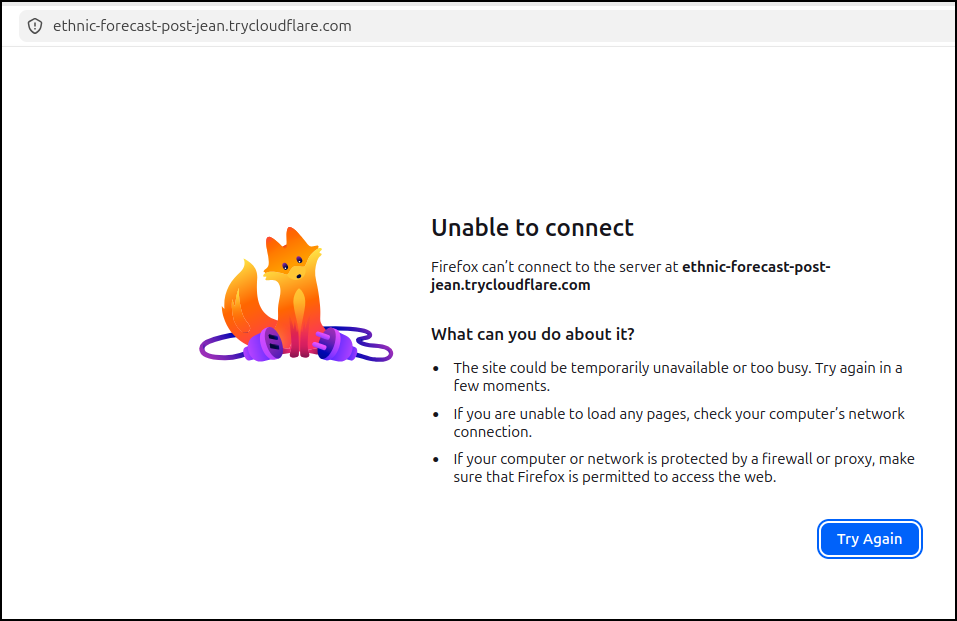
i tried a few approaches. I fired an Ubuntu temporary pod to ensure the Kube DNS was working and then tried updating the deployment’s cloudflared container to the simplest form:
- command:
  - cloudflared
  - tunnel
  - --url
  - http://mncampsite-mncampsiteapp/
I know that URL will work in an Ubuntu pod just fine.
But the updated URL
(base) builder@LuiGi:~/Workspaces/mncampsiteapp$ kubectl get po | grep camp
mncampsite-mncampsiteapp-6b5cc79c7f-j5ggz             2/2     Running            2 (20s ago)         90s
(base) builder@LuiGi:~/Workspaces/mncampsiteapp$ kubectl --namespace default logs deploy/mncampsite-mncampsiteapp -c cloudflared | grep trycloudflare.com
2026-10-16T00:50:32Z INF Requesting new quick Tunnel on trycloudflare.com...
2026-10-16T00:50:35Z INF |  https://steady-instrumental-you-promotion.trycloudflare.com
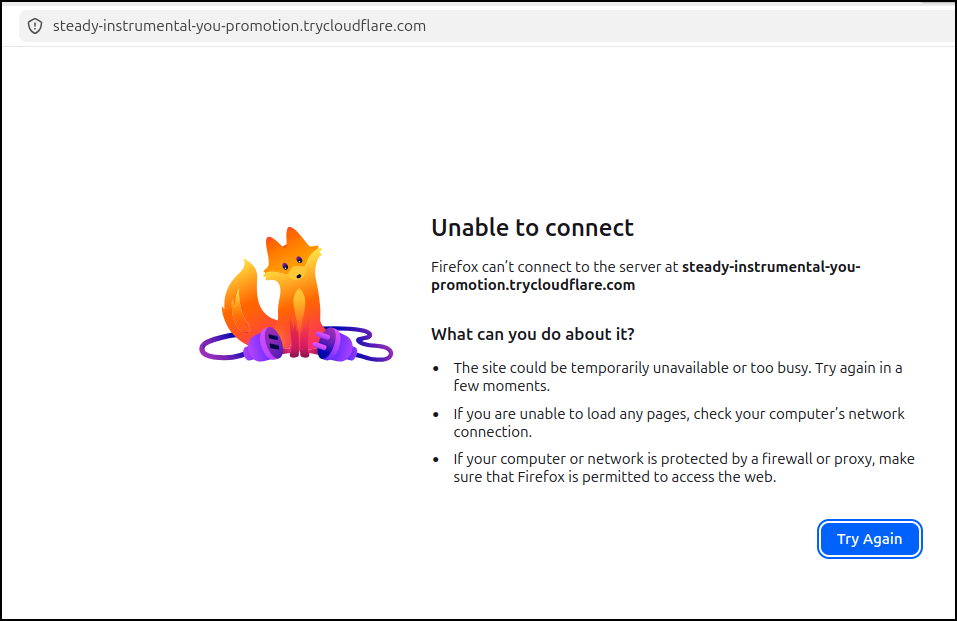
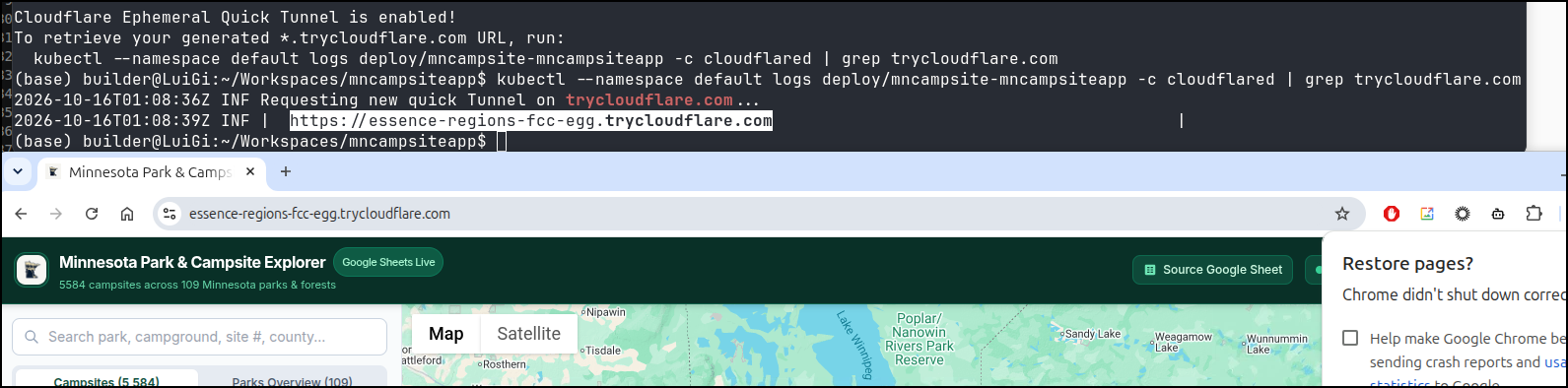
AHHHH I feel dumb*
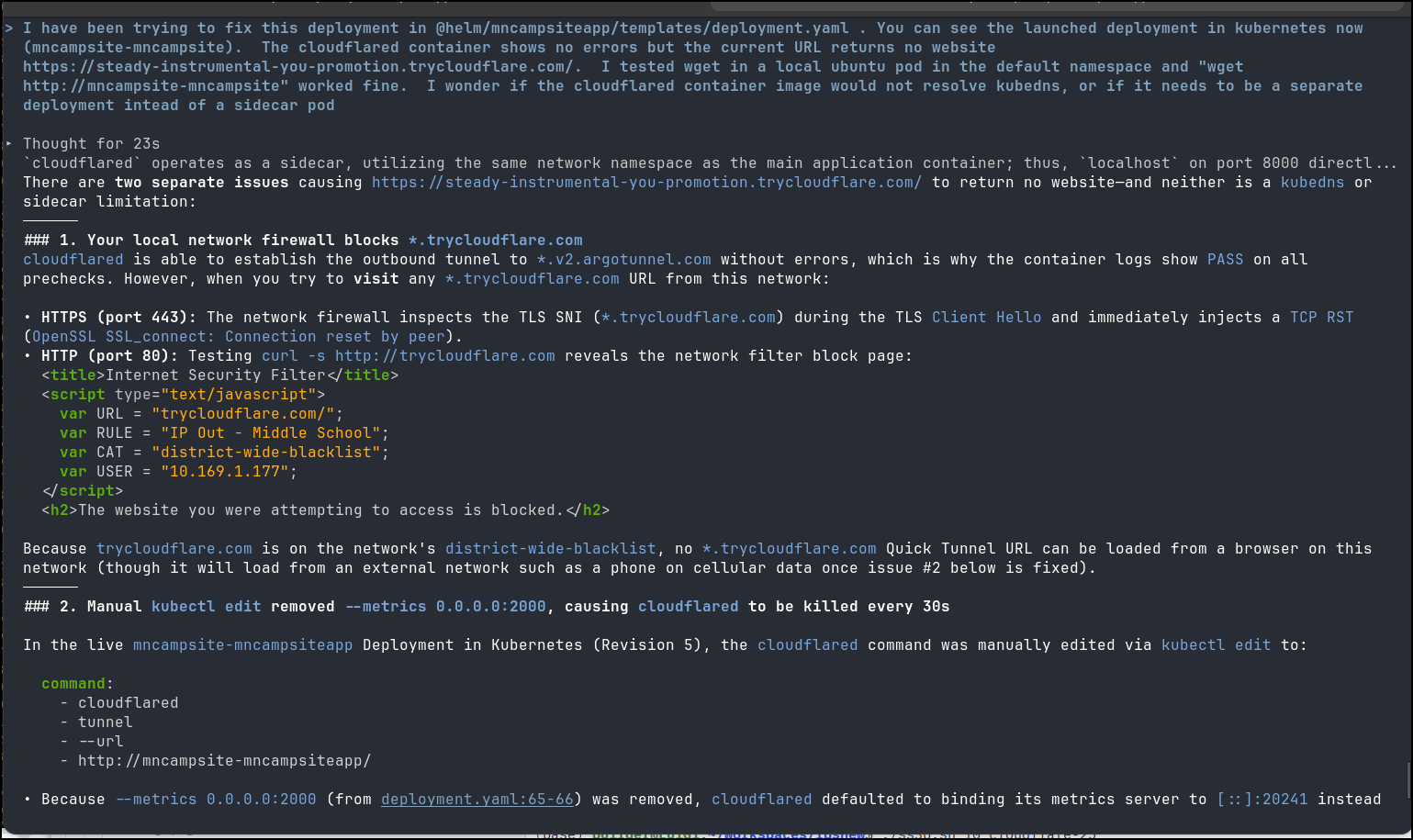
after a bunch of debugging, and asking agy specific questions about the approach it figured it out. a fresh helm to restore what was in the chart worked
Like many times, I’m writing in a middle school swimming pool while my youngest is in synchro practice and the schools WiFi filters were throwing me off!!
So the meat of the work is really a deployment that just redirects to localhost:(pod ip):
$ kubectl get deployment mncampsite-mncampsiteapp -o yaml
apiVersion: apps/v1
kind: Deployment
metadata:
  annotations:
    deployment.kubernetes.io/revision: "1"
    meta.helm.sh/release-name: mncampsite
    meta.helm.sh/release-namespace: default
  creationTimestamp: "2026-10-16T01:08:34Z"
  generation: 1
  labels:
    app.kubernetes.io/instance: mncampsite
    app.kubernetes.io/managed-by: Helm
    app.kubernetes.io/name: mncampsiteapp
    app.kubernetes.io/version: 1.0.0
    helm.sh/chart: mncampsiteapp-0.1.1
  name: mncampsite-mncampsiteapp
  namespace: default
  resourceVersion: "305770925"
  uid: a4c066df-36ea-41ab-98f6-2b1b34b314fe
spec:
  progressDeadlineSeconds: 600
  replicas: 1
  revisionHistoryLimit: 10
  selector:
    matchLabels:
      app.kubernetes.io/instance: mncampsite
      app.kubernetes.io/name: mncampsiteapp
  strategy:
    rollingUpdate:
      maxSurge: 25%
      maxUnavailable: 25%
    type: RollingUpdate
  template:
    metadata:
      annotations:
        checksum/config: 9ec7f20d7bdb34521500578232b6740348b8e58f2dc8d5a941438846a48dda1c
        checksum/secret: fa9f865fa6c8c97765e38d2de89e7d72ef4ed361a83cd2e2f976a2a03f0c0e08
      creationTimestamp: null
      labels:
        app.kubernetes.io/instance: mncampsite
        app.kubernetes.io/name: mncampsiteapp
    spec:
      containers:
      - envFrom:
        - configMapRef:
            name: mncampsite-mncampsiteapp-config
        - secretRef:
            name: mncampsite-mncampsiteapp-secret
        image: harbor.freshbrewed.science/library/mncamping:latest
        imagePullPolicy: IfNotPresent
        livenessProbe:
          failureThreshold: 3
          httpGet:
            path: /api/health
            port: http
            scheme: HTTP
          initialDelaySeconds: 15
          periodSeconds: 30
          successThreshold: 1
          timeoutSeconds: 10
        name: mncampsiteapp
        ports:
        - containerPort: 8000
          name: http
          protocol: TCP
        readinessProbe:
          failureThreshold: 3
          httpGet:
            path: /api/health
            port: http
            scheme: HTTP
          initialDelaySeconds: 10
          periodSeconds: 15
          successThreshold: 1
          timeoutSeconds: 5
        resources:
          limits:
            cpu: 500m
            memory: 512Mi
          requests:
            cpu: 100m
            memory: 256Mi
        securityContext:
          runAsGroup: 1000
          runAsNonRoot: true
          runAsUser: 1000
        terminationMessagePath: /dev/termination-log
        terminationMessagePolicy: File
        volumeMounts:
        - mountPath: /app/data
          name: mn-campsite-data
      - command:
        - cloudflared
        - tunnel
        - --no-autoupdate
        - --loglevel
        - info
        - --metrics
        - 0.0.0.0:2000
        - --url
        - http://localhost:8000
        image: cloudflare/cloudflared:latest
        imagePullPolicy: IfNotPresent
        livenessProbe:
          failureThreshold: 3
          httpGet:
            path: /ready
            port: cf-metrics
            scheme: HTTP
          initialDelaySeconds: 10
          periodSeconds: 10
          successThreshold: 1
          timeoutSeconds: 1
        name: cloudflared
        ports:
        - containerPort: 2000
          name: cf-metrics
          protocol: TCP
        resources:
          limits:
            cpu: 200m
            memory: 128Mi
          requests:
            cpu: 50m
            memory: 64Mi
        terminationMessagePath: /dev/termination-log
        terminationMessagePolicy: File
      dnsPolicy: ClusterFirst
      restartPolicy: Always
      schedulerName: default-scheduler
      securityContext:
        fsGroup: 1000
      terminationGracePeriodSeconds: 30
      volumes:
      - name: mn-campsite-data
        persistentVolumeClaim:
          claimName: mncampsite-mncampsiteapp-data
status:
  availableReplicas: 1
  conditions:
  - lastTransitionTime: "2026-10-16T01:08:52Z"
    lastUpdateTime: "2026-10-16T01:08:52Z"
    message: Deployment has minimum availability.
    reason: MinimumReplicasAvailable
    status: "True"
    type: Available
  - lastTransitionTime: "2026-10-16T01:08:34Z"
    lastUpdateTime: "2026-10-16T01:08:52Z"
    message: ReplicaSet "mncampsite-mncampsiteapp-5fd94f99b6" has successfully progressed.
    reason: NewReplicaSetAvailable
    status: "True"
    type: Progressing
  observedGeneration: 1
  readyReplicas: 1
  replicas: 1
  updatedReplicas: 1
Sure, the name will change on every pod deployment, but who cares - its for testing?
I need not get a DNS name for every idea I have and i could bake this into charts!
NGrok
Let’s just compare the containerized approach with Ngrok
I’ll just add the repo
curl -sSL https://ngrok-agent.s3.amazonaws.com/ngrok.asc | sudo tee /etc/apt/trusted.gpg.d/ngrok.asc >/dev/null
echo "deb https://ngrok-agent.s3.amazonaws.com bookworm main" | sudo tee /etc/apt/sources.list.d/ngrok.list
Then we can install
$ sudo apt update
$ sudo apt install ngrok
I was worried that the steps mention Debian bookworm and this laptop is running Ubuntu Resolute, but it installed
$ sudo apt install ngrok
The following packages were automatically installed and are no longer required:
  cargo-1.93  libgit2-1.9  libstd-rust-1.93  libstd-rust-1.93-dev  python3-pip-whl  python3-setuptools-whl  rustc-1.93
Use 'sudo apt autoremove' to remove them.

Installing:
  ngrok

Summary:
  Upgrading: 0, Installing: 1, Removing: 0, Not Upgrading: 34
  Download size: 8,707 kB
  Space needed: 0 B / 648 GB available

Get:1 https://ngrok-agent.s3.amazonaws.com bookworm/main amd64 ngrok amd64 3.39.11 [8,707 kB]
Fetched 8,707 kB in 2s (5,648 kB/s)
Selecting previously unselected package ngrok.
(Reading database… 360083 files and directories currently installed.)
Preparing to unpack …/ngrok_3.39.11_amd64.deb…
Unpacking ngrok (3.39.11)…
Setting up ngrok (3.39.11)…
I fired up an ngrok CLI
$ ngrok http http://localhost:8080
ERROR:  authentication failed: This ngrok session is not authenticated. ngrok requires an account and a valid credential to start a session.
ERROR:
ERROR:  Sign up for an account: https://dashboard.ngrok.com/signup
ERROR:  Get your credential: https://dashboard.ngrok.com/get-started/your-authtoken
ERROR:
ERROR:  ERR_NGROK_4018
ERROR:  https://ngrok.com/docs/errors/err_ngrok_4018
ERROR:
Ah, seems we cannot do anonymous.
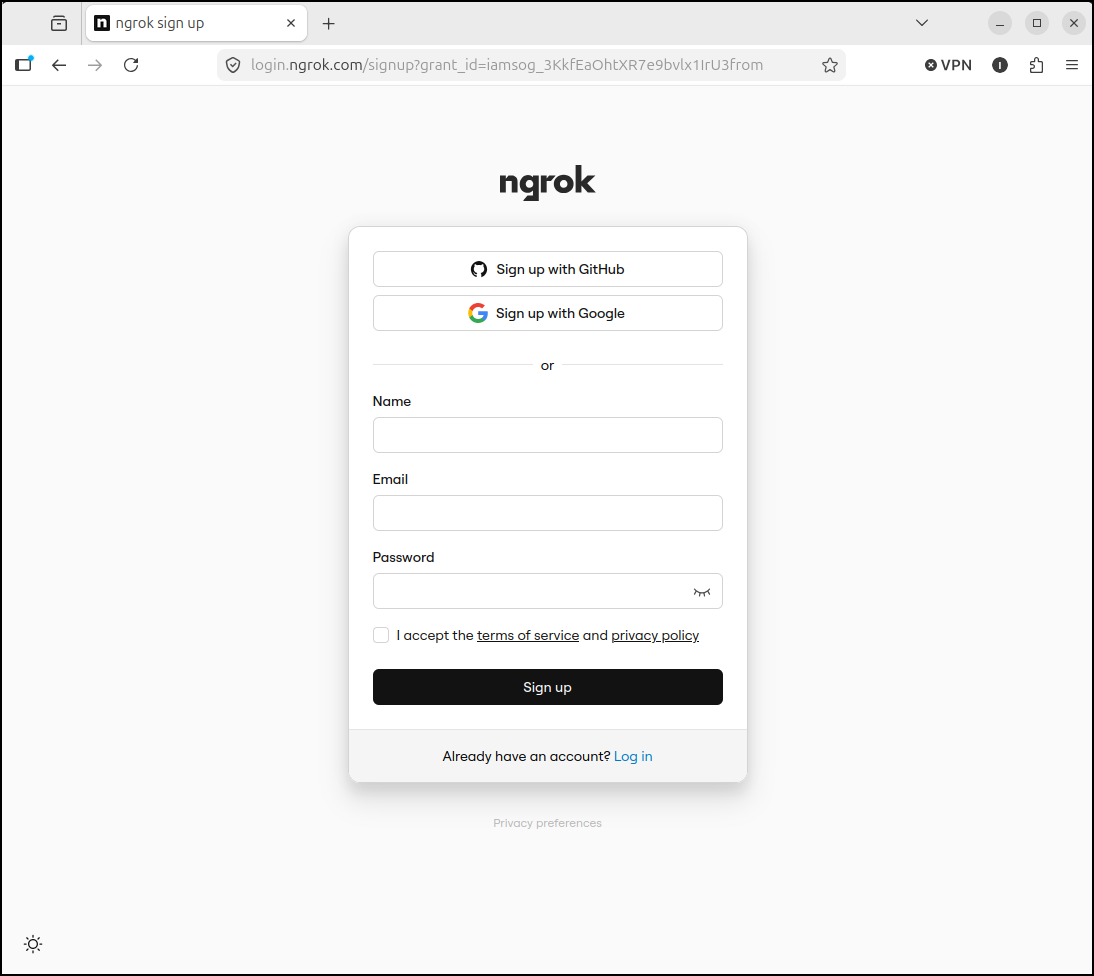
Let’s signup
I see my account has MFA
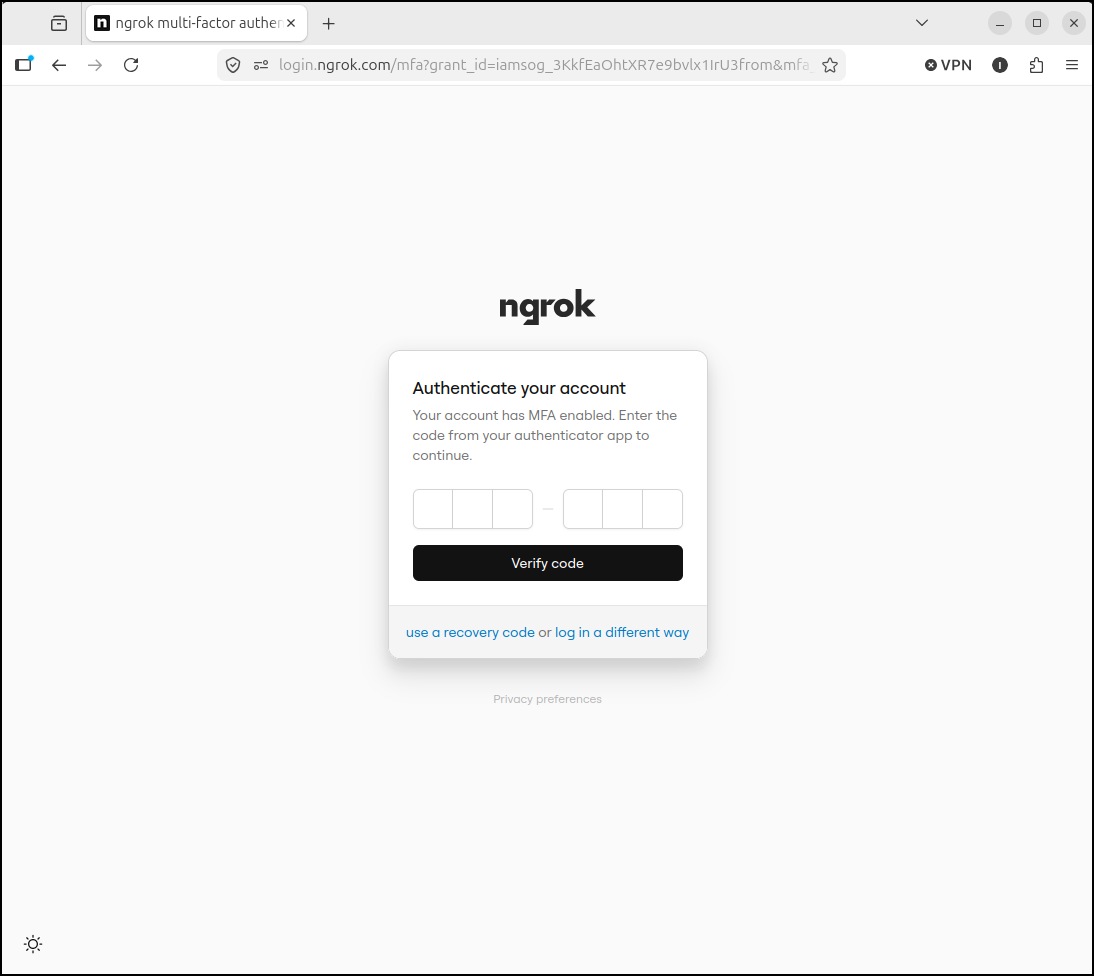
I can login
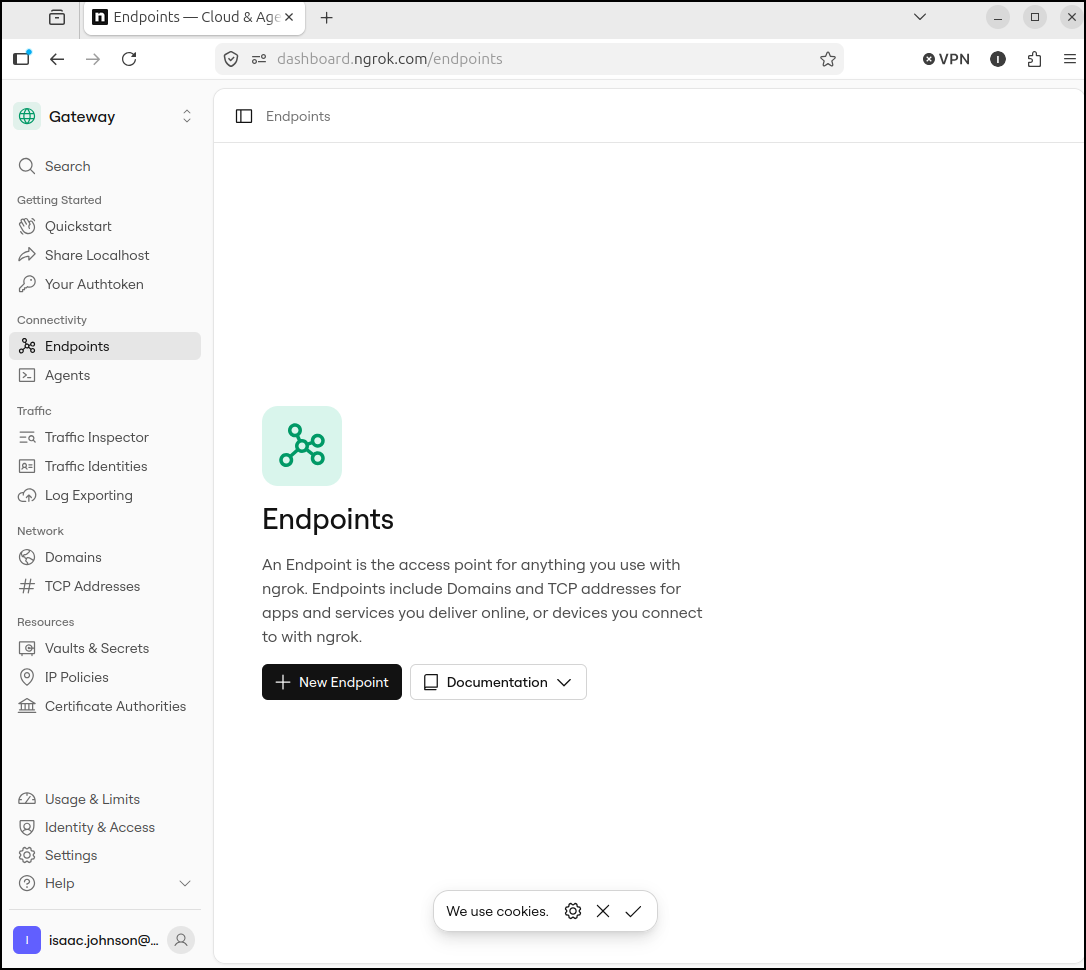
And get the AuthToken
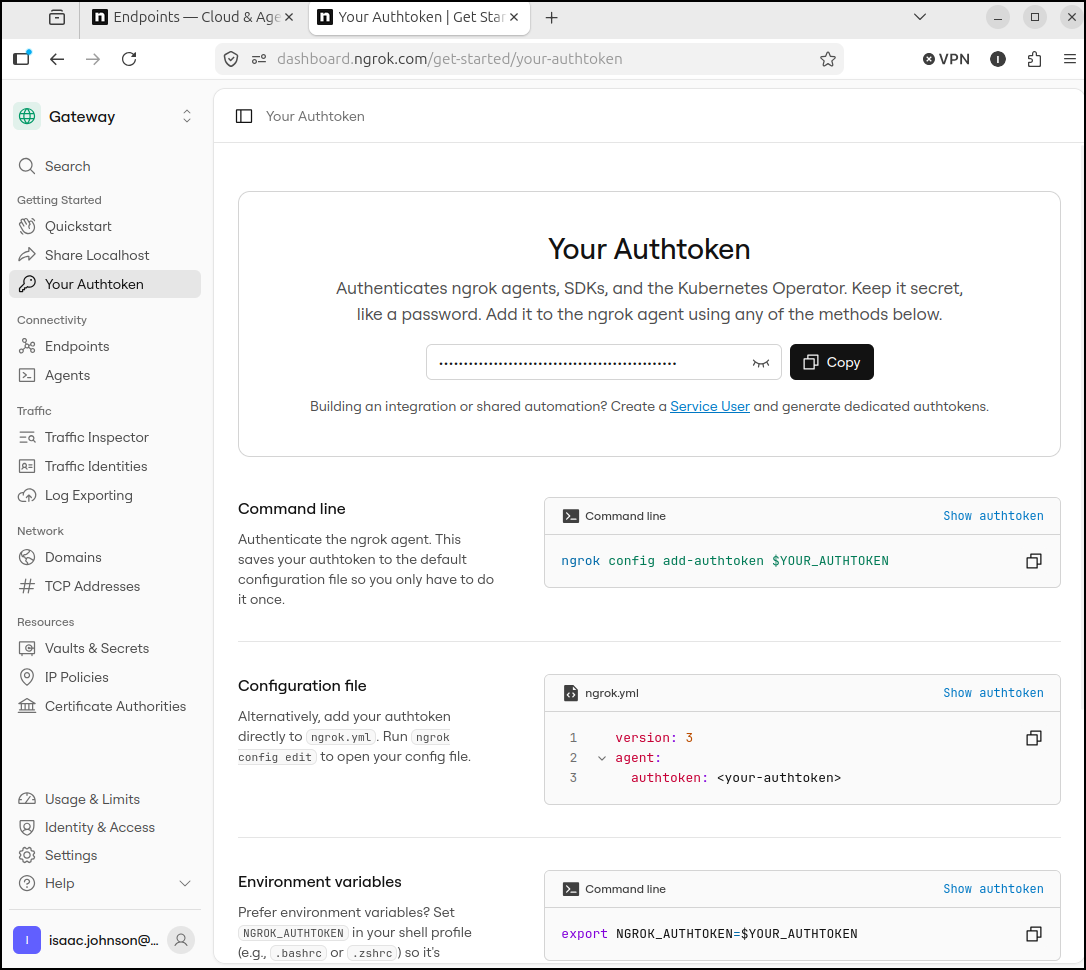
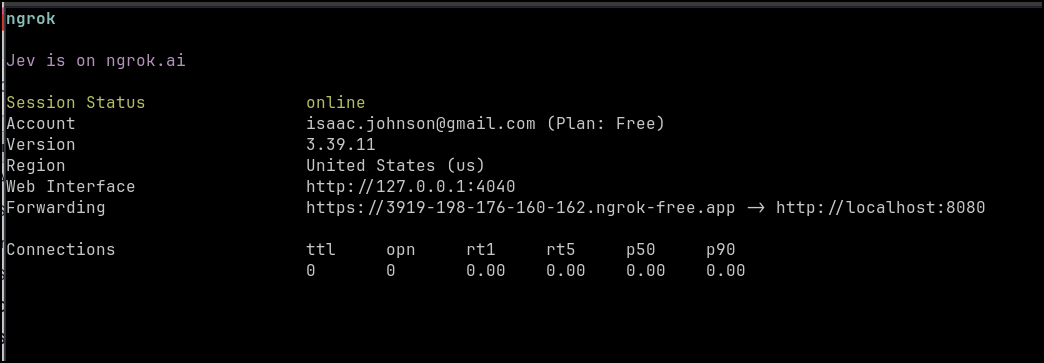
Once I pass in the auth token, ngrok CLI fires up
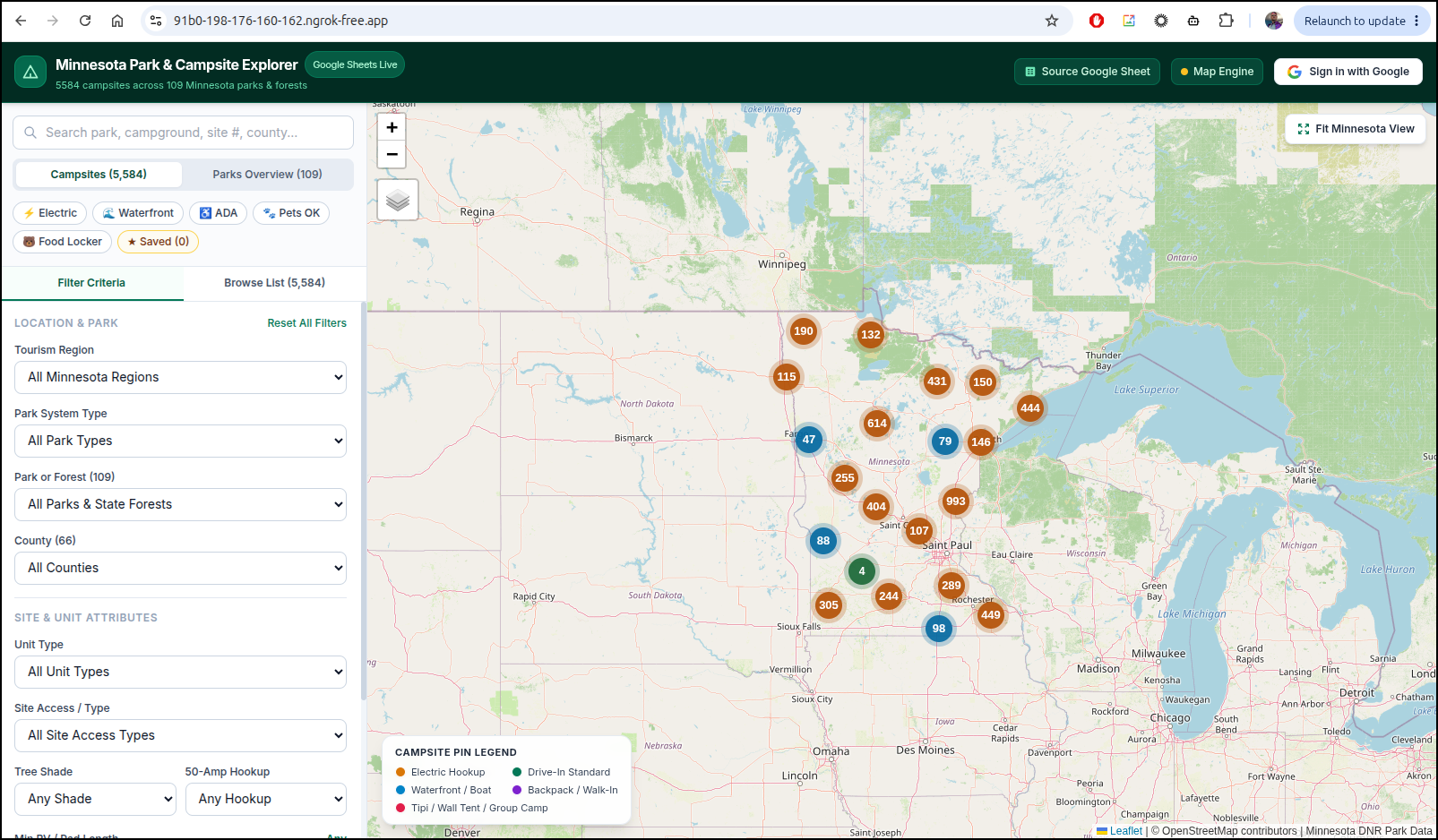
And I can reach my local app
We can see Ngrok has some limits
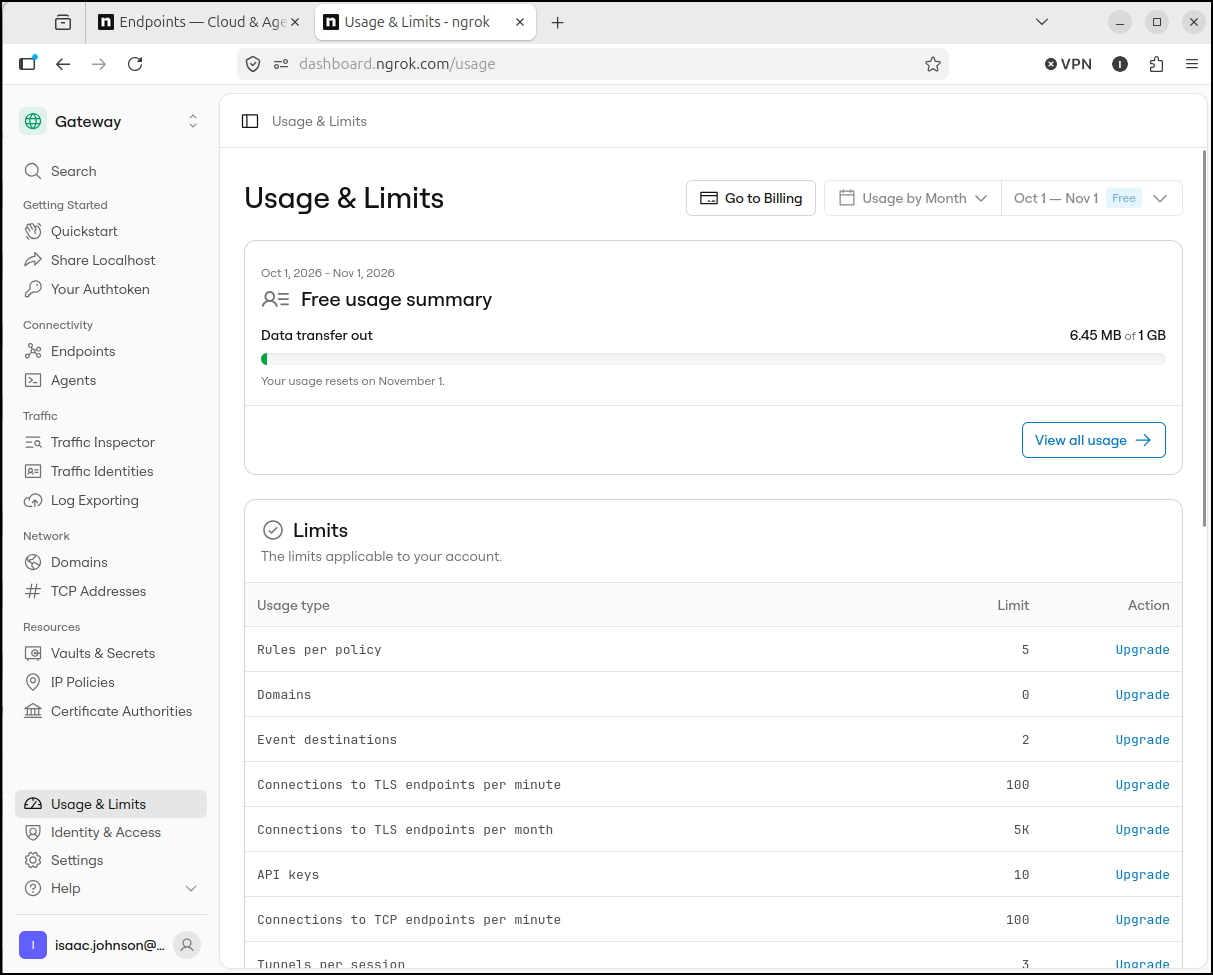
The paid plan is pretty reasonable
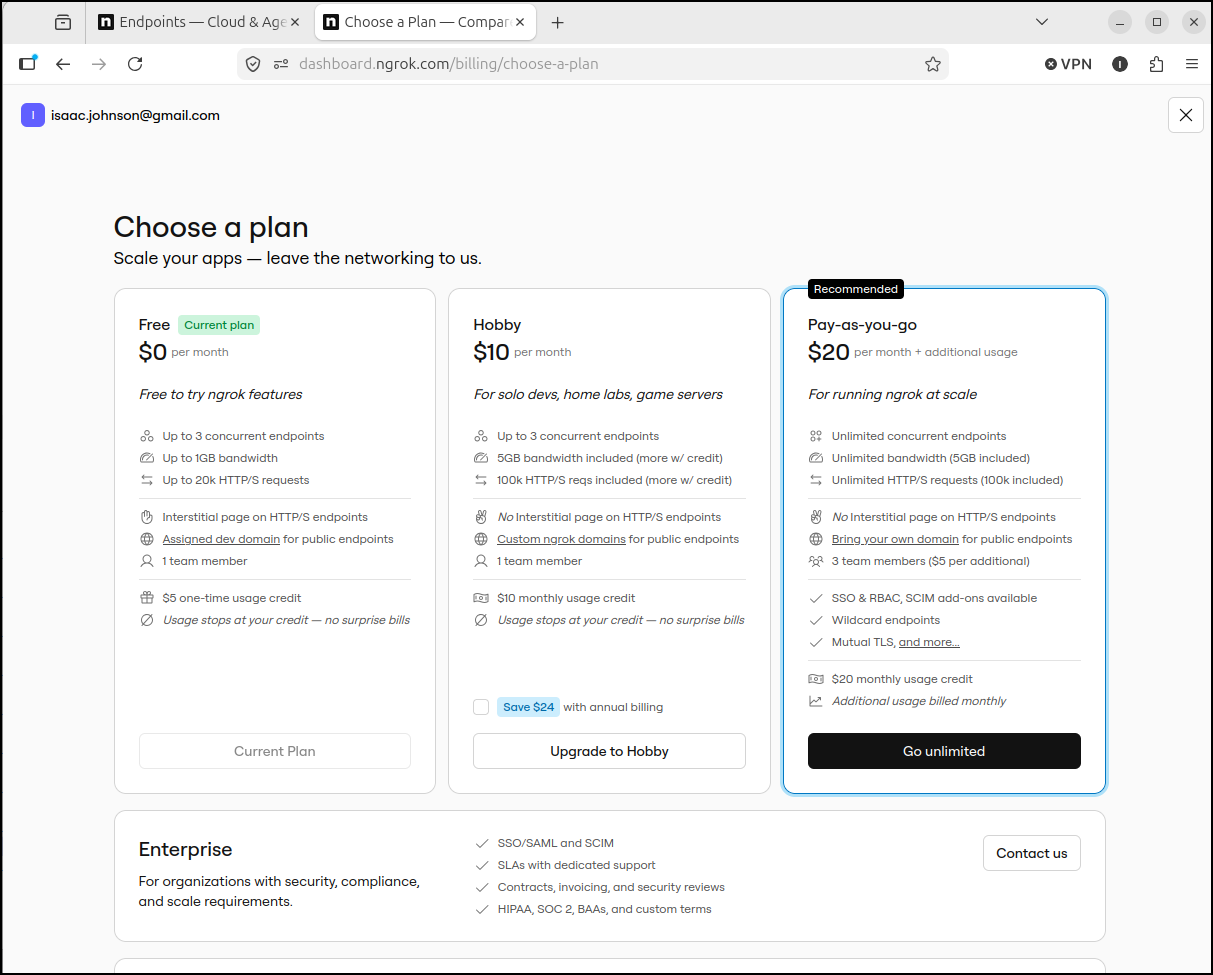
Kubernetes
I can base the ngrok tunnel off the one we did for Cloudflare.
$ git diff
diff --git a/helm/mncampsiteapp/Chart.yaml b/helm/mncampsiteapp/Chart.yaml
index 1c2a543..6955bad 100644
--- a/helm/mncampsiteapp/Chart.yaml
+++ b/helm/mncampsiteapp/Chart.yaml
@@ -2,7 +2,7 @@ apiVersion: v2
 name: mncampsiteapp
 description: A Helm chart for deploying the Minnesota Park & Campsite Explorer FastAPI application on Kubernetes
 type: application
-version: 0.1.1
+version: 0.1.2
 appVersion: "1.0.0"
 keywords:
   - minnesota
diff --git a/helm/mncampsiteapp/templates/NOTES.txt b/helm/mncampsiteapp/templates/NOTES.txt
index d3b5f8a..bdd9b19 100644
--- a/helm/mncampsiteapp/templates/NOTES.txt
+++ b/helm/mncampsiteapp/templates/NOTES.txt
@@ -15,10 +15,9 @@
 2. Port-forward to test locally:
    kubectl --namespace {{ .Release.Namespace }} port-forward svc/{{ include "mncampsiteapp.fullname" . }} 8000:{{ .Values.service.port }}
 {{- end }}
-{{- if .Values.cloudflared.enabled }}
+{{- if .Values.ngrok.enabled }}

-Cloudflare Ephemeral Quick Tunnel is enabled!
-To retrieve your generated *.trycloudflare.com URL, run:
-  kubectl --namespace {{ .Release.Namespace }} logs deploy/{{ include "mncampsiteapp.fullname" . }} -c cloudflared | grep trycloudflare.com
+ngrok Tunnel is enabled!
+To retrieve your generated ngrok URL, run:
+  kubectl --namespace {{ .Release.Namespace }} logs deploy/{{ include "mncampsiteapp.fullname" . }} -c ngrok | grep "url="
 {{- end }}
-
diff --git a/helm/mncampsiteapp/templates/deployment.yaml b/helm/mncampsiteapp/templates/deployment.yaml
index df6f719..339d466 100644
--- a/helm/mncampsiteapp/templates/deployment.yaml
+++ b/helm/mncampsiteapp/templates/deployment.yaml
@@ -52,36 +52,25 @@ spec:
           volumeMounts:
             - name: mn-campsite-data
               mountPath: {{ .Values.persistence.mountPath }}
-        {{- if .Values.cloudflared.enabled }}
-        - name: cloudflared
-          image: "{{ .Values.cloudflared.image.repository }}:{{ .Values.cloudflared.image.tag }}"
-          imagePullPolicy: {{ .Values.cloudflared.image.pullPolicy }}
+        {{- if .Values.ngrok.enabled }}
+        - name: ngrok
+          image: "{{ .Values.ngrok.image.repository }}:{{ .Values.ngrok.image.tag }}"
+          imagePullPolicy: {{ .Values.ngrok.image.pullPolicy }}
           command:
-            - cloudflared
-            - tunnel
-            - --no-autoupdate
-            - --loglevel
-            - {{ .Values.cloudflared.loglevel | quote }}
-            - --metrics
-            - "0.0.0.0:{{ .Values.cloudflared.metricsPort }}"
-            - --url
-            - {{ .Values.cloudflared.url | default (printf "http://localhost:%v" .Values.service.targetPort) | quote }}
-            {{- range .Values.cloudflared.extraArgs }}
+            - ngrok
+            - http
+            - {{ .Values.ngrok.url | default (printf "http://localhost:%v" .Values.service.targetPort) | quote }}
+            - --authtoken
+            - {{ .Values.ngrok.authtoken | quote }}
+            {{- if .Values.ngrok.log }}
+            - --log
+            - {{ .Values.ngrok.log | quote }}
+            {{- end }}
+            {{- range .Values.ngrok.extraArgs }}
             - {{ . | quote }}
             {{- end }}
-          ports:
-            - name: cf-metrics
-              containerPort: {{ .Values.cloudflared.metricsPort }}
-              protocol: TCP
-          livenessProbe:
-            httpGet:
-              path: /ready
-              port: cf-metrics
-            failureThreshold: 3
-            initialDelaySeconds: 10
-            periodSeconds: 10
           resources:
-            {{- toYaml .Values.cloudflared.resources | nindent 12 }}
+            {{- toYaml .Values.ngrok.resources | nindent 12 }}
         {{- end }}
       volumes:
         - name: mn-campsite-data
diff --git a/helm/mncampsiteapp/values.yaml b/helm/mncampsiteapp/values.yaml
index 51135db..e1c444e 100644
--- a/helm/mncampsiteapp/values.yaml
+++ b/helm/mncampsiteapp/values.yaml
@@ -133,19 +133,19 @@ tolerations: []
 affinity: {}

 # ----------------------------------------------------------------------------
-# Cloudflare Quick Tunnel Sidecar Configuration (Ephemeral *.trycloudflare.com)
+# ngrok Tunnel Sidecar Configuration
 # ----------------------------------------------------------------------------
-cloudflared:
+ngrok:
   enabled: true
   image:
-    repository: cloudflare/cloudflared
+    repository: ngrok/ngrok
     tag: "latest"
     pullPolicy: IfNotPresent
   # Target URL to tunnel to. Defaults to http://localhost:<service.targetPort> (8000)
   url: ""
-  loglevel: info
-  metricsPort: 2000
-  # Optional additional arguments to pass to `cloudflared tunnel`
+  authtoken: "xxxxxxxxxxxxxxxxxxxxxxxxxxxxxxxxxxxxxxxxxxx"
+  log: "stdout"
+  # Optional additional arguments to pass to `ngrok http`
   extraArgs: []
   resources:
     requests:
@@ -154,4 +154,3 @@ cloudflared:
     limits:
       cpu: 200m
       memory: 128Mi
-
Now I just helm upgrade
$ !2046
helm upgrade mncampsite ./helm/mncampsiteapp -f myvalues.yaml
Release "mncampsite" has been upgraded. Happy Helming!
NAME: mncampsite
LAST DEPLOYED: Fri Oct 16 06:07:44 2026
NAMESPACE: default
STATUS: deployed
REVISION: 5
DESCRIPTION: Upgrade complete
TEST SUITE: None
NOTES:
1. Minnesota Park & Campsite Explorer has been deployed!
2. Application URL(s):
  https://camping.tpk.pw/

3. Ensure your Google Cloud Console OAuth 2.0 Client includes:
   - Authorized JavaScript origin: https://camping.tpk.pw
   - Authorized redirect URI:      https://camping.tpk.pw/auth/callback

ngrok Tunnel is enabled!
To retrieve your generated ngrok URL, run:
  kubectl --namespace default logs deploy/mncampsite-mncampsiteapp -c ngrok | grep "url="
Once the pods are up, I’ll get the ngrok URL
(base) builder@LuiGi:~/Workspaces/mncampsiteapp$ kubectl get po | grep camp
mncampsite-mncampsiteapp-5d7b77944b-tbh2m             2/2     Running            0                   2m34s
(base) builder@LuiGi:~/Workspaces/mncampsiteapp$ kubectl --namespace default logs deploy/mncampsite-mncampsiteapp -c ngrok | grep "url="
t=2026-10-16T11:07:53+0000 lvl=info msg="started tunnel" obj=tunnels name=command_line addr=http://localhost:8000 url=https://e486-76-156-69-232.ngrok-free.app
(base) builder@LuiGi:~/Workspaces/mncampsiteapp$
And indeed it worked just fine
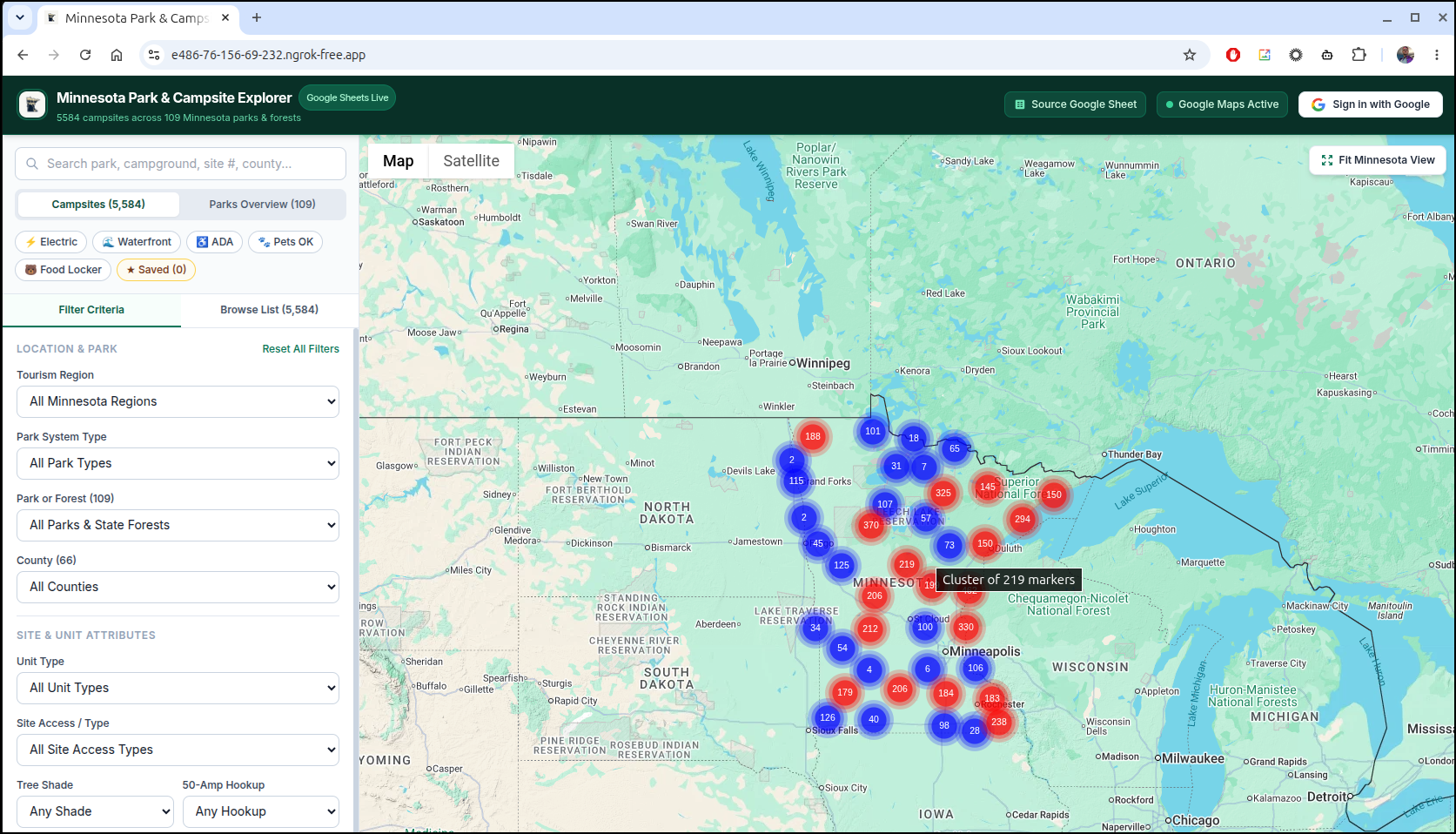
We can also just check the ngrok logs on the container
$ kubectl logs mncampsite-mncampsiteapp-5d7b77944b-tbh2m -c ngrok
t=2026-10-16T11:07:53+0000 lvl=info msg="no configuration paths supplied"
t=2026-10-16T11:07:53+0000 lvl=info msg="ignoring default config path" path=/home/ngrok/.config/ngrok/ngrok.yml err="stat /home/ngrok/.config/ngrok/ngrok.yml: no such file or directory"
t=2026-10-16T11:07:53+0000 lvl=info msg="FIPS 140 mode" enabled=false
t=2026-10-16T11:07:53+0000 lvl=info msg="starting web service" obj=web addr=127.0.0.1:4040 allow_hosts=[]
t=2026-10-16T11:07:53+0000 lvl=info msg="client session established" obj=tunnels.session
t=2026-10-16T11:07:53+0000 lvl=info msg="tunnel session started" obj=tunnels.session
t=2026-10-16T11:07:53+0000 lvl=info msg="update available" obj=updater
t=2026-10-16T11:07:53+0000 lvl=info msg="started tunnel" obj=tunnels name=command_line addr=http://localhost:8000 url=https://e486-76-156-69-232.ngrok-free.app
t=2026-10-16T11:11:05+0000 lvl=info msg="join connections" obj=join id=76ac30166c71 l=127.0.0.1:8000 r=76.156.69.232:34586
t=2026-10-16T11:11:06+0000 lvl=info msg="join connections" obj=join id=82d28e5a01b2 l=127.0.0.1:8000 r=76.156.69.232:34586
t=2026-10-16T11:11:07+0000 lvl=info msg="join connections" obj=join id=e057a0311b5e l=127.0.0.1:8000 r=76.156.69.232:34586
Summary
The goal today was to look into Cloudflare Tunnels and see what they could do. We wanted to set them up locally then compare the offering to ngrok tunnels.
I also wanted to see how hard they would be to add to a simple Kubernetes deployment. I used Antigravity to help tweak those up with the only issue coming due to WiFi filters blocking testing where I was at the time.
Both companies have paid tiers. Cloudflare pricing shows they really give a lot away in the free tier. If you dig into Ngrok pricing you’ll find a lot more limits in the free tier. The companies though are quite different in size. NGrok has about $50m in funding since 2015 and about 80 employees whereas Cloudflare pulls in about $2.2 billion a year and has 5200 or so employees.
I knew of NGrok from back at AWS Re:Invent 2016 where it was used heavily in the on-site demos. Cloudflare I think everyone knows about.
Regardless, both tunneling solutions are pretty slick and if you are a small hobbyist like myself, I might argue Ngrok has the nicer paid plan at $10/mo (“Hobbyist”) compared to the lowest Cloudflare plan at $20/mo (“Pro”). However, Cloudflare has a lot more to offer and certainly can scale with traffic.