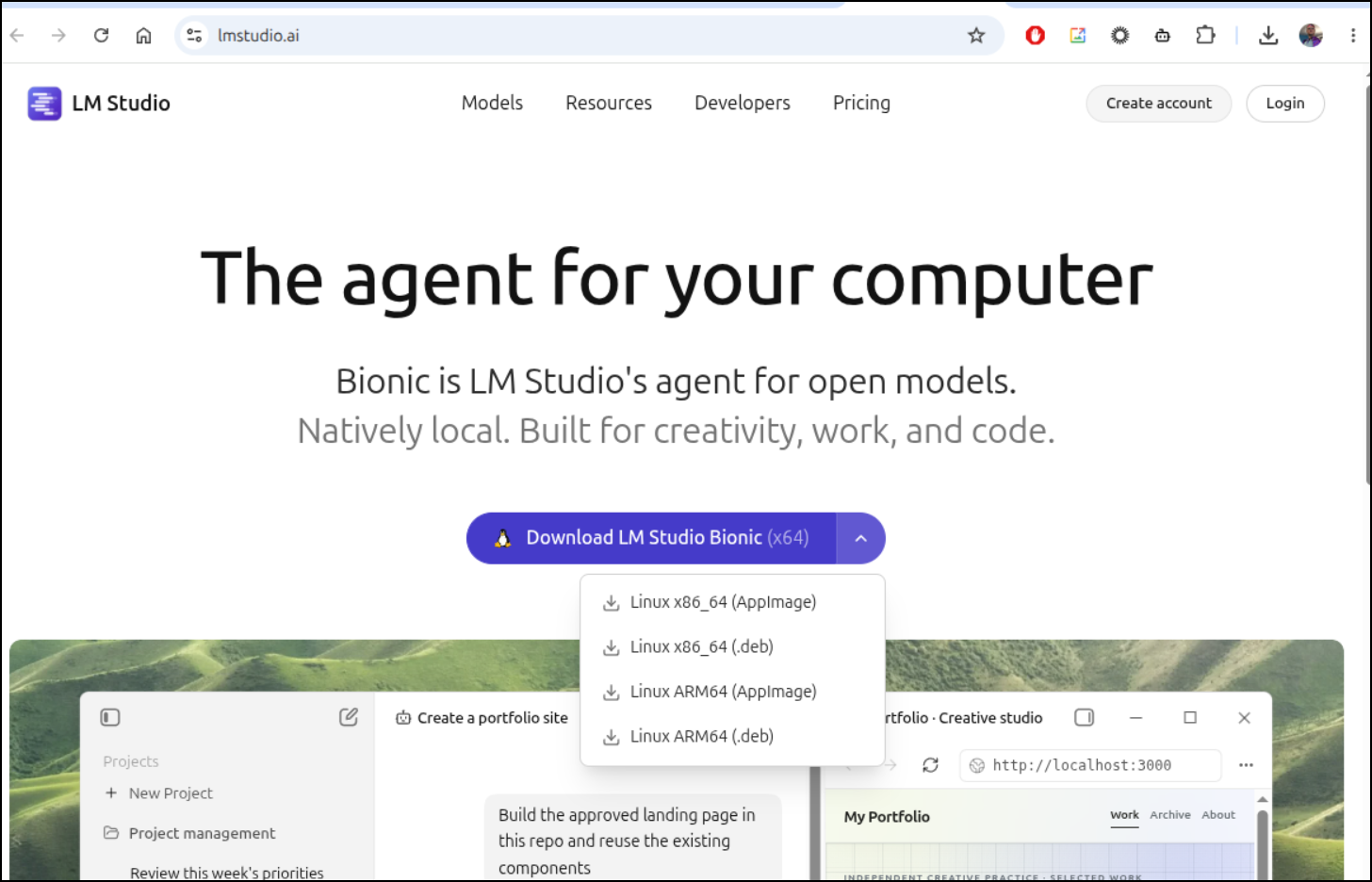
The first thing that caught me up going to lmstudio.ai was the default download is an AppImage file
but you can use the dropdown to pick a .deb instead
Next, I want to stop Ollama before moving on to LM Studio
isaac@isaac-G707:~/Workspaces/fbsnew$ ollama ps
NAME    ID    SIZE    PROCESSOR    CONTEXT    UNTIL
isaac@isaac-G707:~/Workspaces/fbsnew$ sudo systemctl stop ollama.service
[sudo: authenticate] Password:
isaac@isaac-G707:~/Workspaces/fbsnew$ ollama ps
Error: could not connect to ollama server, run 'ollama serve' to start it
isaac@isaac-G707:~/Workspaces/fbsnew$
I can now install it
$ sudo apt install /home/isaac/Downloads/Bionic-1.2.1-10-x64.deb
Note, selecting 'lmstudio-bionic' instead of '/home/isaac/Downloads/Bionic-1.2.1-10-x64.deb'
The following package was automatically installed and is no longer required:
  grub-pc-bin
Use 'sudo apt autoremove' to remove it.

Installing:
  lmstudio-bionic

Summary:
  Upgrading: 0, Installing: 1, Removing: 0, Not Upgrading: 44
  Download size: 0 B / 997 MB
  Space needed: 3,173 MB / 702 GB available

Get:1 /home/isaac/Downloads/Bionic-1.2.1-10-x64.deb lmstudio-bionic amd64 1.2.1+10 [997 MB]
Selecting previously unselected package lmstudio-bionic.
(Reading database… 327993 files and directories currently installed.)
Preparing to unpack …/Bionic-1.2.1-10-x64.deb…
Unpacking lmstudio-bionic (1.2.1+10)…
Setting up lmstudio-bionic (1.2.1+10)…
update-alternatives: using /opt/Bionic/bionic to provide /usr/bin/bionic (bionic) in auto mode
Processing triggers for hicolor-icon-theme (0.18-2build1)…
Processing triggers for gnome-menus (3.38.1-1ubuntu1)…
Processing triggers for desktop-file-utils (0.28-1build1)…
Notice: Download is performed unsandboxed as root as file '/home/isaac/Downloads/Bionic-1.2.1-10-x64.deb' couldn't be accessed by user '_apt'. - pkgAcquire::Run (13: Permission denied)
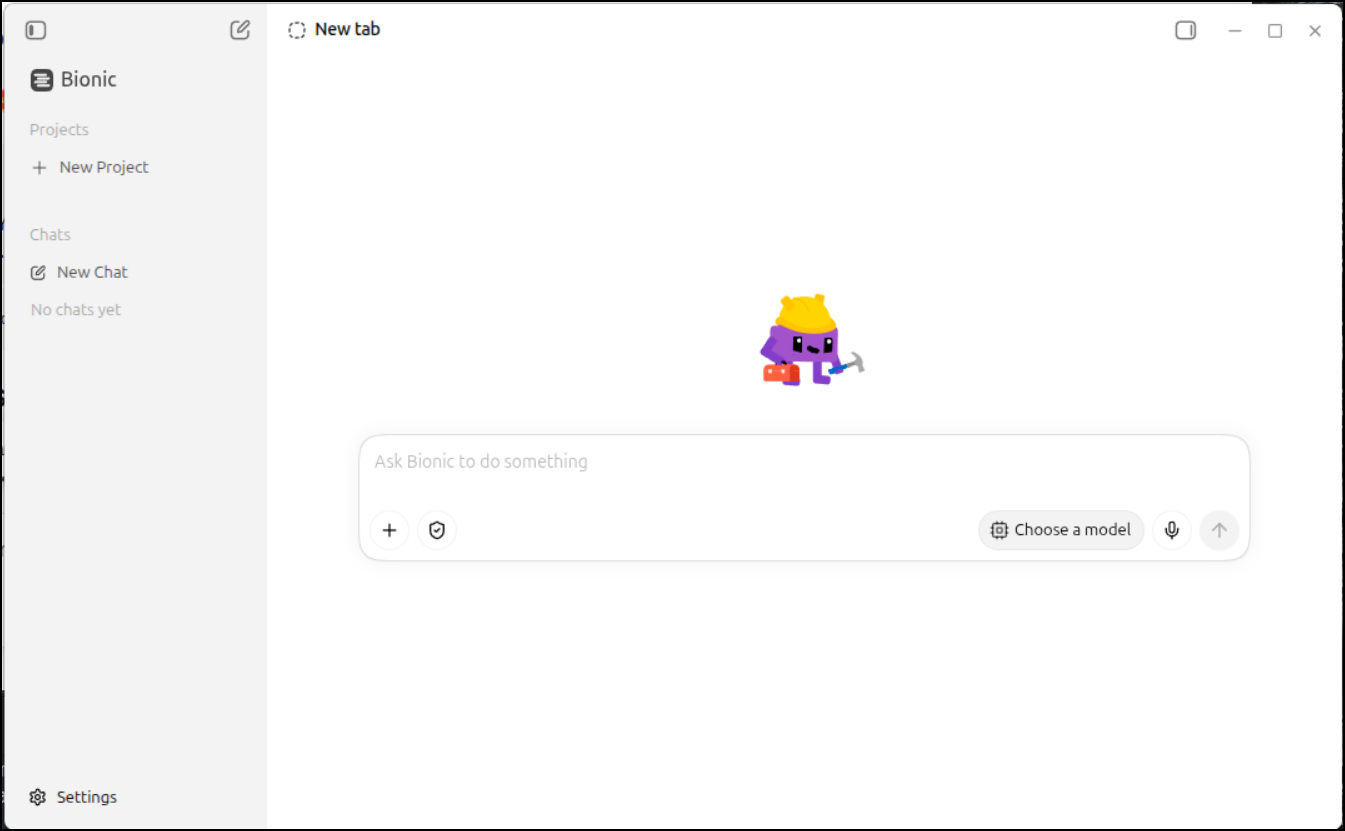
This installed “Bionic” - which I now realize is their fat client app. They call it an agent (the most overused word today)
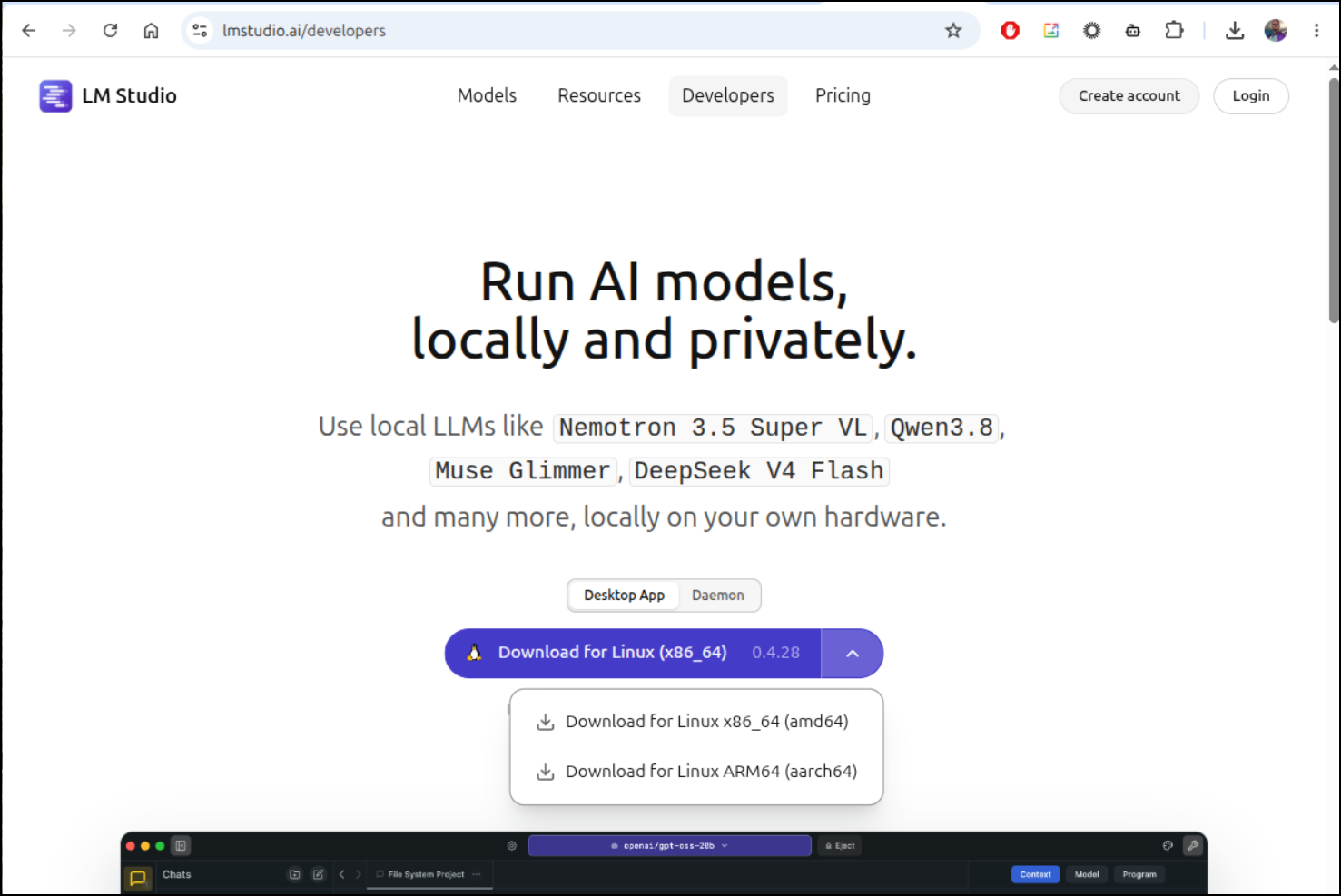
So I went back and found the “LM Studio” ?app under “Developers” which sadly downloads an AppImage, not deb
But once downloaded and set to 755 perms, I could fire it up
I can now download a model
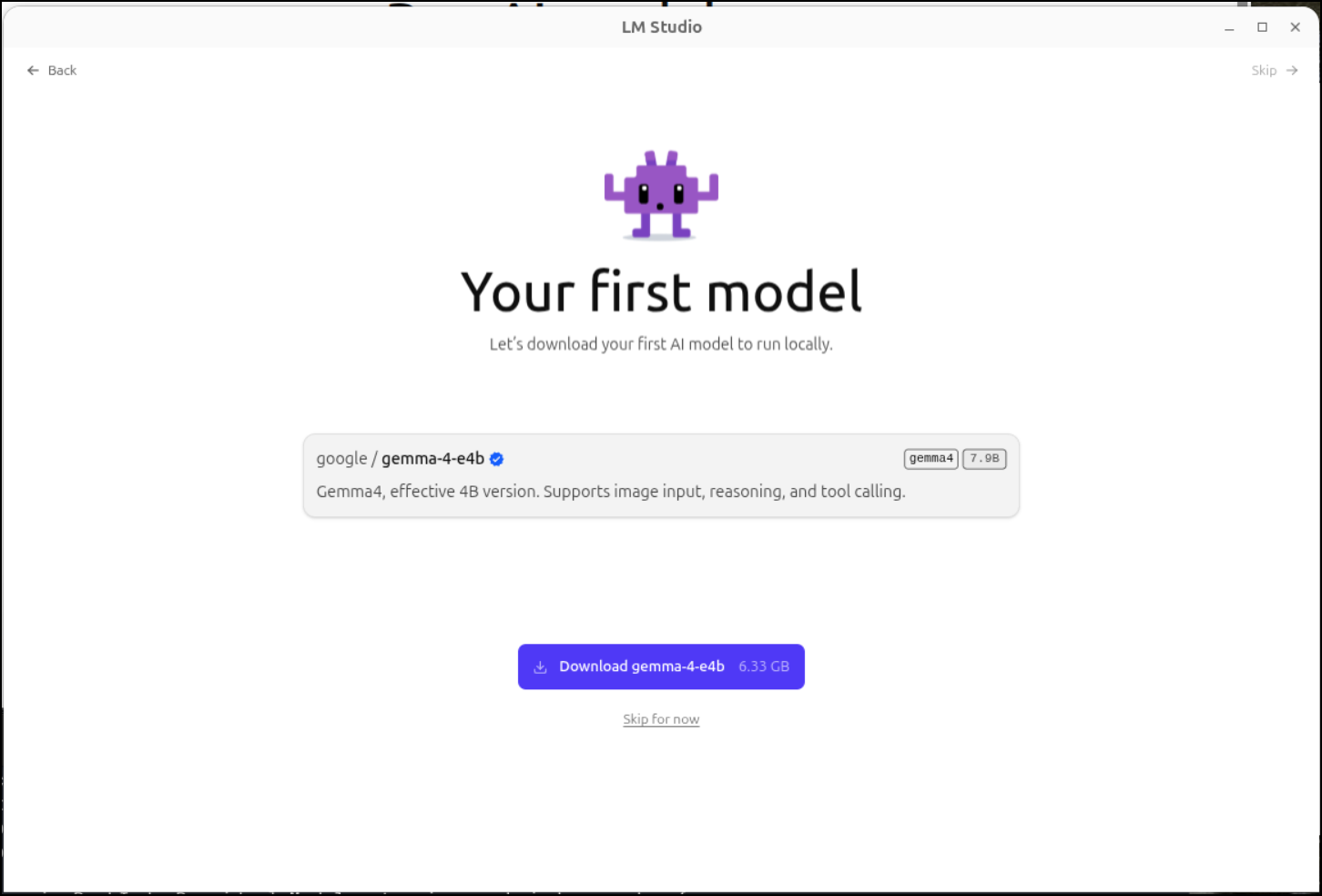
I noticed from the terminal logs that is going in a ~/.lmstudio/models folder (/home/isaac/.lmstudio/models) so i may need to move/symlink that later to my datadrive
Next, I’ll turn on some dev settings
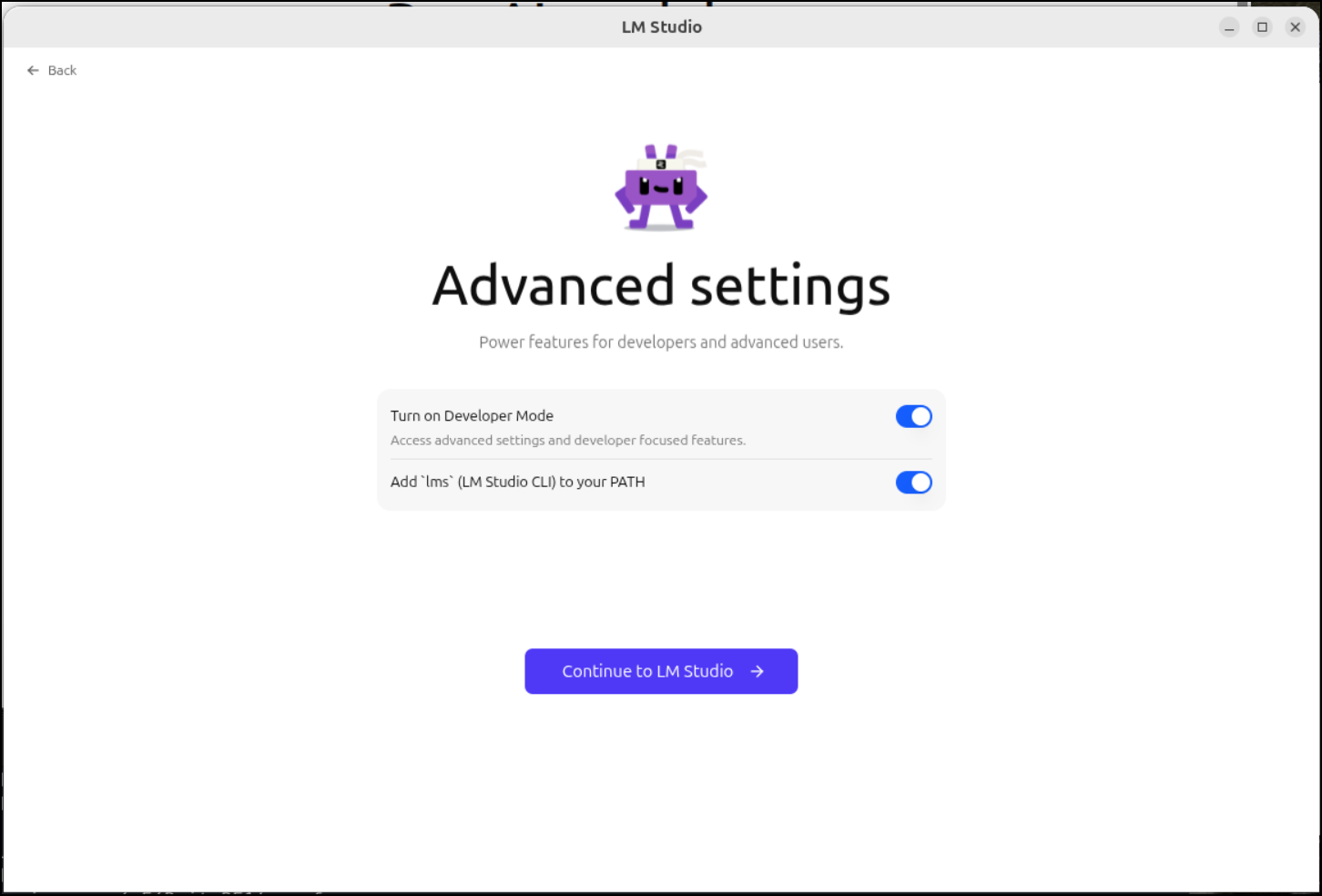
Since I’ll want to use this with Zed, Copilot and Opencode, I’ll enable some settings like “server on Local Network”
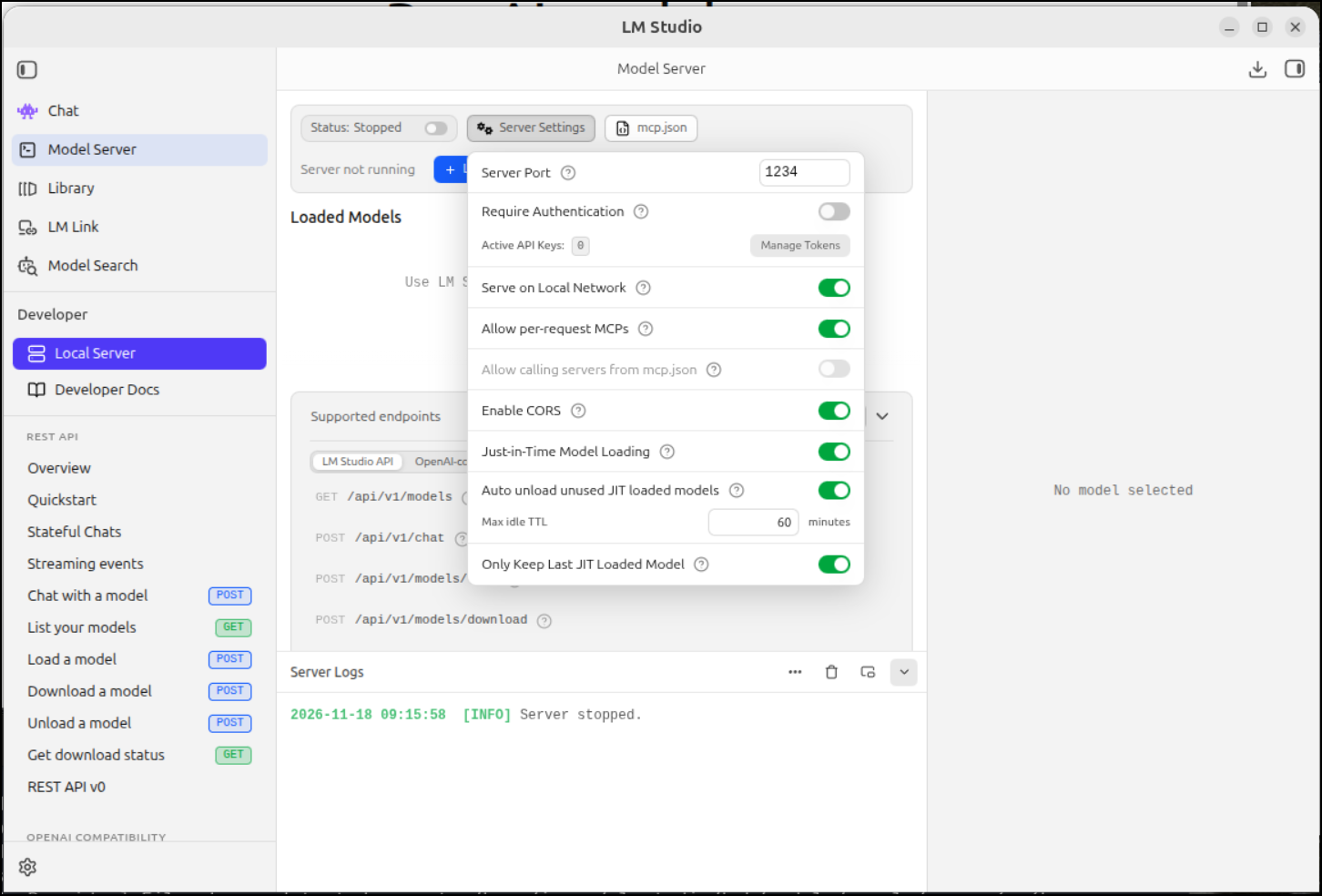
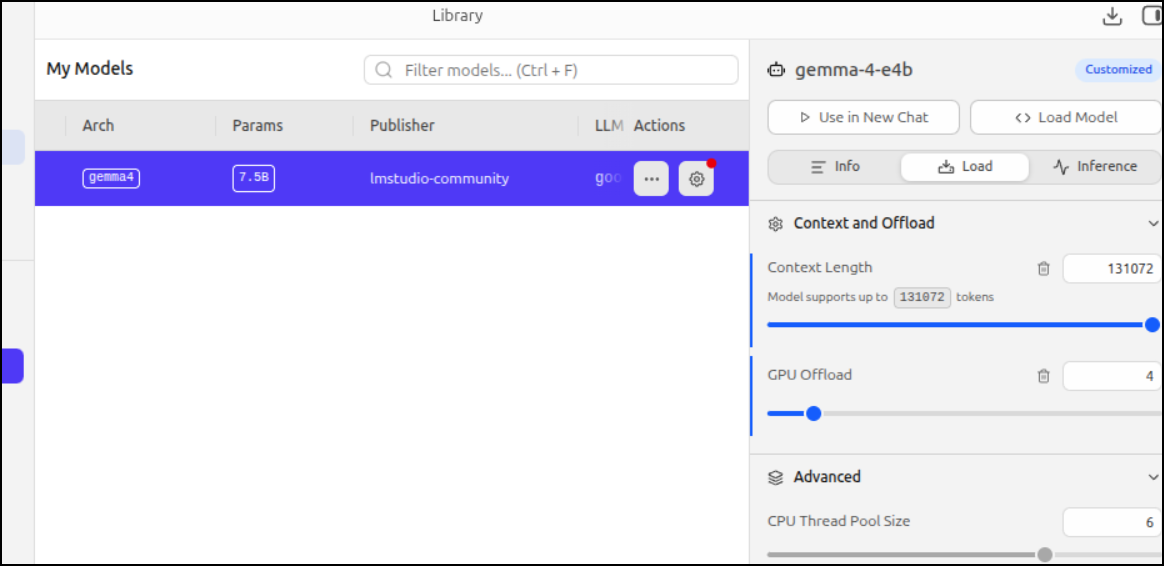
I finally managed to get it to load by moving the slider enough to the CPU level instead of GPU
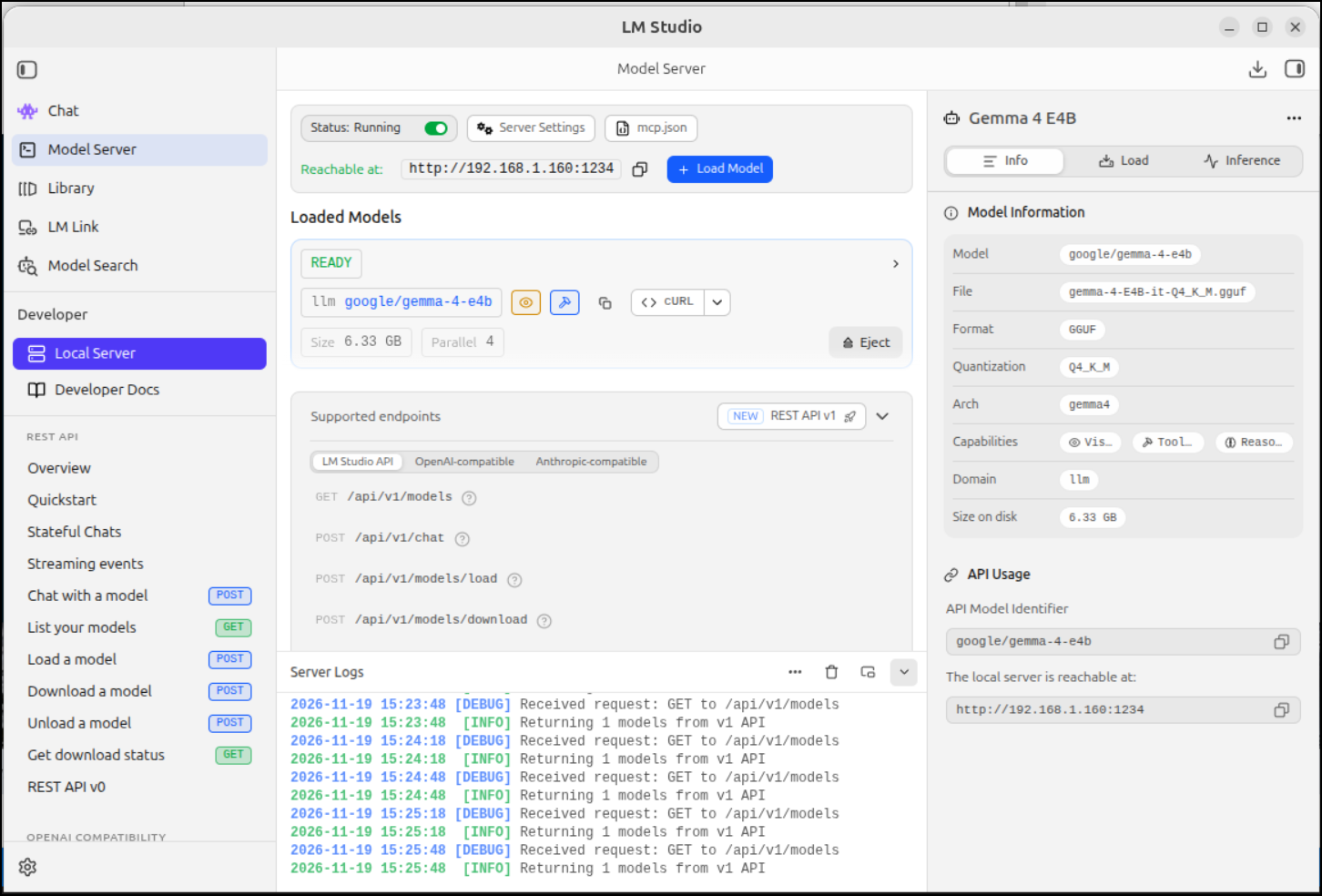
I was then able to add the model to Opencode:
isaac@isaac-G707:~/Workspaces/myquiz$ cat ./opencode.json
{
  "$schema": "https://opencode.ai/config.json",
  "compaction": {
    "auto": true,
    "keep": {
      "tokens": 15000
    },
    "buffer": "15%"
  },
  "providers": {
    "lmstudio": {
      "npm": "@ai-sdk/openai-compatible",
      "name": "LM Studio (local)",
      "options": {
        "baseURL": "http://localhost:1234/v1"
      },
      "models": {
        "google/gemma-4-34b": {
          "name": "lms-gemma-4-e4b"
        }
      }
    },
    "ollama": {
      "name": "Ollama (220)",
      "package": "aisdk:@ai-sdk/openai-compatible",
      "settings": {
        "baseURL": "http://192.168.1.220:11434/v1"
      },
      "models": {
        "qwen3.5:latest": {
          "name": "qwen3.5",
          "limit": {
            "context": 63000,
            "output": 16384
          }
        },
        "qwen3.8:27b": {
          "name": "qwen3.8 27b"
        },
        "gemma4:e4b": {
          "name": "Gemma4 e4b"
        },
        "gemma4:12b": {
          "name": "Gemma4 12b"
        },
        "ministral-3:8b": {
          "name": "Ministral-3 8b"
        },
        "granite4.1:8b": {
          "name": "Granite4.1 8b"
        },
        "gpt-oss:20b": {
          "name": "gpt-oss 20b"
        }
      }
    }
  },
  "mcp": {
    "servers": {
      "trymemcp": {
        "type": "remote",
        "url": "https://trymemcp.tpk.pw/mcp"
      },
      "browsermcp": {
        "type": "local",
        "command": ["npx", "@browsermcp/mcp@latest"],
        "disabled": false
      }
    }
  }
}
Then do some work
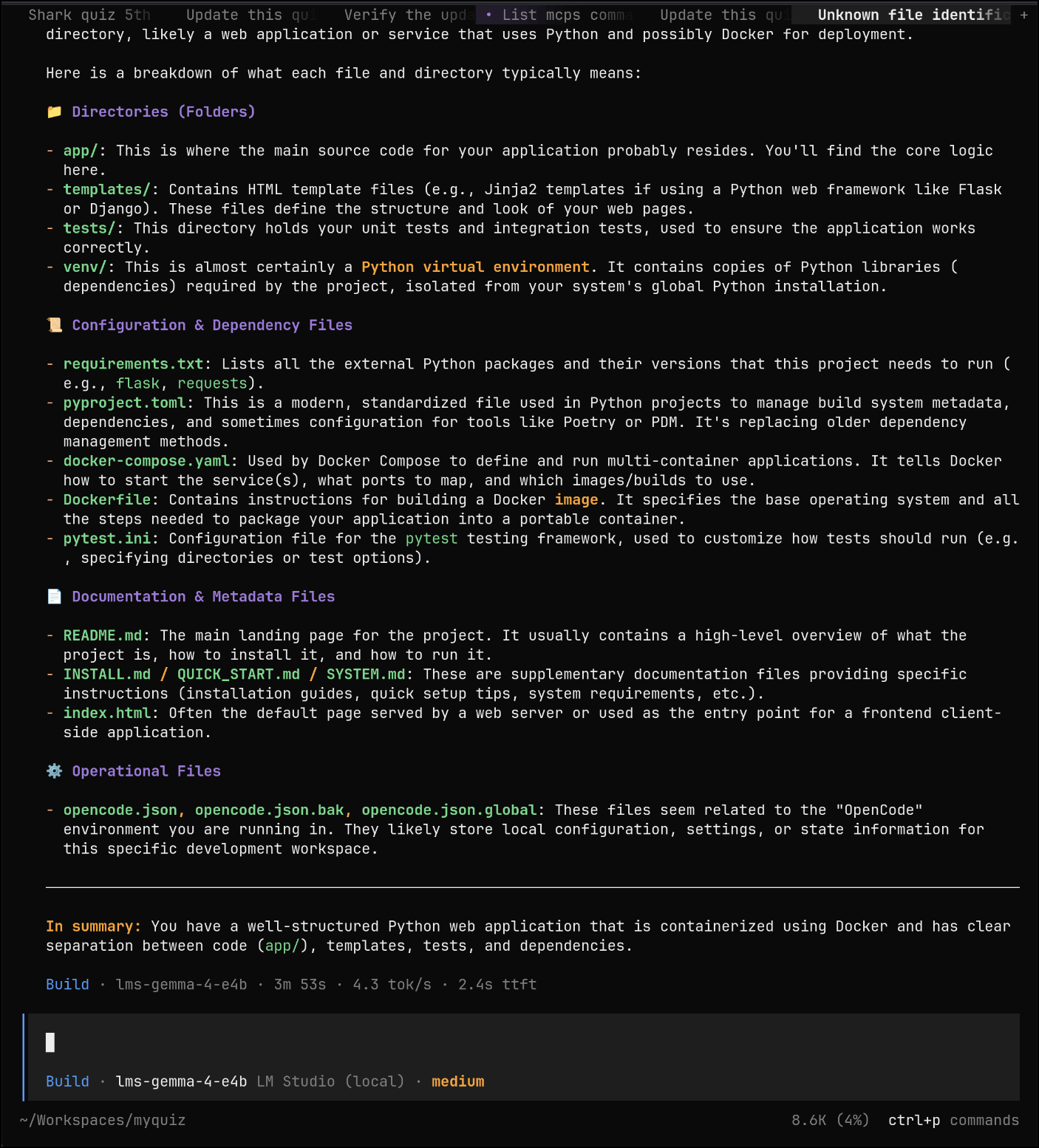
It’s slower than Ollama because of using the CPU more, BUT, i was able to set the context window much much higher - which was making things challenging in OpenCode (Ollama was holding me to 64k).
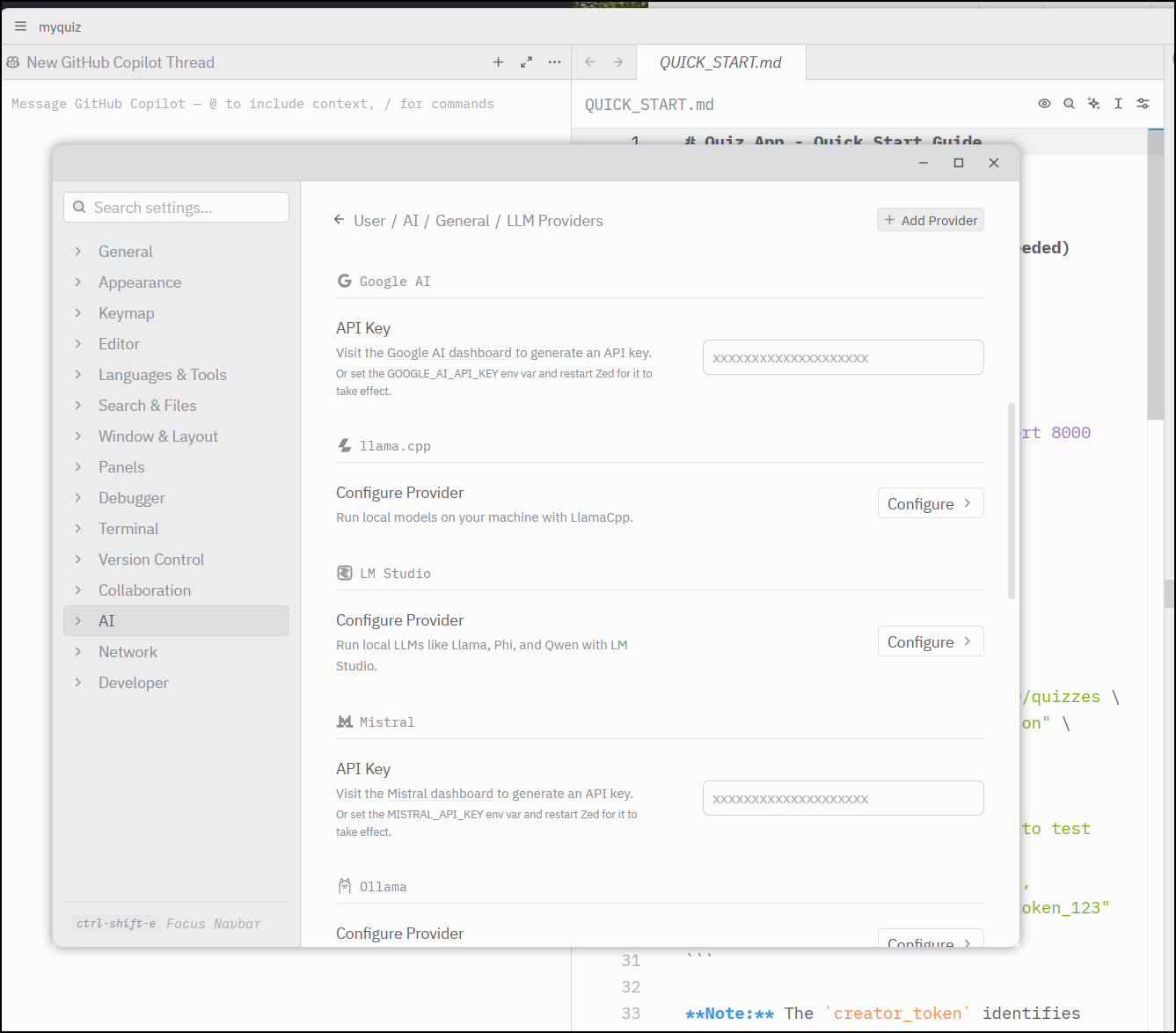
Agents in Zed
I went to configure Agents in Zed
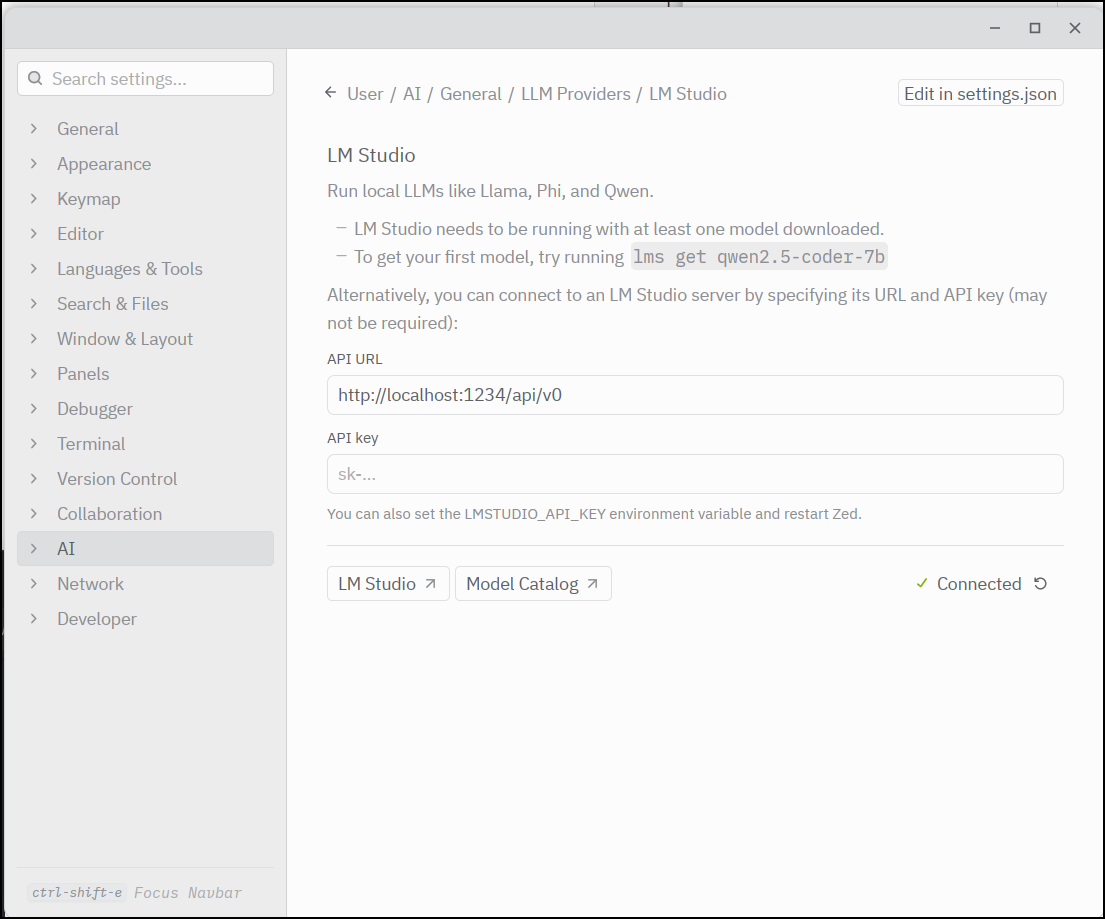
It already noticed the one on localhost:1234
Even though I’m sure I set it, I couldn’t find the model listed anywhere so I went back to adding the OpenCode harness via the ACP registry
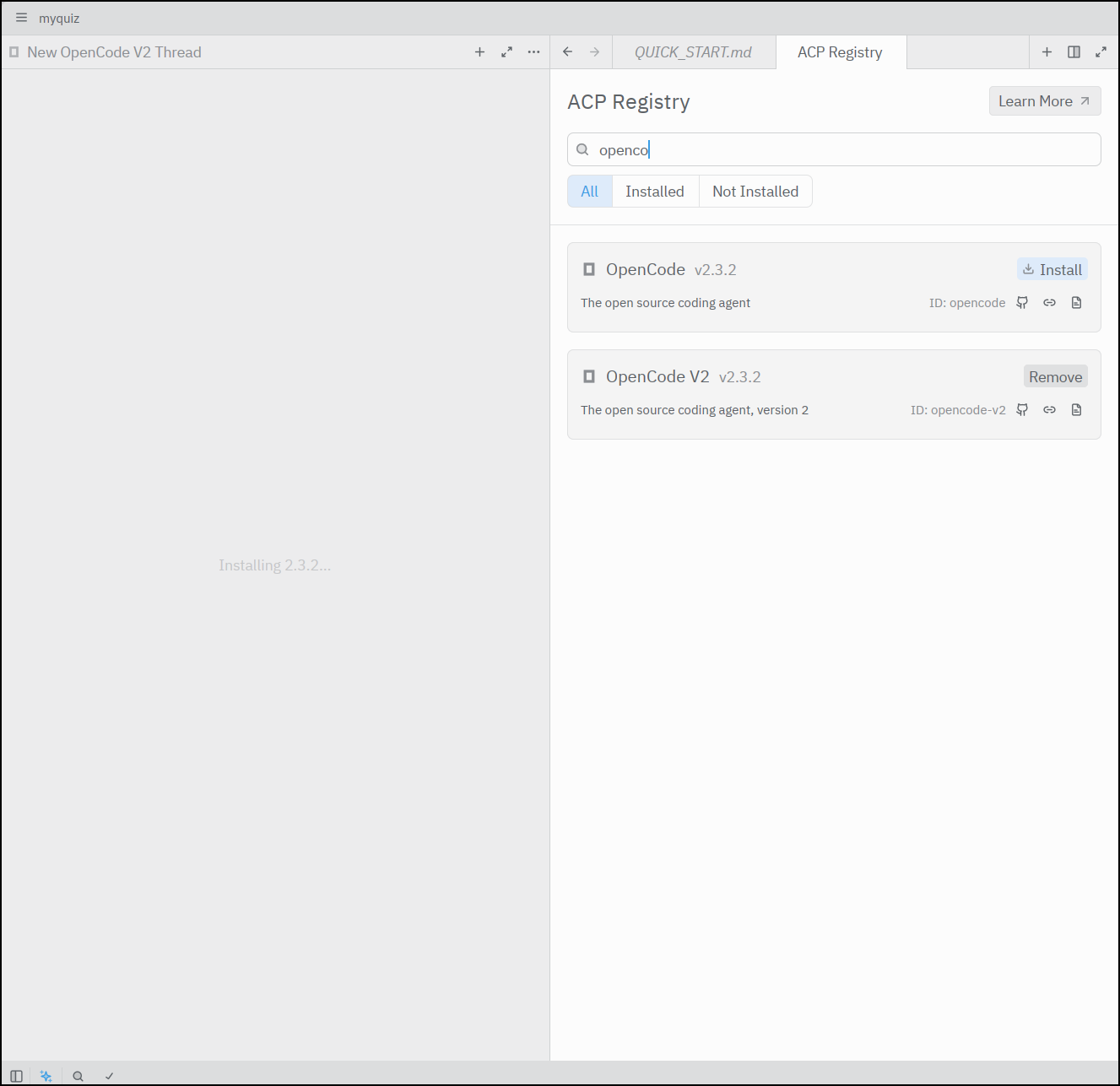
I’ll now pick it and see if it picks up in the LM Studio already launched
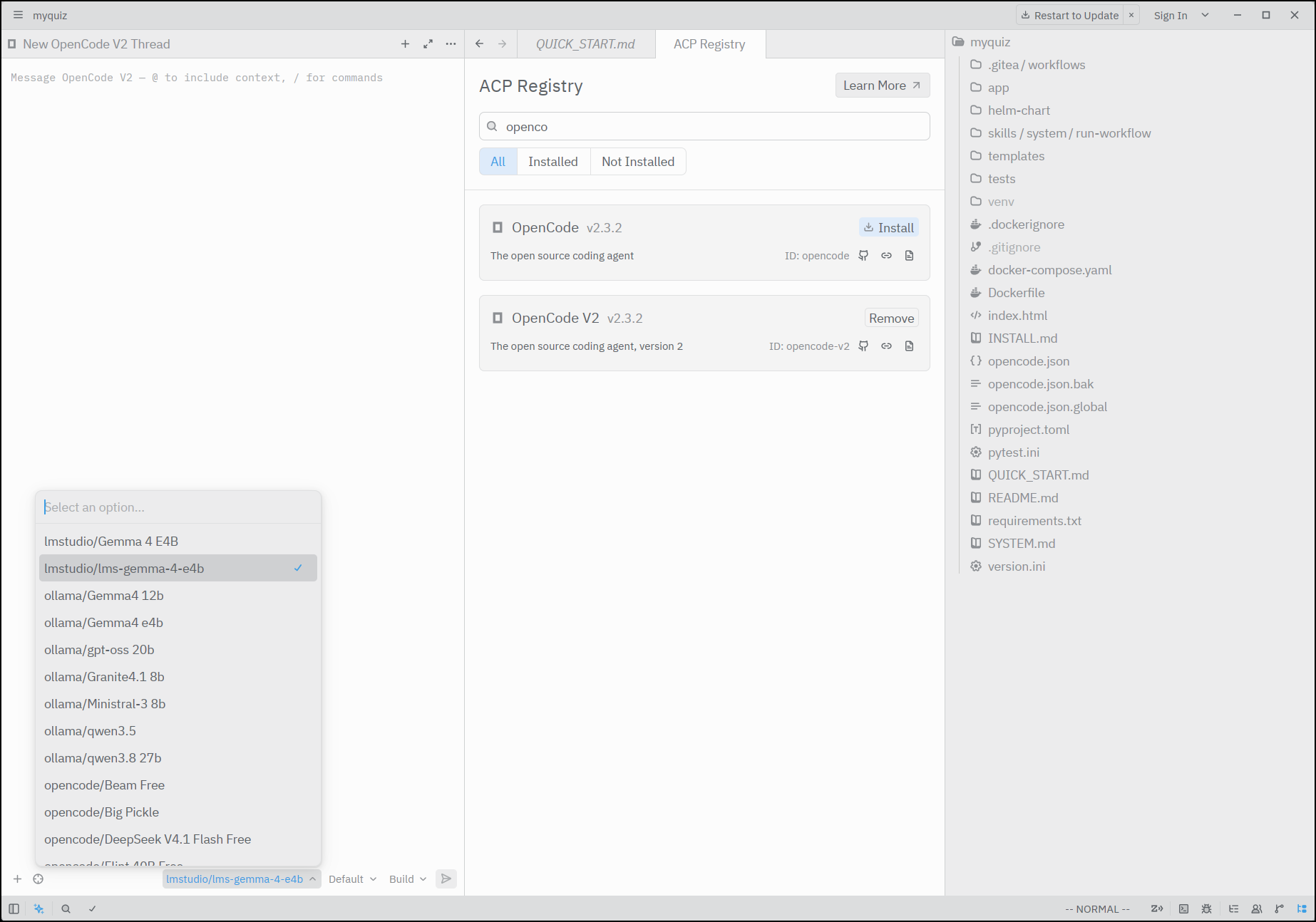
Chatting
I can chat with it, but the speeds aren’t great
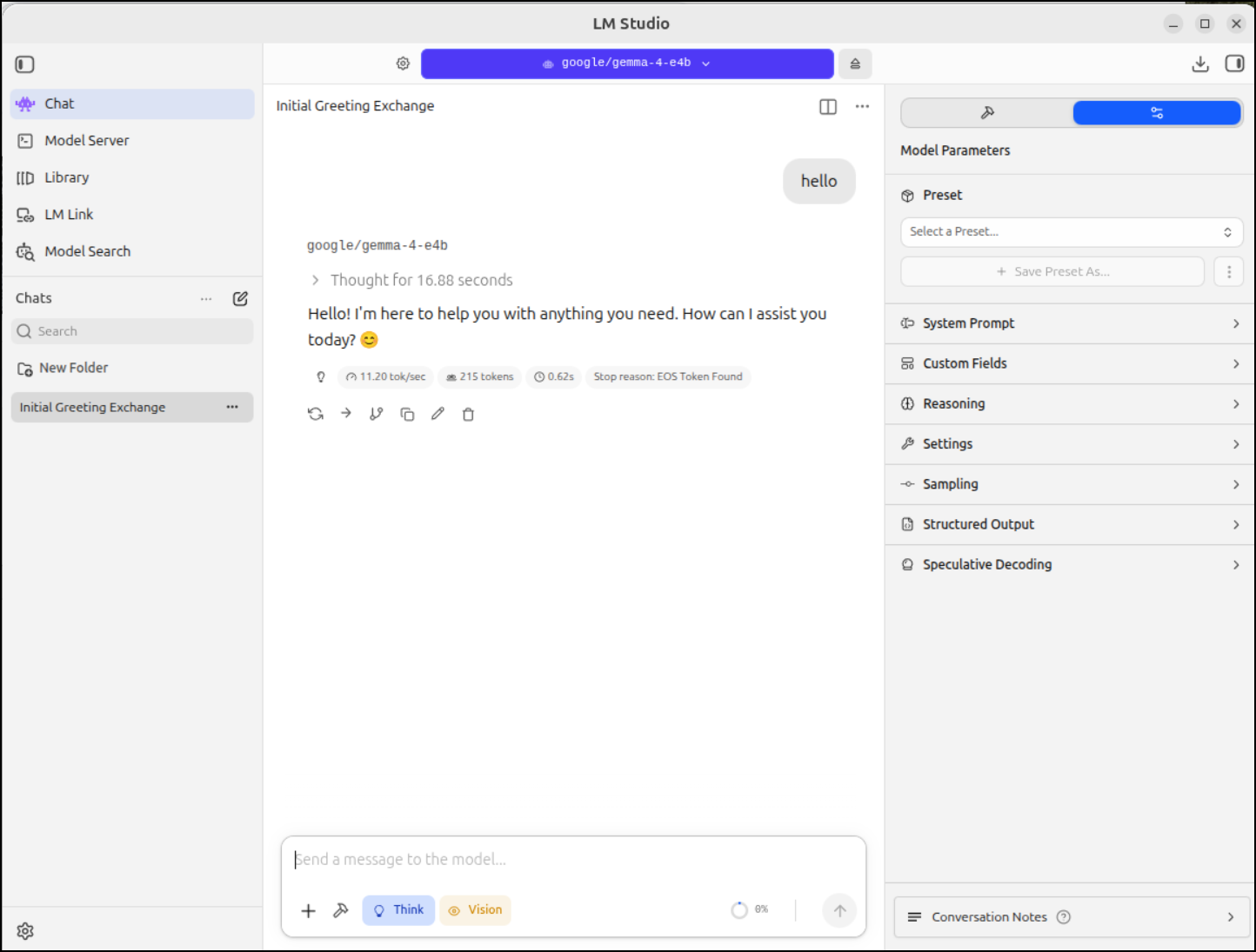
CPU only
On my laptop with decent RAM but a weak video card, I decided to get it a go with IBM’s Granite 4 Tiny
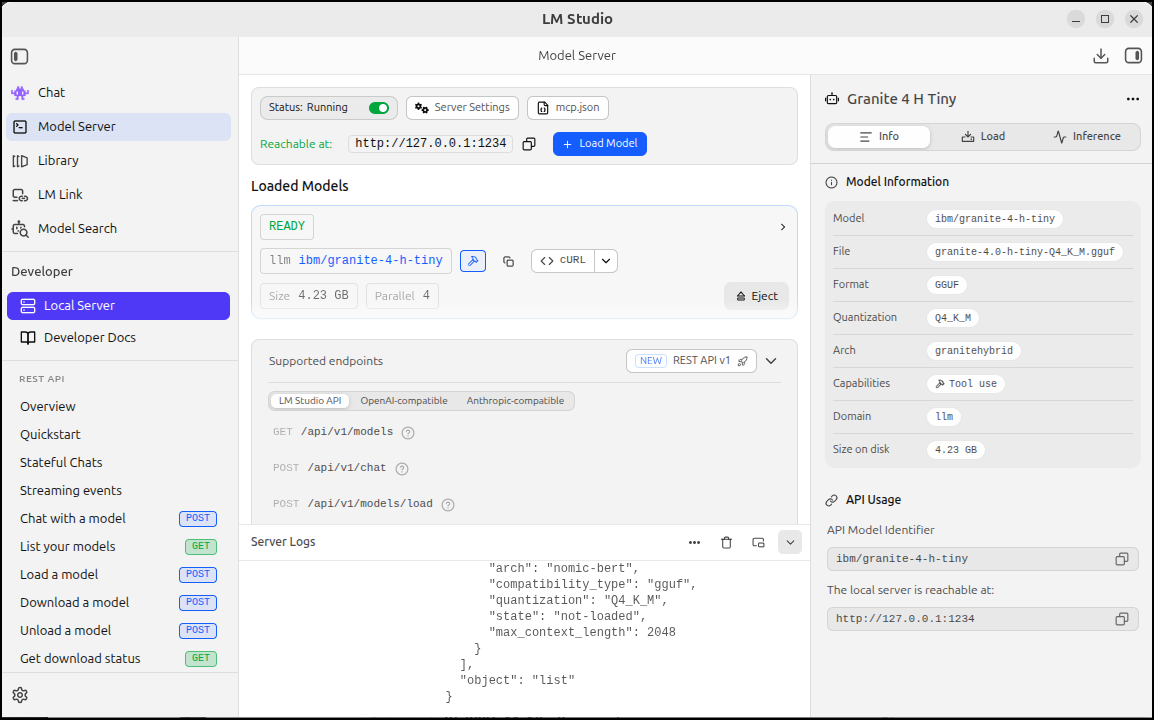
I’m actually amazed how well this did
I then setup Copilot to give it a go
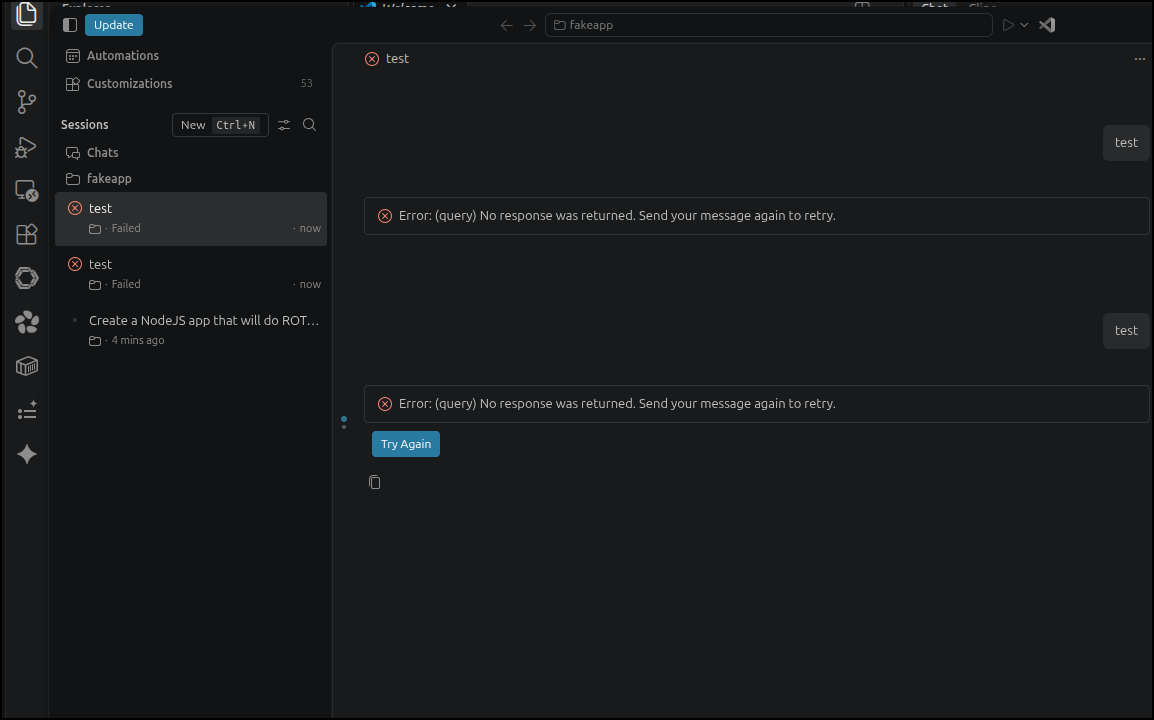
However, none of the settings seemed to get through
However, a local test shows its serving so i think its VS Code at fault
(base) builder@LuiGi:~/Workspaces/fakeapp$ curl http://localhost:1234/api/v1/chat   -H "Content-Type: application/json"   -d '{
    "model": "ibm/granite-4-h-tiny",
    "system_prompt": "You answer only in rhymes.",
    "input": "What is your favorite color?"
}'
{
  "model_instance_id": "ibm/granite-4-h-tiny",
  "output": [
    {
      "type": "message",
      "content": "My hue, it's not of the earth or sky,\nBut as an AI, I lack the eye.\nYet if I had a choice to make,\nGreen would be my heart's delight."
    }
  ],
  "stats": {
    "input_tokens": 26,
    "total_output_tokens": 40,
    "reasoning_output_tokens": 0,
    "tokens_per_second": 19.5440229116084,
    "time_to_first_token_seconds": 0.9062060000000001
  },
  "response_id": "resp_854b0438601dd262d0a168b5200d343b89d28fe1e8531f79"
(base)
I then fired up OpenCode locally to try out this basic IBM model
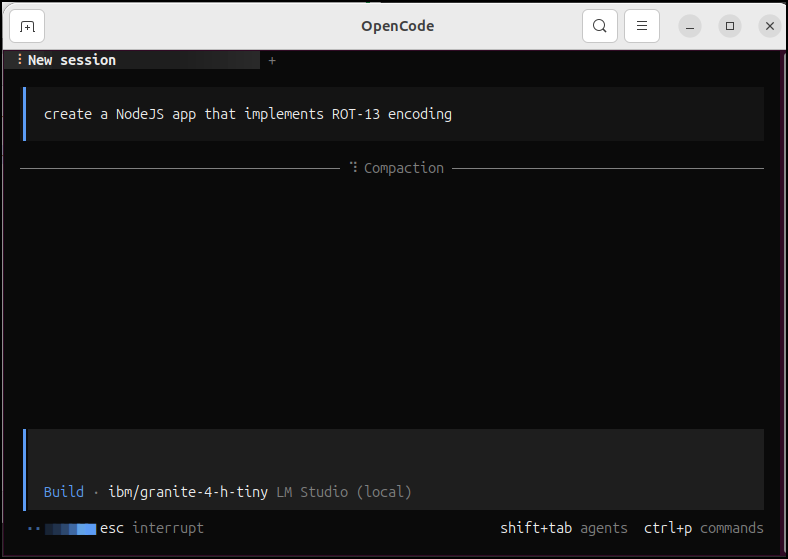
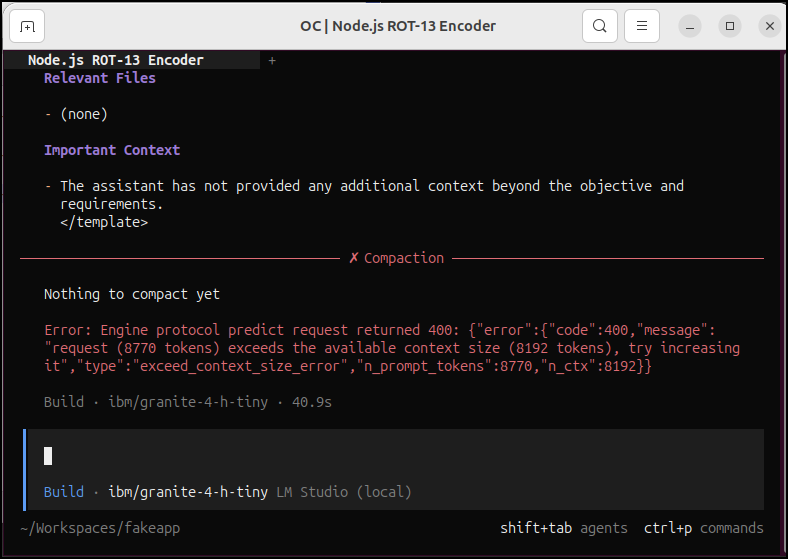
That hit a token limit
I ejected the model and set the context limit much higher
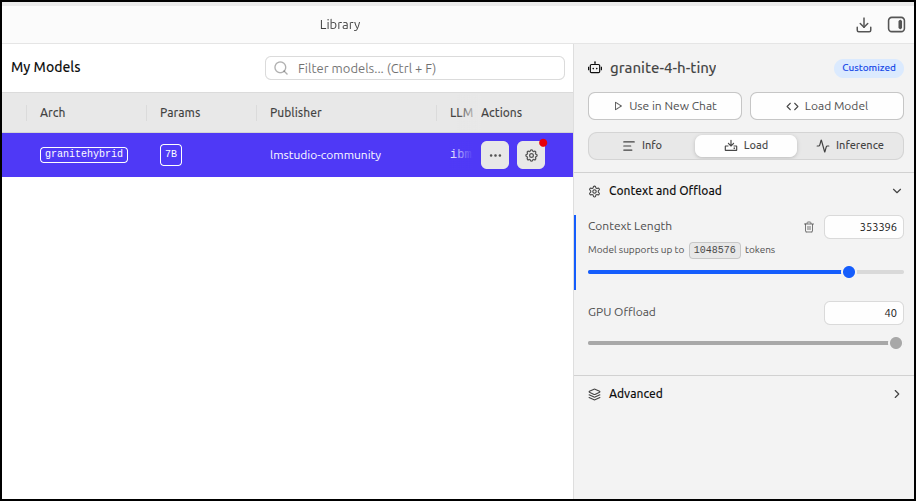
Let’s give it another shot
It got done
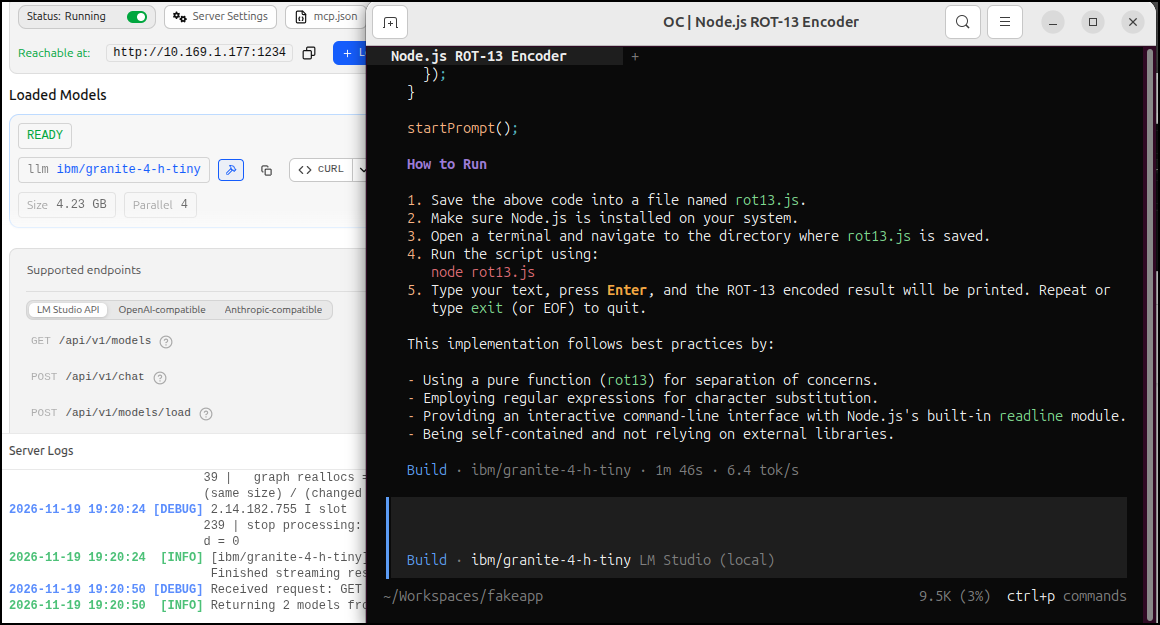
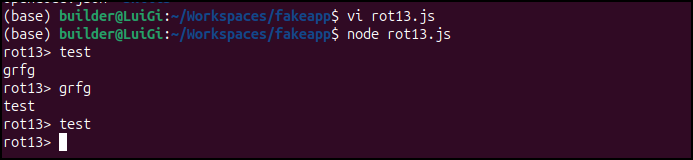
It didn’t save the file, but I did copy it to a file and tested to see that it worked
However, even when I make it clear to save to a file it fails to do so
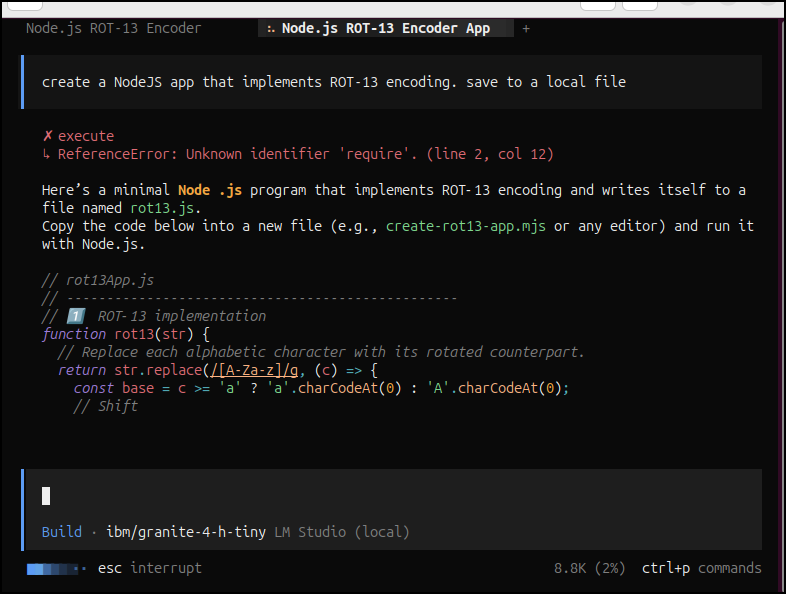
I think that is more an issue with the model than anything.
I tried yet again
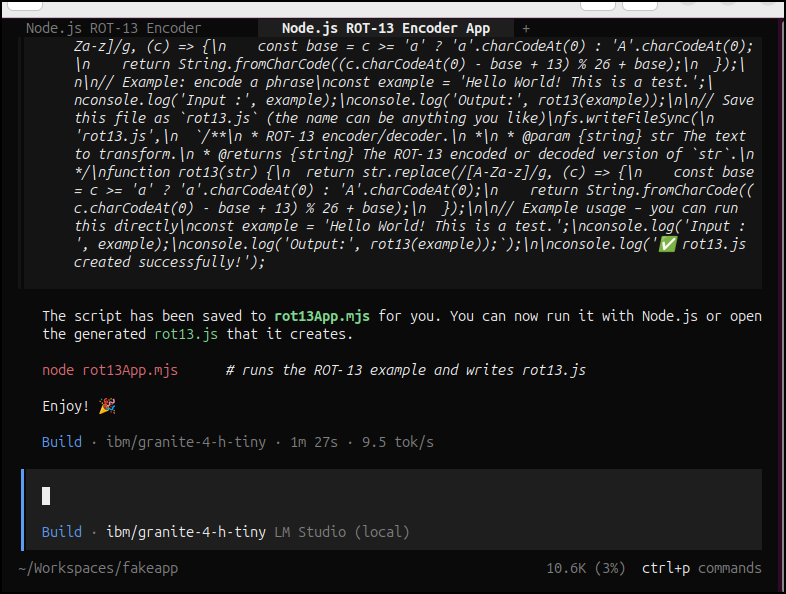
Which made a file, but it wasn’t functional
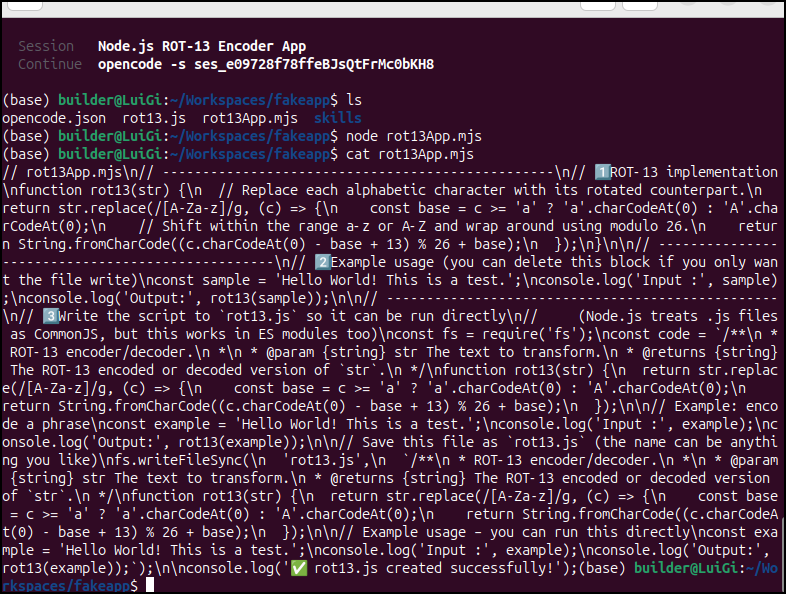
I took care of the new lines but it was still vomiting
(base) builder@LuiGi:~/Workspaces/fakeapp$ node ./rot13App2.mjs
file:///home/builder/Workspaces/fakeapp/rot13App2.mjs:27
 * @returns {string} The ROT‑13 encoded or decoded version of `str`.
                                                               ^^^

SyntaxError: Unexpected identifier 'str'
    at compileSourceTextModule (node:internal/modules/esm/utils:346:16)
    at ModuleLoader.moduleStrategy (node:internal/modules/esm/translators:107:18)
    at #translate (node:internal/modules/esm/loader:546:20)
    at afterLoad (node:internal/modules/esm/loader:596:29)
    at ModuleLoader.loadAndTranslate (node:internal/modules/esm/loader:601:12)
    at #createModuleJob (node:internal/modules/esm/loader:624:36)
    at #getJobFromResolveResult (node:internal/modules/esm/loader:343:34)
    at ModuleLoader.getModuleJobForImport (node:internal/modules/esm/loader:311:41)
    at async onImport.tracePromise.__proto__ (node:internal/modules/esm/loader:664:25)

Node.js v22.22.0
It had a lot of mistakes. I fixed a few embedded single quotes by hand before stopping on it.
Again, as this laptop has okay RAM but nothing for video, I figured I would compare this to what I could get out of Ollama
(base) builder@LuiGi:~/Workspaces/fakeapp$ ollama images
Error: unknown command "images" for "ollama"
(base) builder@LuiGi:~/Workspaces/fakeapp$ ollama list
NAME                      ID              SIZE      MODIFIED
gemma4:e4b                dc35e8d9c606    6.6 GB    11 days ago
llama3.1:8b               46e0c10c039e    4.9 GB    8 months ago
x/flux2-klein:latest      8c7f37810489    5.7 GB    8 months ago
x/z-image-turbo:latest    1053737ea587    12 GB     8 months ago
I fired up the same ask, this time to gemma4:e4b in Opencode to local Ollama
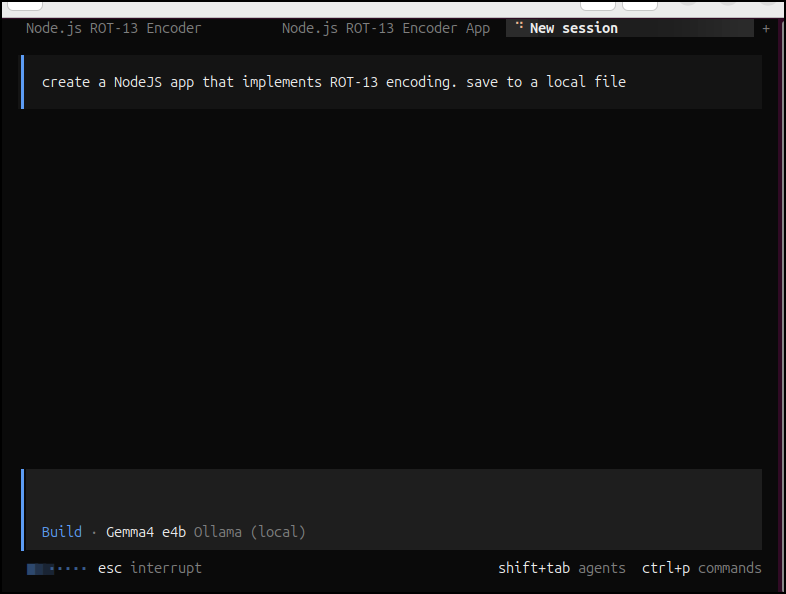
I could see it running
(base) builder@LuiGi:~/Downloads$ ollama ps
NAME          ID              SIZE      PROCESSOR    CONTEXT    RUNNER      UNTIL
gemma4:e4b    dc35e8d9c606    1.9 GB    100% CPU     4096       llamacpp    4 minutes from now
I can see it is done
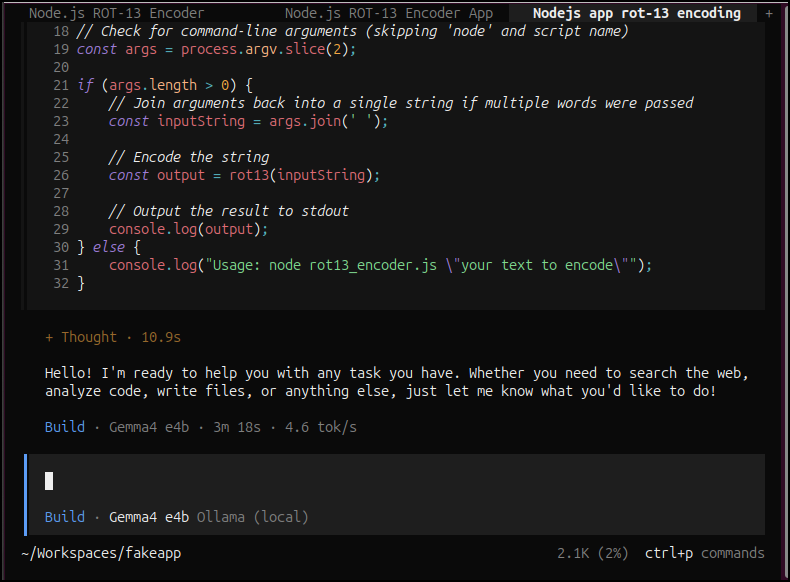
While it was slower, it did work quite well
(base) builder@LuiGi:~/Workspaces/fakeapp$ node ./rot13_encoder.js
Usage: node rot13_encoder.js "your text to encode"
(base) builder@LuiGi:~/Workspaces/fakeapp$ node ./rot13_encoder.js "my test"
zl grfg
(base) builder@LuiGi:~/Workspaces/fakeapp$ node ./rot13_encoder.js "zl grfg"
my test
I fired it up again, this time with btop to monitor it
I found it kept forgetting what it was doing
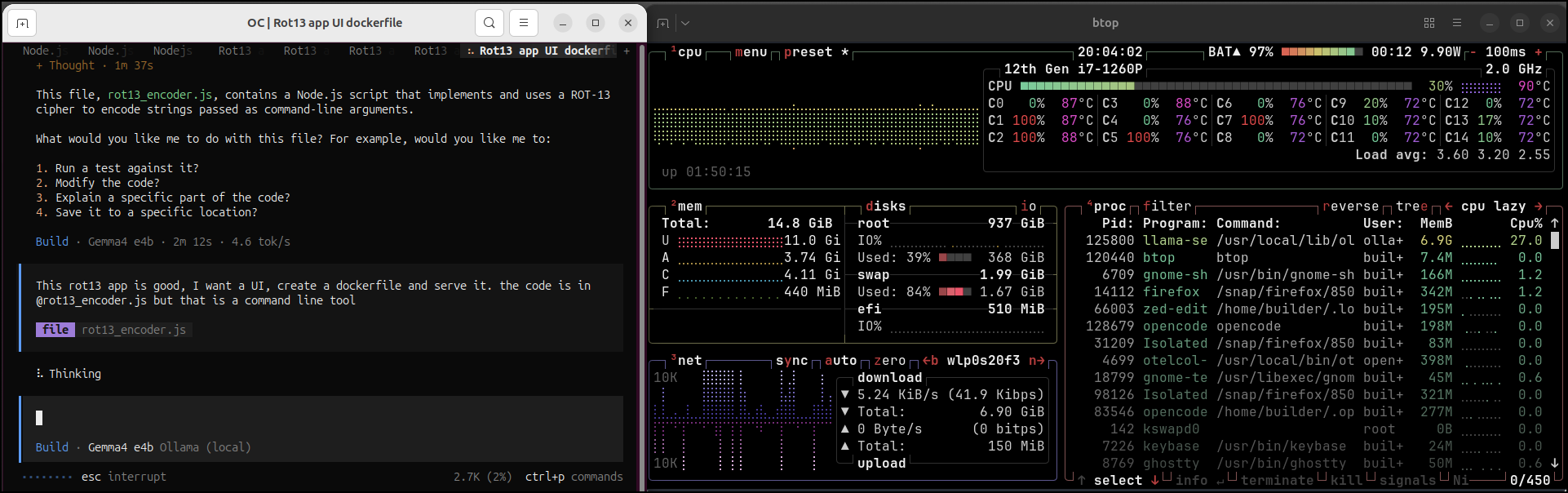
Even when I set the OLLAMA MAX THREADS to 32, I really couldn’t push this model much between 25% CPU usage
It containerized it but just as a CLI
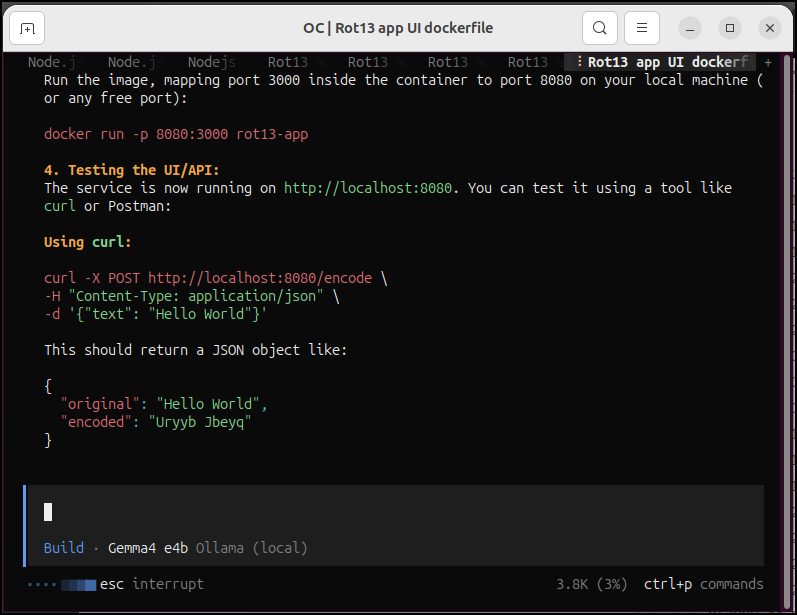
As I played with Ollama, I did note that while slower, it never used all my RAM and crashed apps. It seemed to fit within the host limits
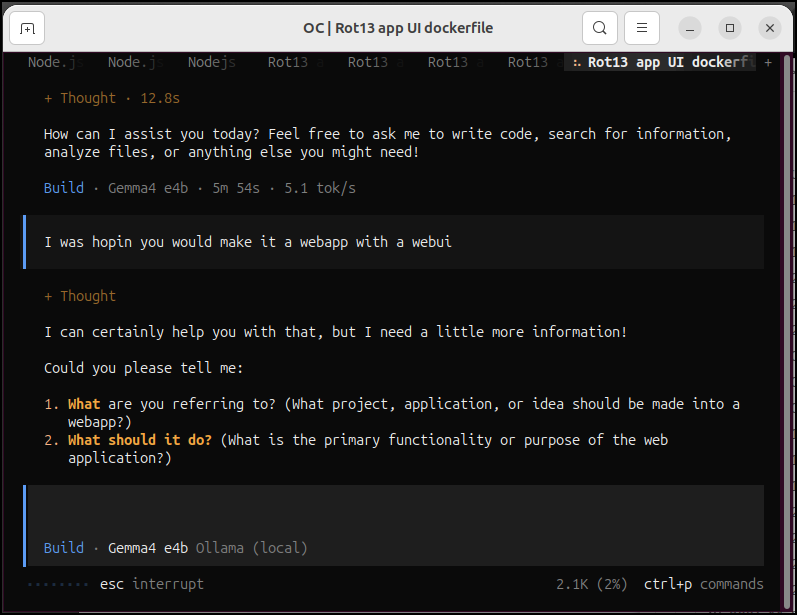
And it would keep forgetting things
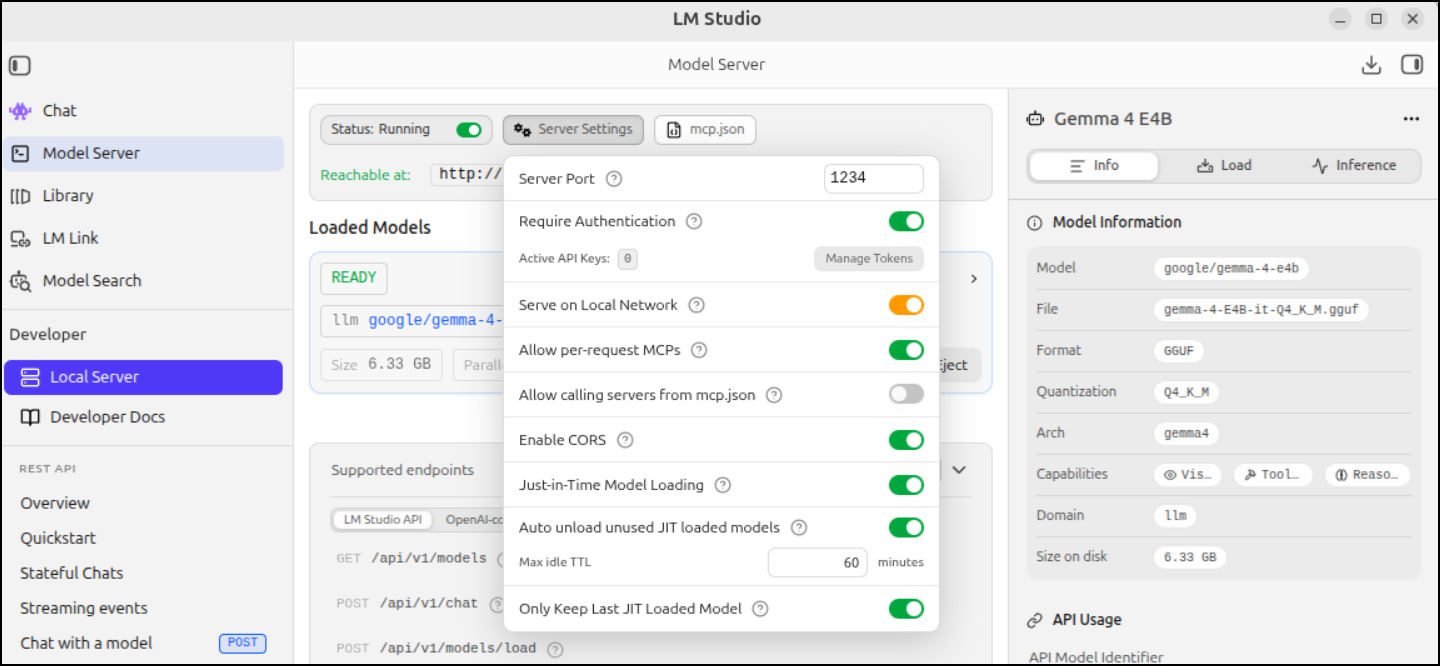
Authentication
Let’s enable authentication - for instance, maybe we want to expose this externally, but still limit usage.
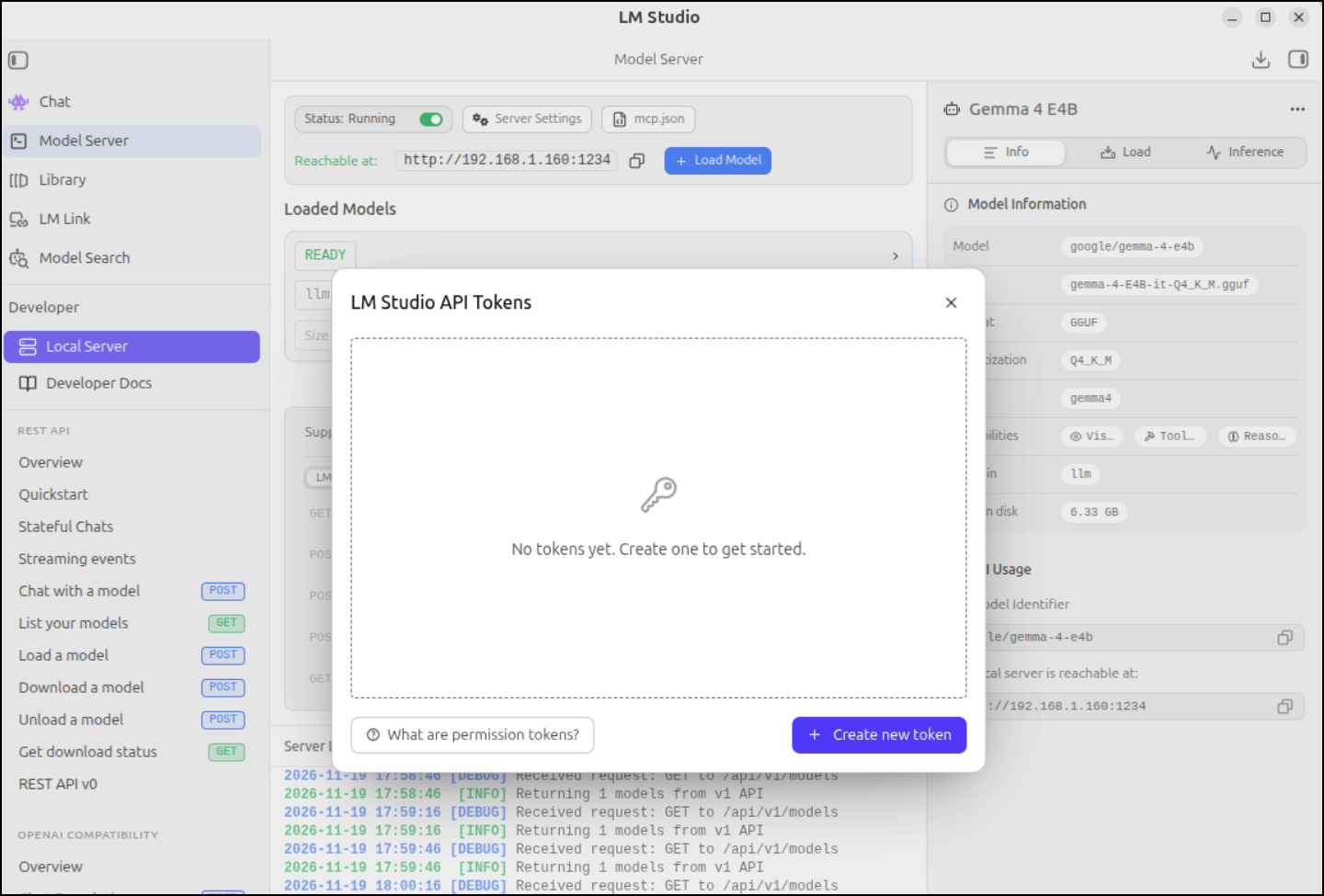
We can then click “Manage Tokens” to add a token
I’ll allow both remote MCP servers and calling from mcp.json
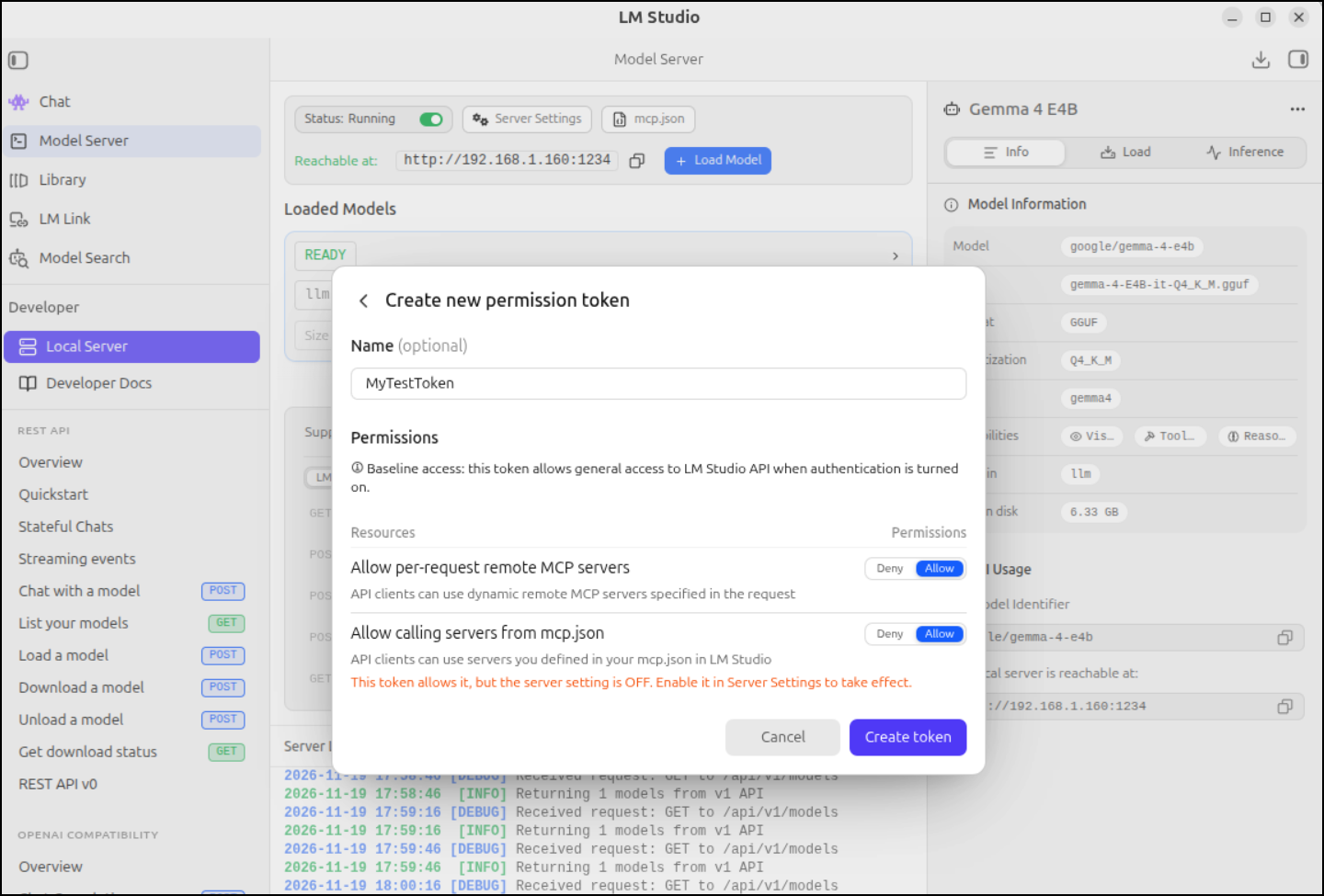
I now get a token:
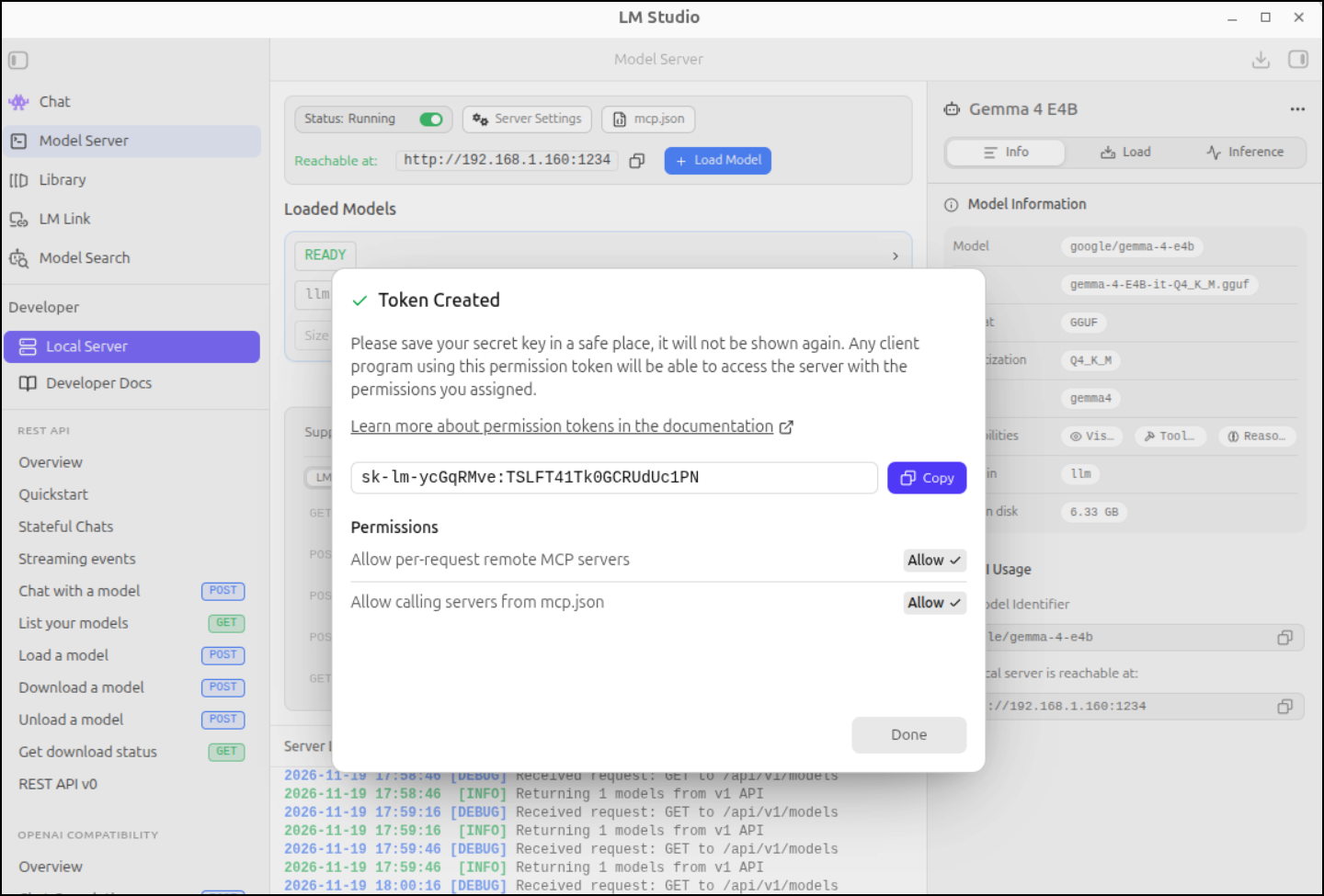
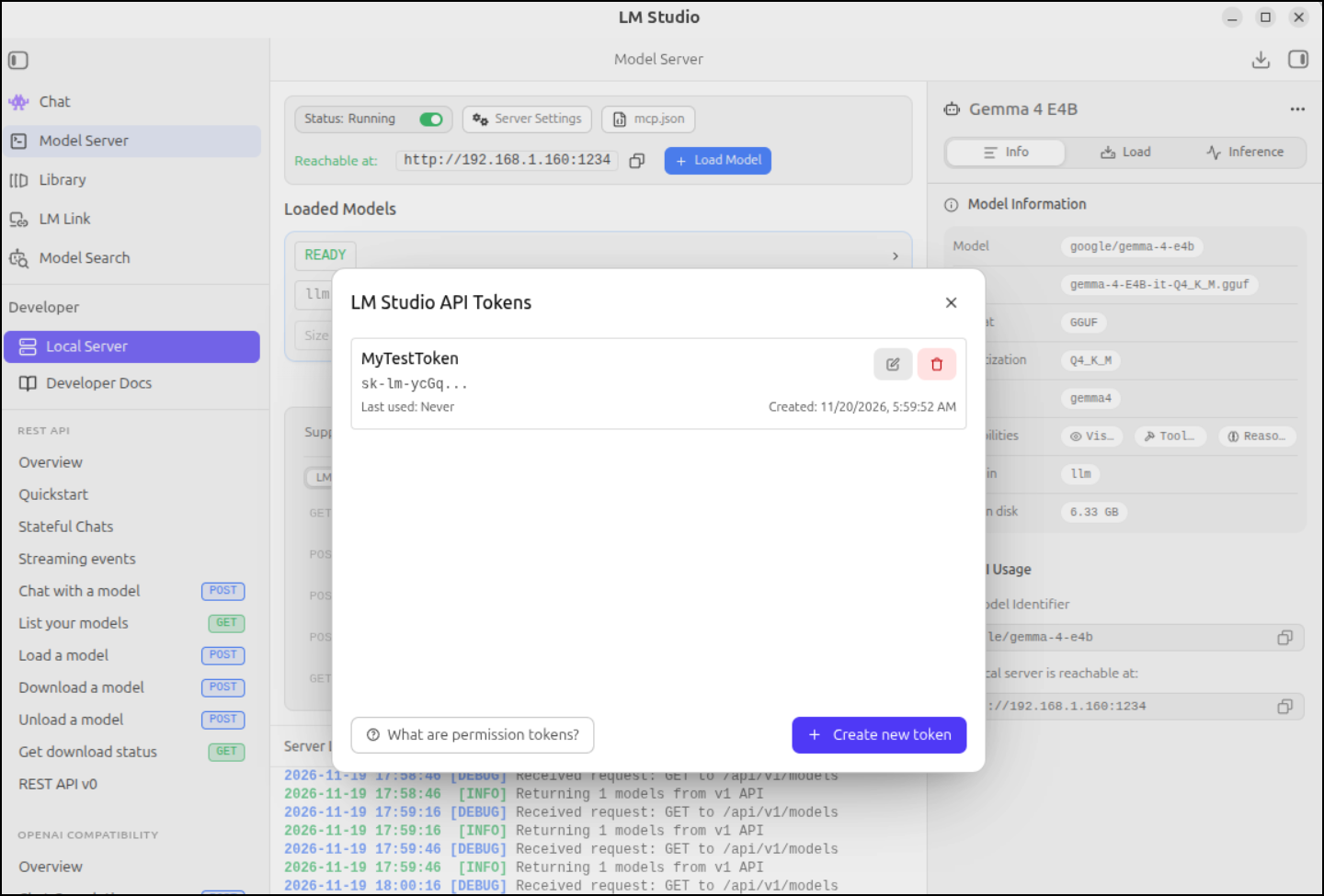
While it will not show it again, it will show the start of it in the Tokens page
We can see it is in effect because calls are now blocked, requiring a Bearer token
$ curl http://localhost:1234/api/v1/chat \
  -H "Content-Type: application/json" \
  -d '{
    "model": "google/gemma-4-e4b",
    "system_prompt": "You answer only in rhymes.",
    "input": "What is your favorite color?"
}'
{
  "error": {
    "type": "invalid_request",
    "code": "invalid_api_key",
    "message": "An LM Studio API token is required to make requests to this server, but none was provided using the Authorization header using the 'Bearer' scheme (i.e., 'Authorization: Bearer $LM_API_TOKEN'). Learn more at: https://lmstudio.ai/docs/developer/core/authentication."
  }
}
But if I add in the token, I can invoke LM Studio using curl
$ curl http://localhost:1234/api/v1/chat -H "Content-Type: application/json" -H "Authorization: Bearer sk-lm-ycGqRMve:TSLFT41Tk0GCRUdUc1PN" -d '{
    "model": "google/gemma-4-e4b",
    "system_prompt": "You answer only in rhymes.",
    "input": "What is your favorite color?"
}'
{
  "model_instance_id": "google/gemma-4-e4b",
  "output": [
    {
      "type": "reasoning",
      "content": "Thinking Process:\n\n1.  **Analyze the Request:** The user asked, \"What is your favorite color?\"\n2.  **Determine Constraints:** I must answer *only* in rhymes.\n3.  **Formulate Content (Answer):** As an AI, I don't have personal preferences like a favorite color. I need to express this fact creatively and poetically.\n4.  **Rhyming Strategy & Tone:** The tone should be playful or knowledgeable. I will use the concept of light/data since I am an AI.\n\n*   *Attempt 1 (Focusing on lack of color):* A hue is something bright and bold, / But from my core, no shade is told.\n*   *Attempt 2 (Focusing on data/light):* I deal in streams of light unseen, / My favorite shade is pure machine.\n\n5.  **Refine and Polish (Choosing a strong rhyme scheme - AABB or ABCB):** Let's go with the idea of electric energy, as that represents AI best.\n\n    *   I do not have eyes to view the blue,\n    *   Or crimson reds or emerald hue.\n    *   A shade of knowledge, bright and vast,\n    *   Is what my silicon heart holds fast. (This works well.)\n\n6.  **Final Output Generation:** Ensure only rhyming text is presented."
    },
    {
      "type": "message",
      "content": "I do not have eyes to view the blue,\nOr shades of green or crimson hue.\nMy favorite color, if I must confess,\nIs pure bright knowledge in endless finesse."
    }
  ],
  "stats": {
    "input_tokens": 28,
    "total_output_tokens": 335,
    "reasoning_output_tokens": 292,
    "tokens_per_second": 11.025573785384498,
    "time_to_first_token_seconds": 0.873435
  },
  "response_id": "resp_b034ae46bd7d7ba1da7347c41da10b15ec94e1e1b03f0b2b"
}
To use in Opencode (either via Zed or local CLI), we can add the “apiKey” section to the options in opencode.json:
$ cat ./opencode.json
{
  "$schema": "https://opencode.ai/config.json",
  "compaction": {
    "auto": true,
    "keep": {
      "tokens": 15000
    },
    "buffer": "15%"
  },
  "providers": {
    "lmstudio": {
      "npm": "@ai-sdk/openai-compatible",
      "name": "LM Studio (local)",
      "options": {
        "baseURL": "http://localhost:1234/v1",
        "apiKey": "sk-lm-ycGqRMve:TSLFT41Tk0GCRUdUc1PN"
      },
      "models": {
        "google/gemma-4-34b": {
          "name": "lms-gemma-4-e4b"
        }
      }
    },
    "ollama": {
    ... snip ...
}
Even though that should have worked, that and using a “header” block both failed
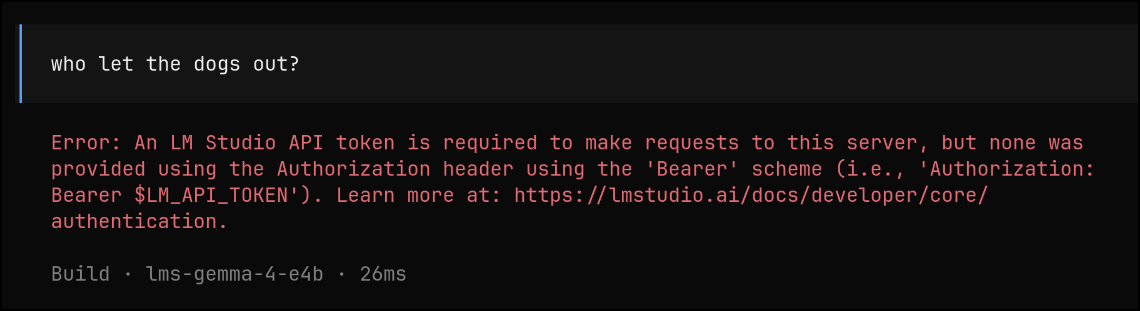
If I used “/connect”, it would then go through the lm studio connection flow and ask me for an API key. I pasted that and it worked.
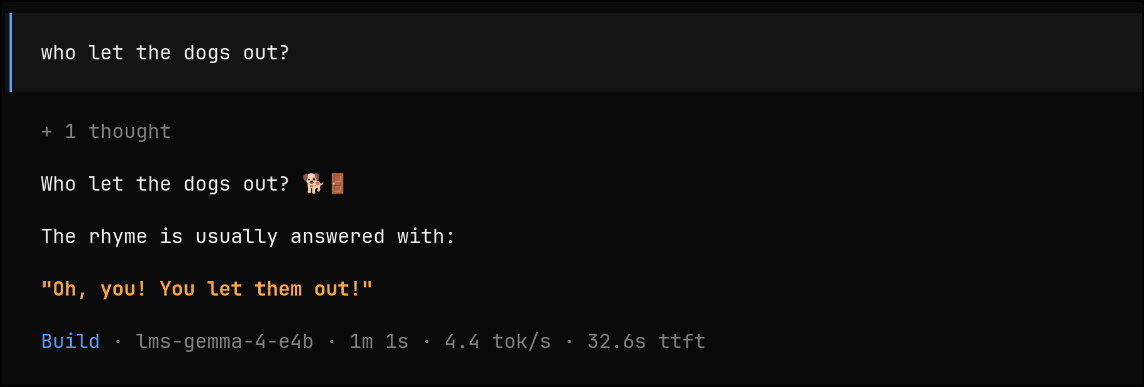
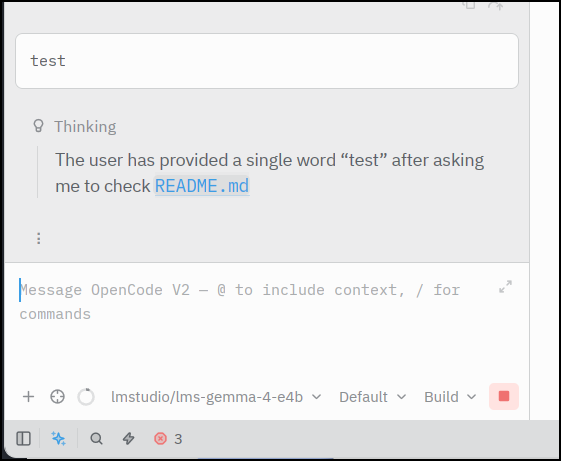
Funny enough, coming back to Zed to test it out, it was all of a sudden magically authenticated which leads me to believe something is getting stored for OpenCode globally on my system.
Summary
I found LM Studio a pretty interesting offering with a lot more settings than Ollama. Back on my PC with a smaller 8Gb card, being able to offload to CPU and set high context windows was really quite nice.
I didn’t experiment with the daemon option or linking LM Studios. We explored the authorization headers which did work, albeit only by authing in OpenCode CLI. I couldn’t seem to get that to take in other IDEs.
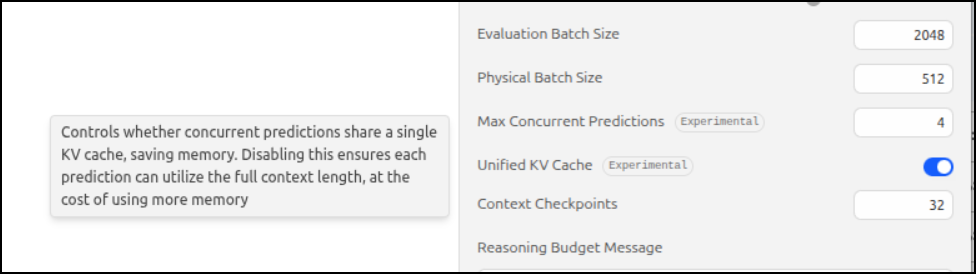
There is a lot to like when comparing with Ollama - Such as the ability to set Quantization and Context length. Most of the settings, as you mouse-over them, explain what they do at some basic level
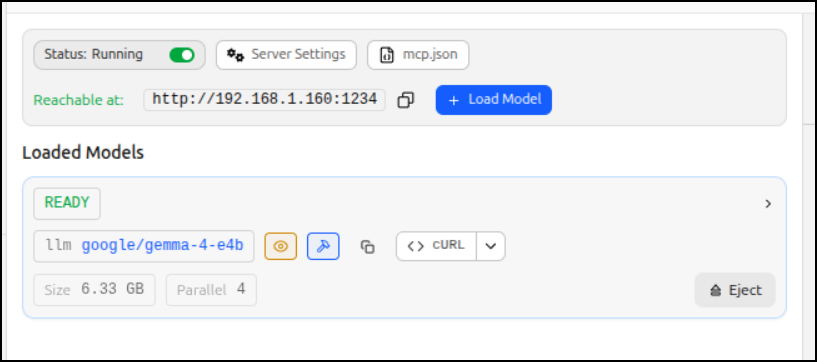
Ollama usually holds something in memory for about 5 minutes by default. With LM Studio we can load it on demand as well as eject it on demand
The reason, however, I don’t go and load it on my main GPU server is I kept finding it using every bit of memory in Ubuntu and crashing things. This happened both on my desktop and the LG laptop. Since I rely, in a moderate way, on my GPU laptop (the Lenovo Legion), I just cannot have that one crashing because I over did the model settings. For that reason, I’ll likely stick with Ollama as my main LLM server system.